Field Reflection

For this assignment, I will be going over my field reflection to show how I have progressed and what I have learned throughout this past year.

Skill acquisition (Including research, context and making)

Each of my projects has an even balance of a professional and ethical layout, while also allowing me to incorporate my own personal interests. I have made sure that my research is consistent and relevant with my subject matter (whether it would be a making project, a blog post or a major essay). When making, I was able to gain new skills which I applied to each project. Each process was unique in terms of designing and creating, whether it this was sculpting, making moulds, or CAD building.

Ideas and realisation

Figurative Modelling

During the five weeks of figurative modelling, I had the opportunity to exercise my sculpting sketching skills, while also I’d been inducted on new skills such as Slab folding, sewing fabric body parts, sculpting body parts in a step by step process, that involved starting with one shape and building upon it, 2D and 3D slab collage, testing my sketching skills in life drawing with multiple time limits.

Rajasthan

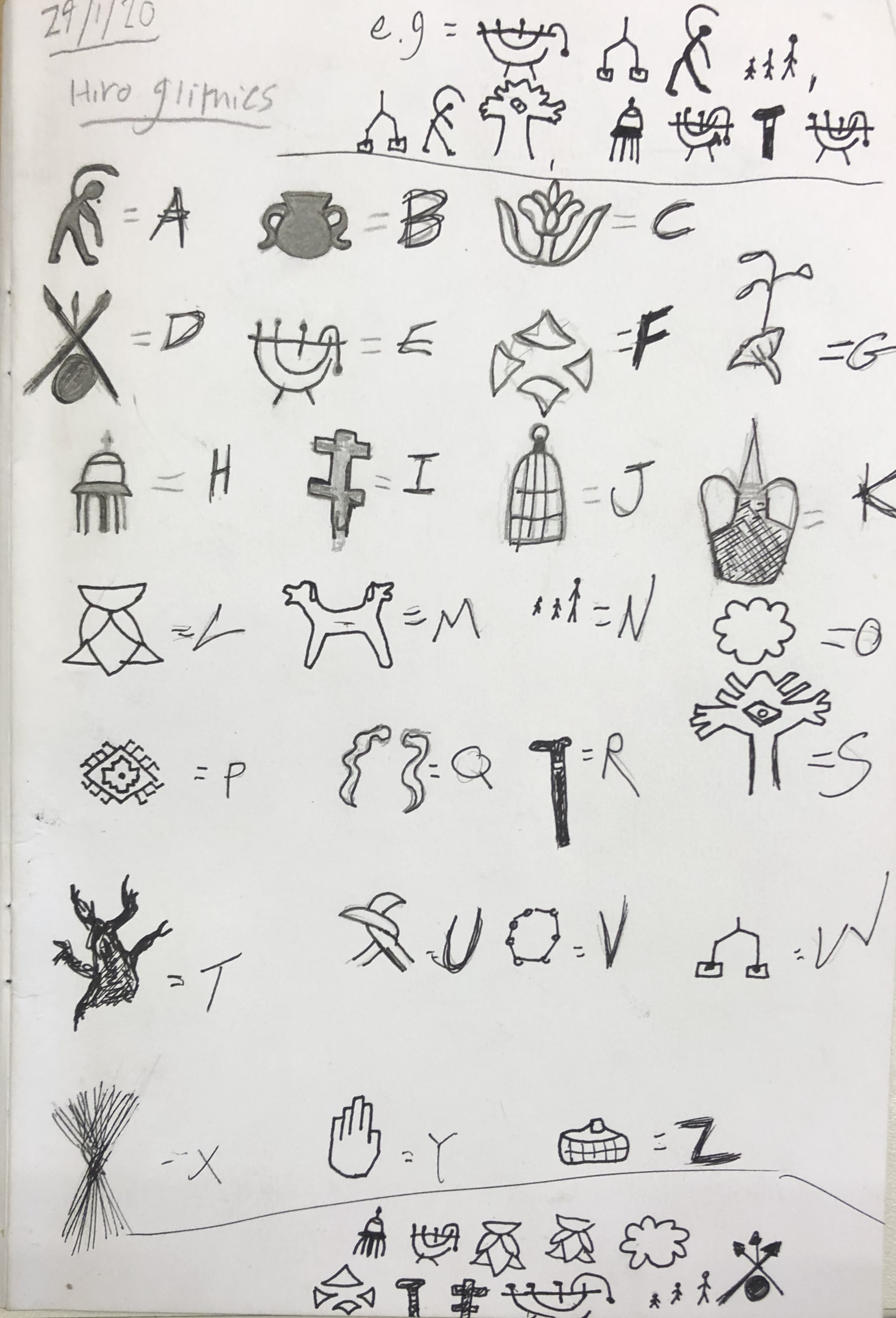
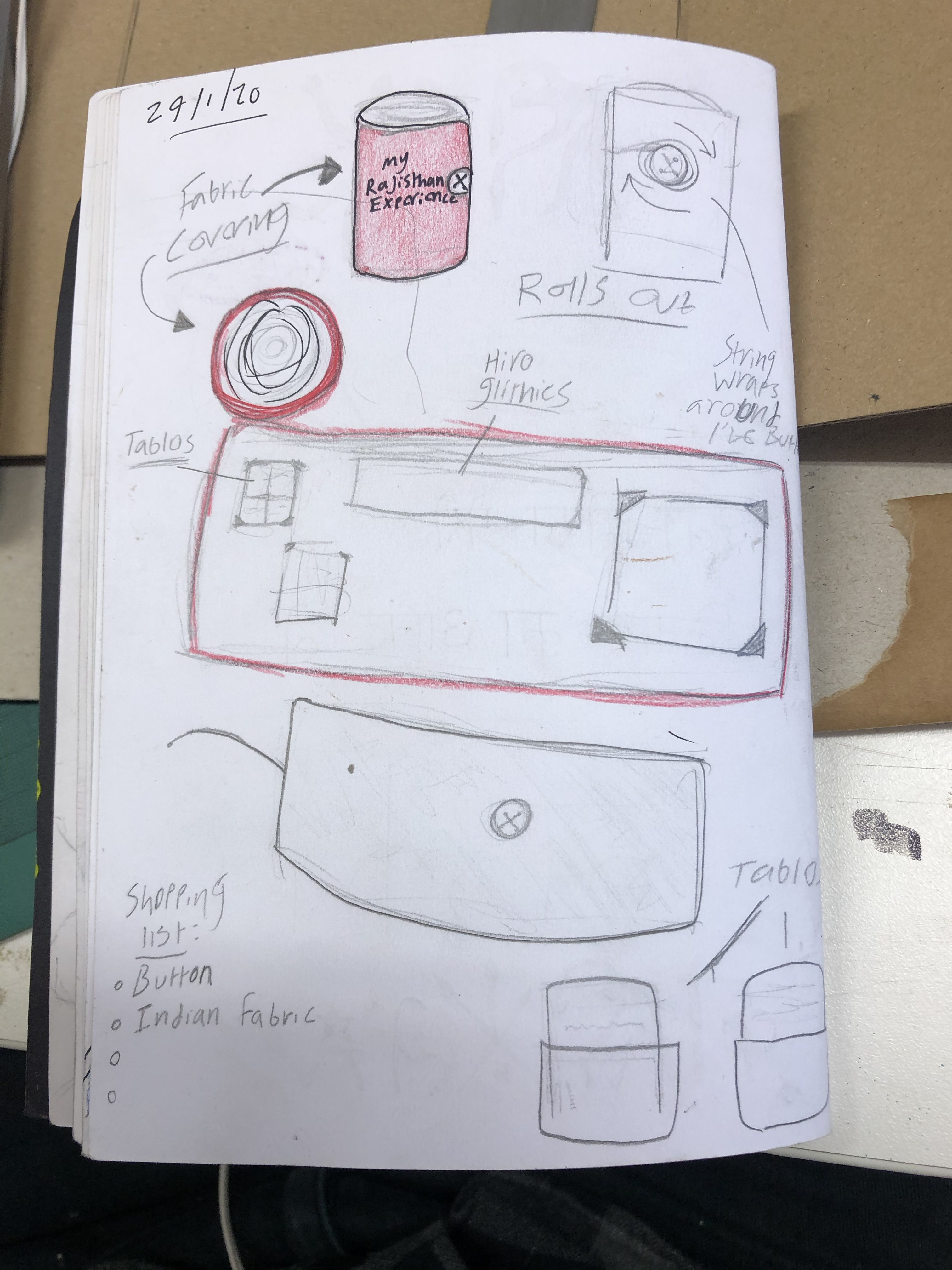
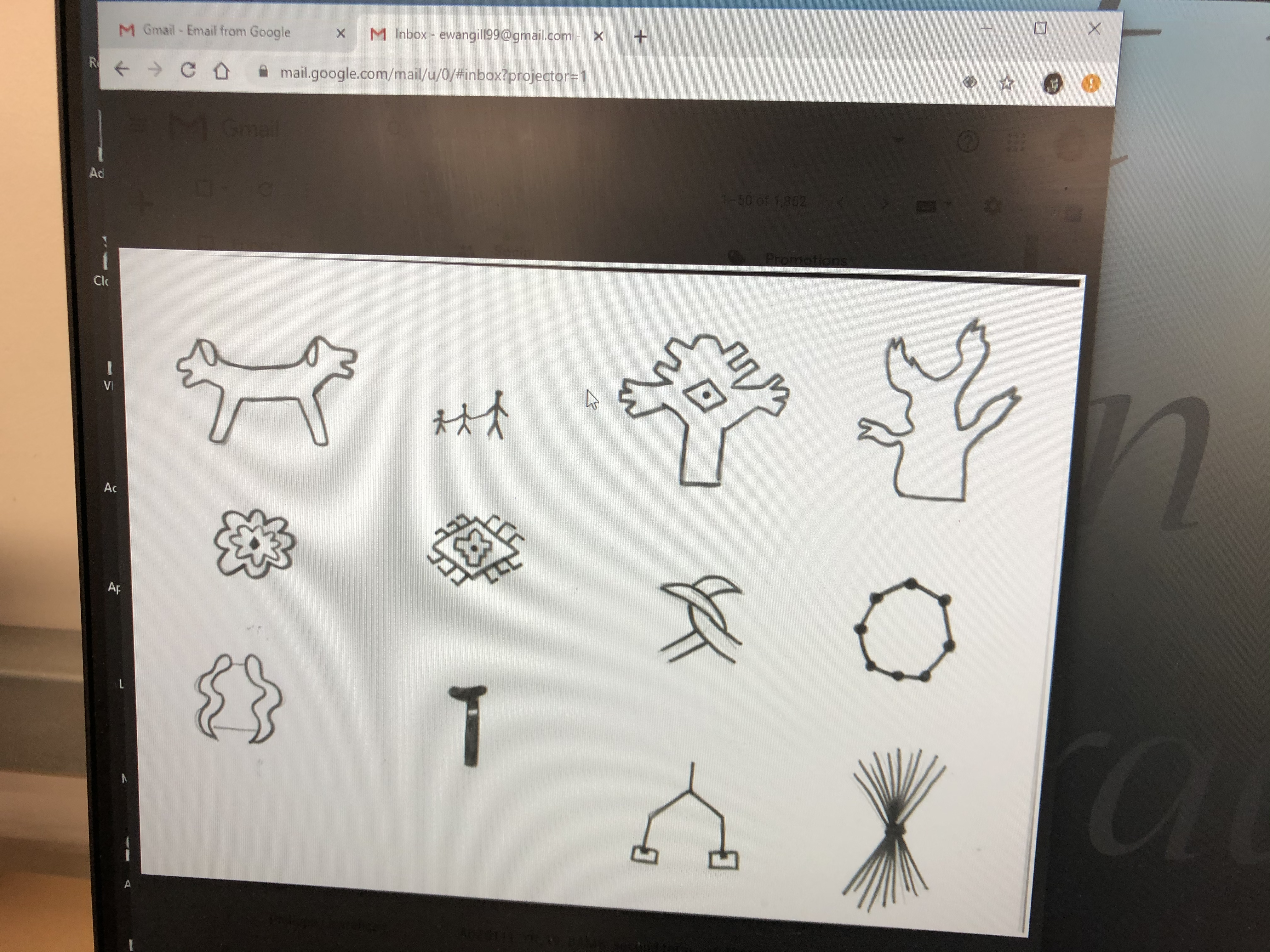
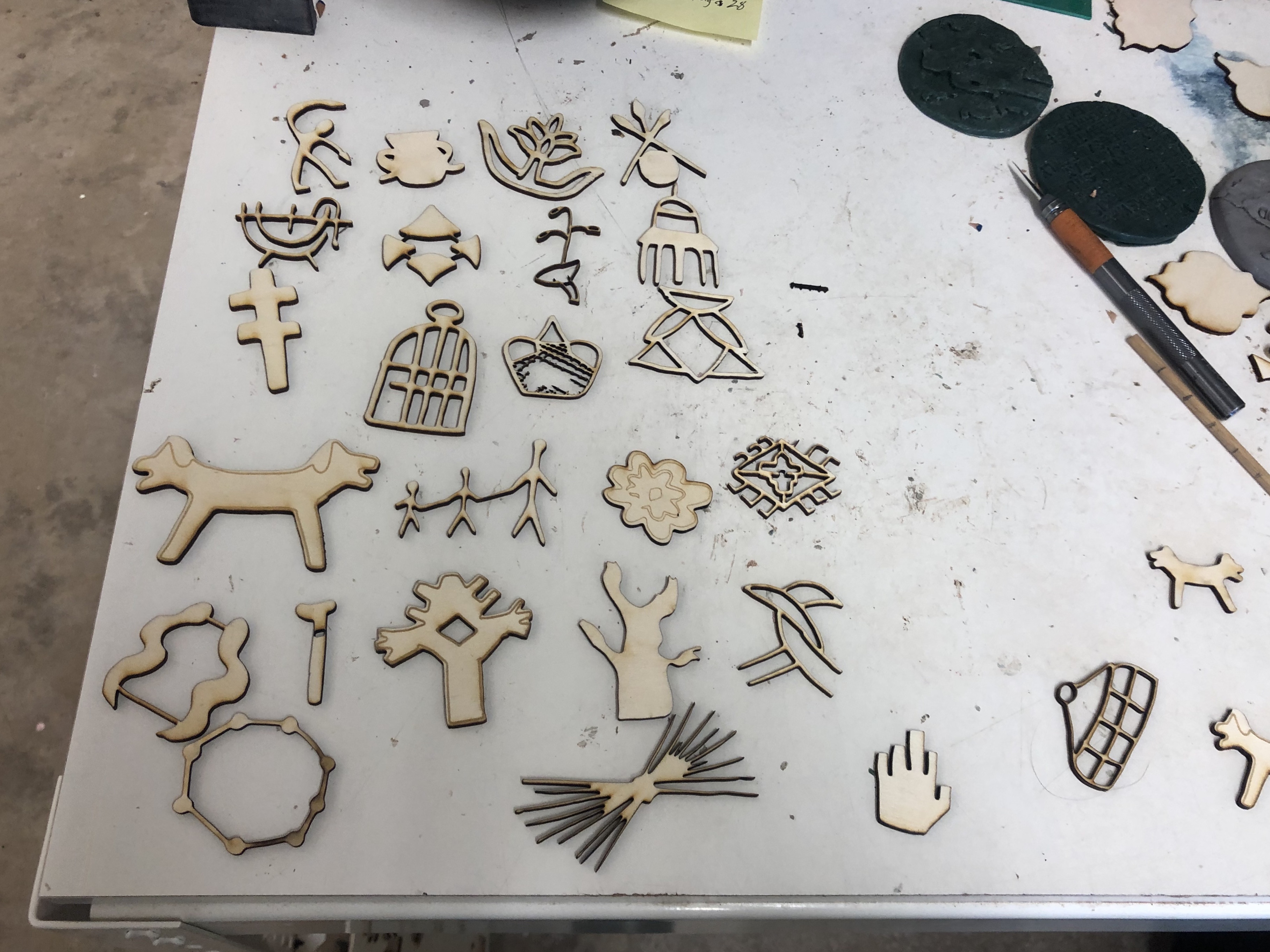
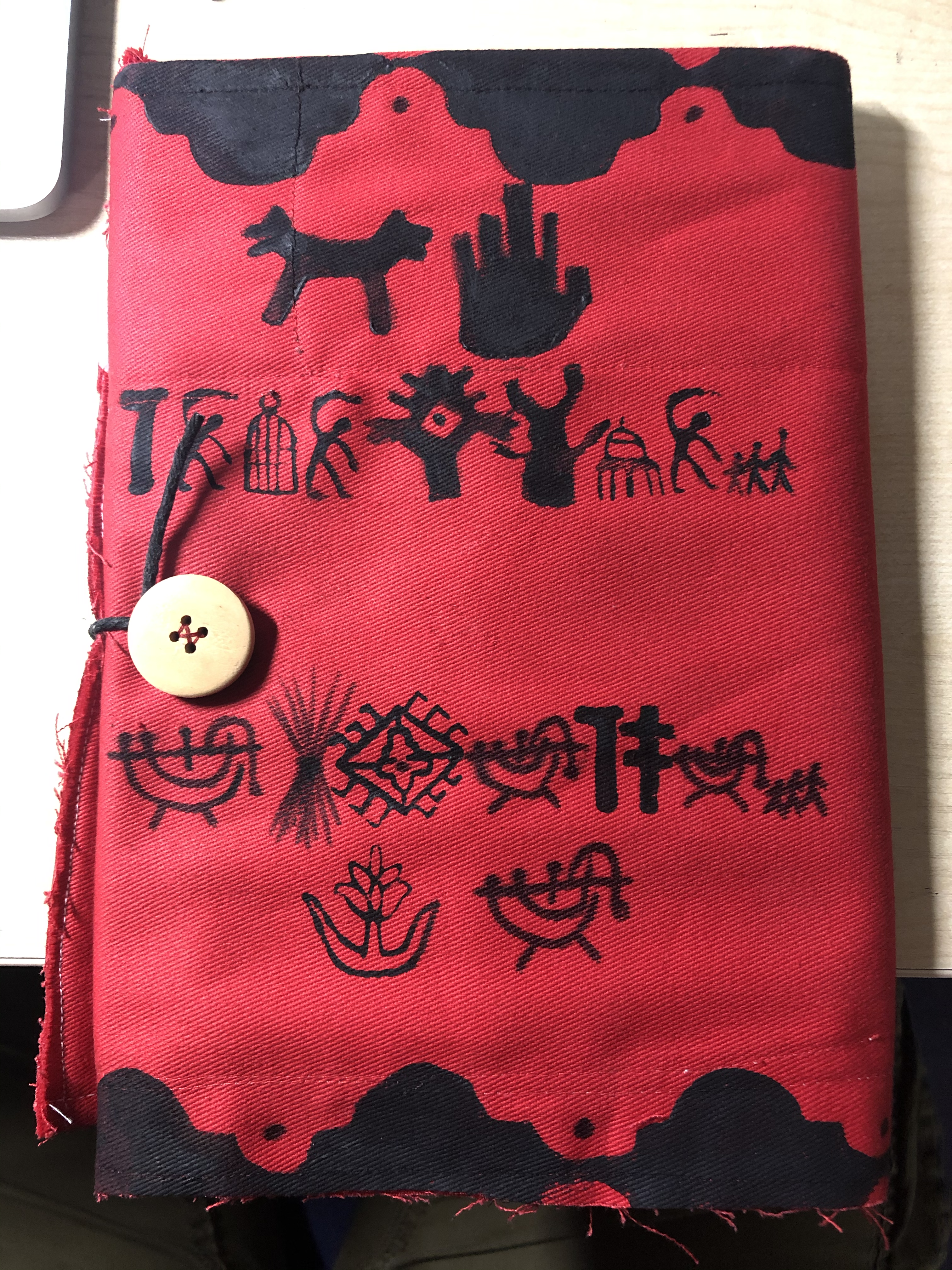
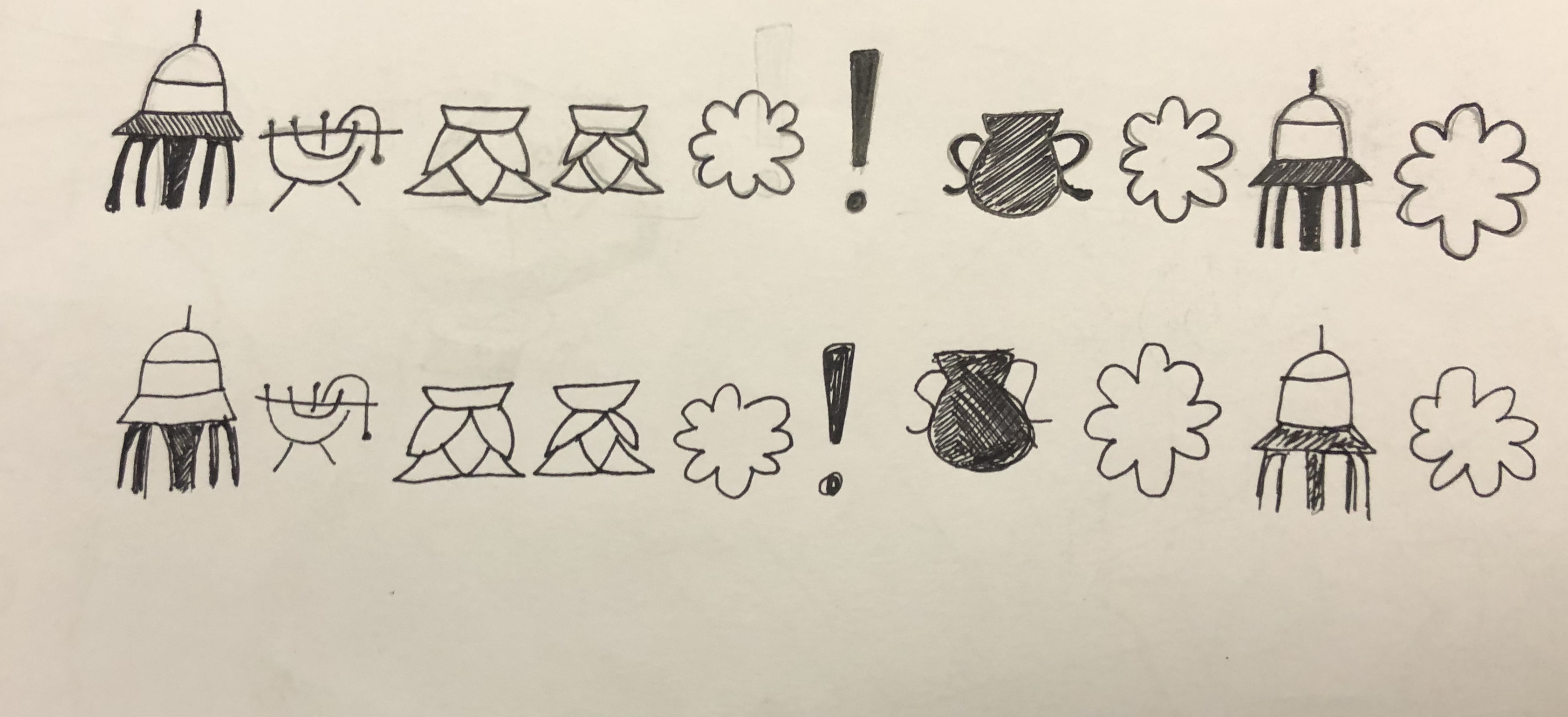
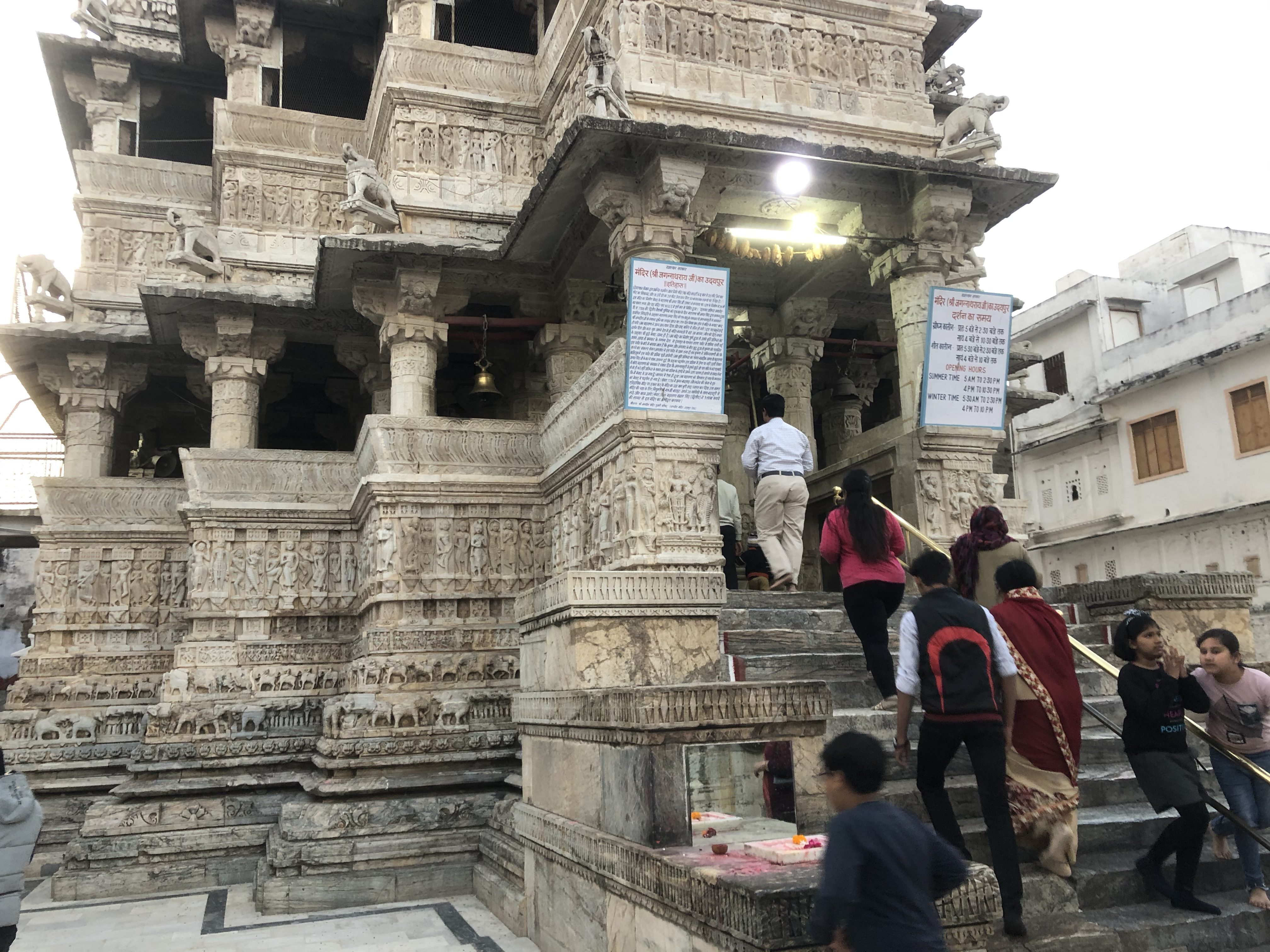
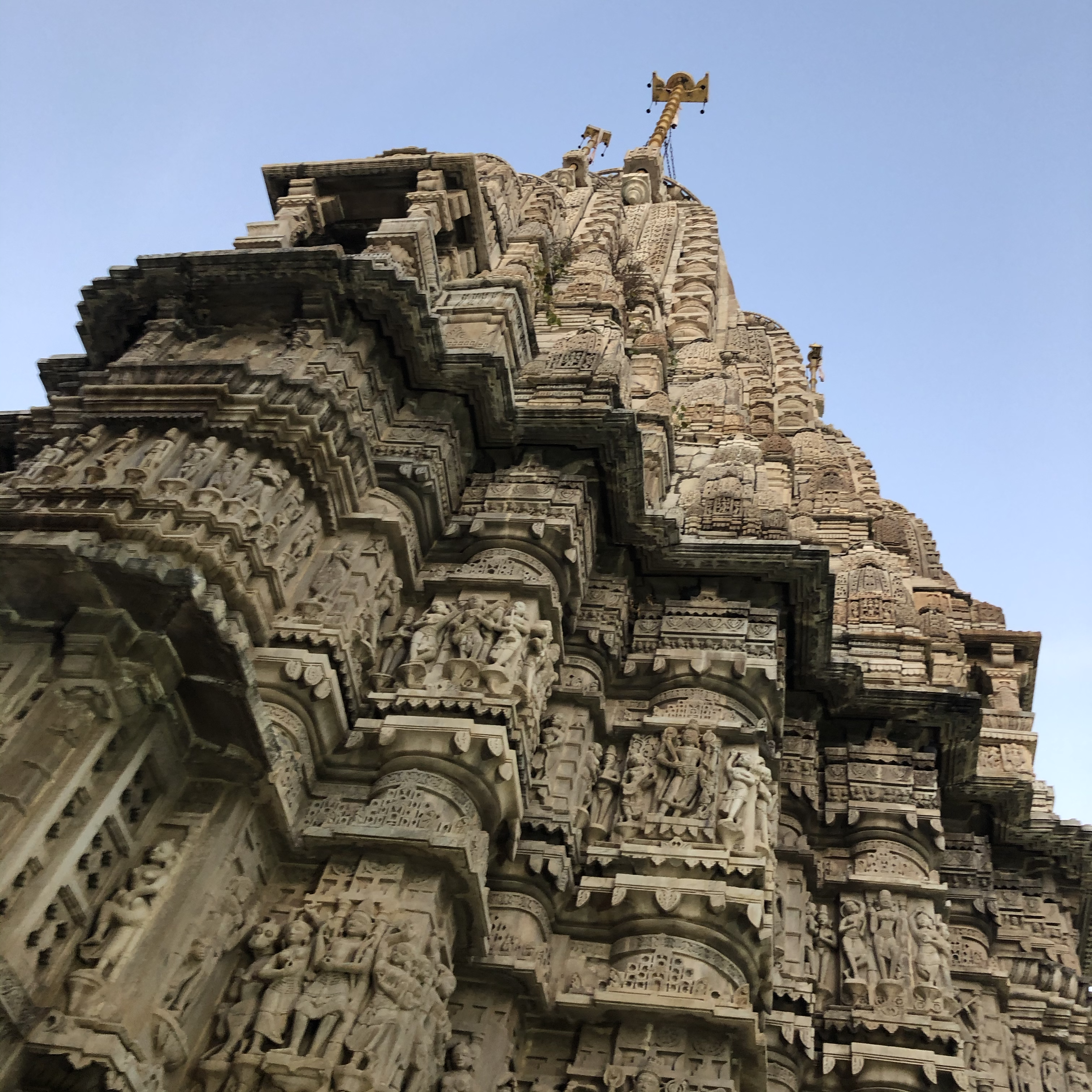
I was tasked with making my own augmented reality book using inspiration from my trip to Rajasthan. The idea I came up with was making a book written in my own hieroglyphic language, that could be translated into English. I first scanned my alphabet into illustrator and had them laser cut into stamps. Once I typed up and printed out the scripts and created the trigger images, I then made the book using red fabric and sewed in a piece of cardboard (to help shape the book). Once the book was finished, it was then folded and held together by a piece of string wrapped around a button.

Discipline-specific knowledge

In both these projects, there were challenges to my skillset; things I enjoyed and things I need to practice at. I exercised sketching, sculpting, slab building, life drawing, sewing, miniature painting and augmented reality skills. Development of skills what the maker course is about; how it specialises into multiple fields of making and how it allows us to find our way. It also allows us to find or exercise our comfort zone, while introducing us to skills we thought we would never have. 

Contextual understanding of own practice

The explore projects I participated in had a major impact on my work and creative abilities. In both projects, I was given multiple challenges, such as putting my sculpting skills to the test and writing an honest, reflective learning journal and also by traveling to India. I was able to find a subject matter that was both a practical challenge and was something I had interest in, which made the project more enjoyable.

Evaluation of own learning and Conclusion

This past year has been very different, but productive in terms of research, making and discovery. I created a series of medals dedicated to a misunderstood film maker, put my sculpting skills to the test and travelled to India to be inspired and encouraged by their culture and traditions. 

After finishing both explore projects, the ideas I had for designing and making as well as the new skills and knowledge I have acquired, has shown me what I can do. This gives me more insight and confidence in what I might do next.
Pixel Model *Update*

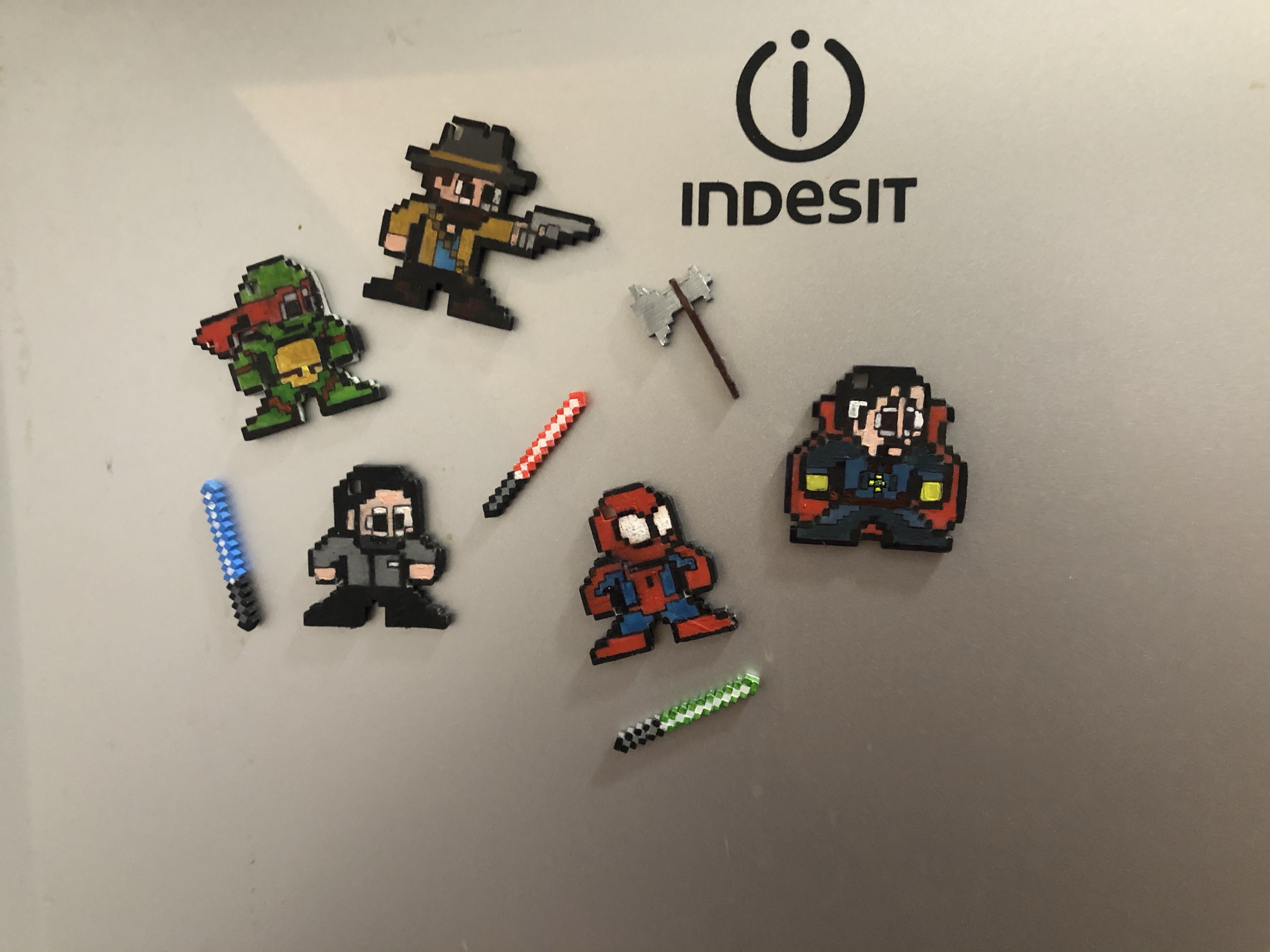
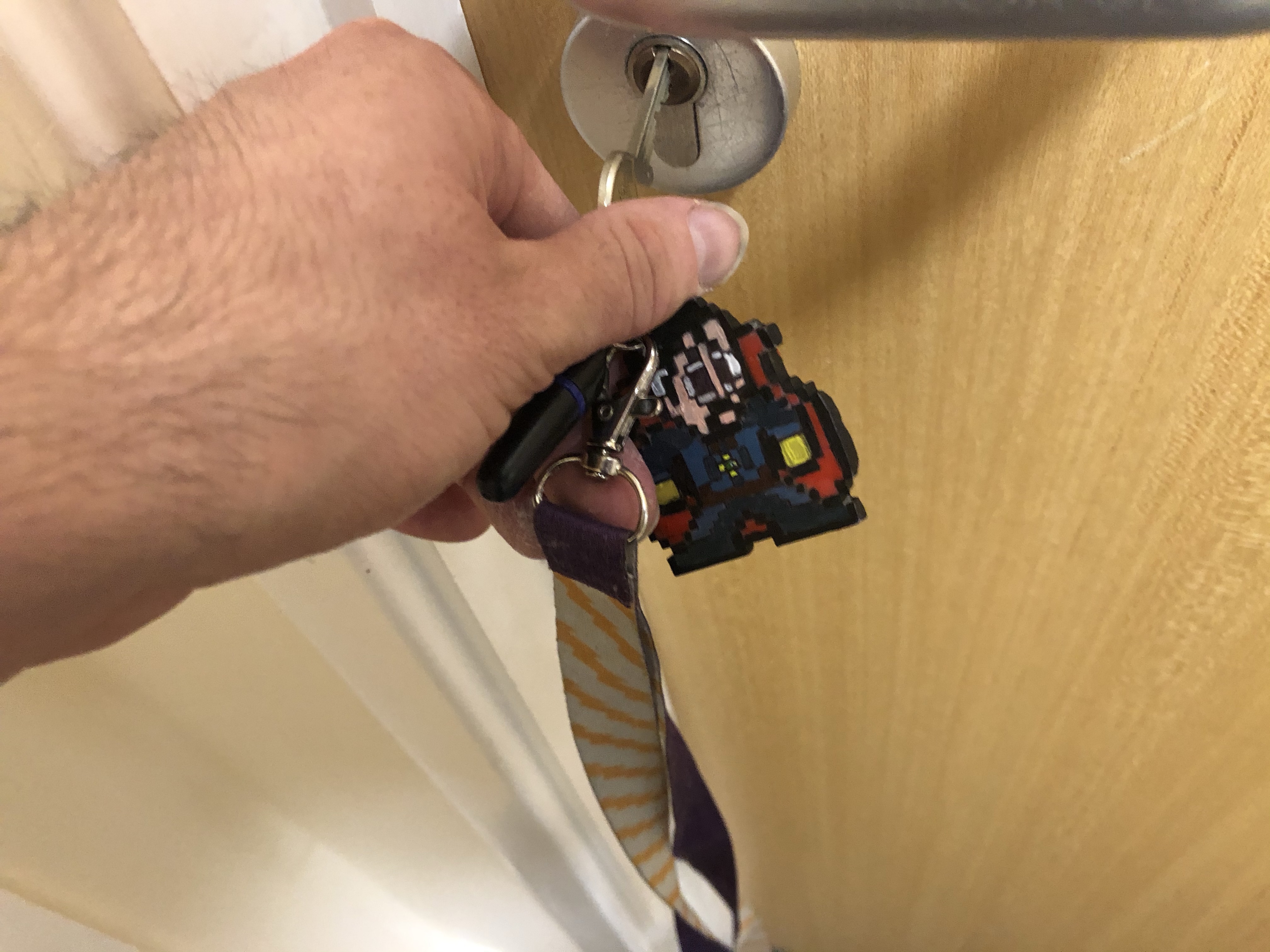
I’ve recently done an update on my final project concerning my Pixel models, In my first blog post about my final project, I mentioned how I had an idea to put two in one in my models, how their both key chains and desk knick-knacks (using small magnets to attach to bottle caps), with this, I took it a step further and made them three in one, so they are Key chains, desk knick knacks and fridge magnets

That way you can either stick them on your fridge, place them on your desk as a Knick knack or take them where ever you go.

Character Gallery

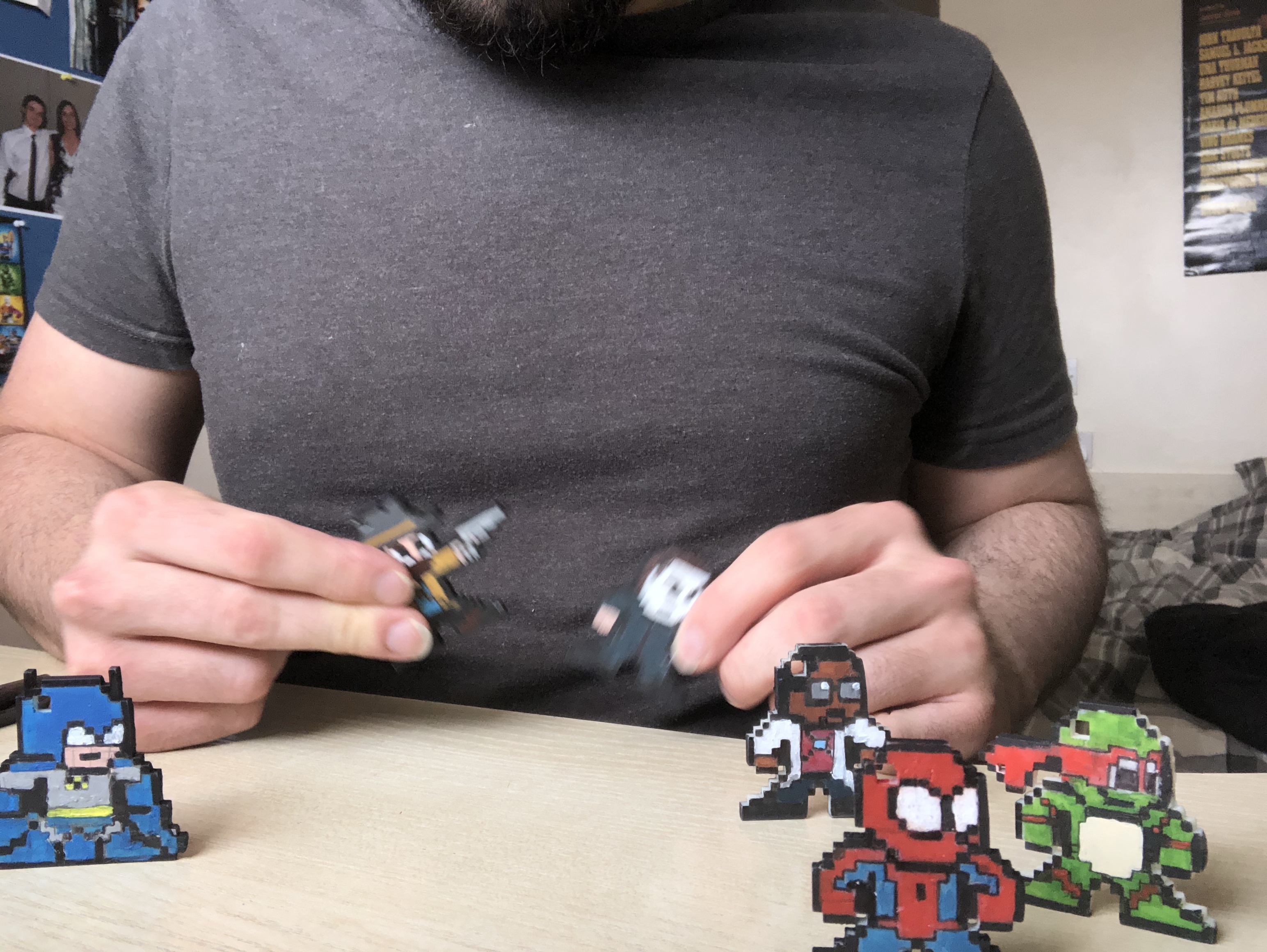
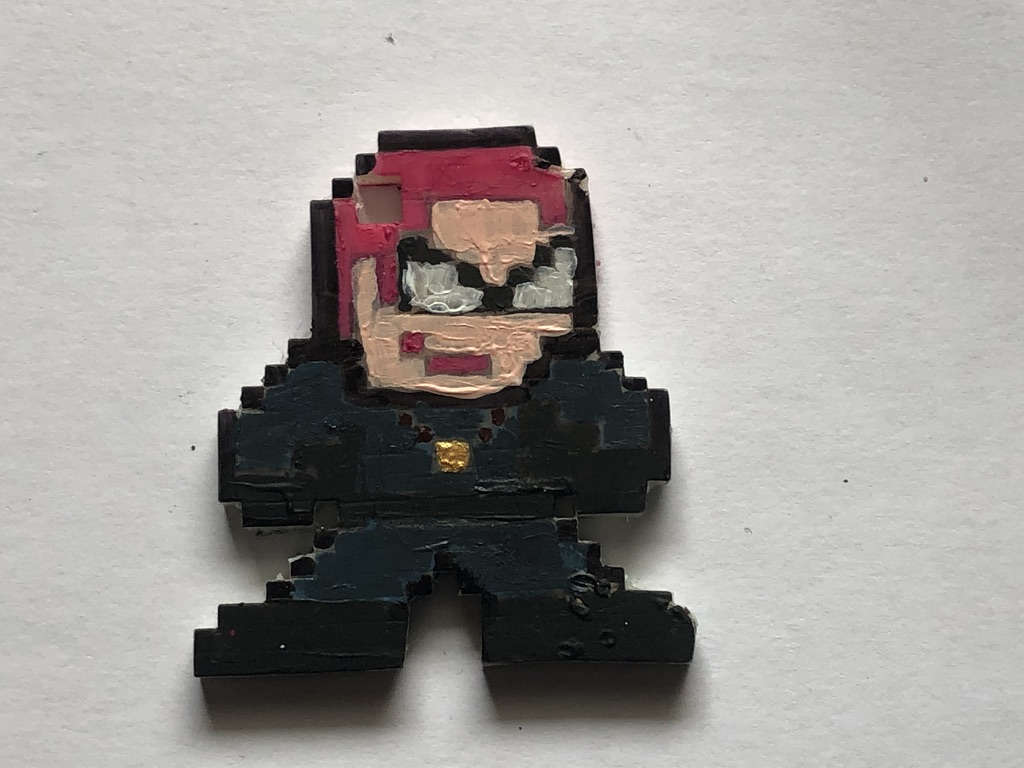
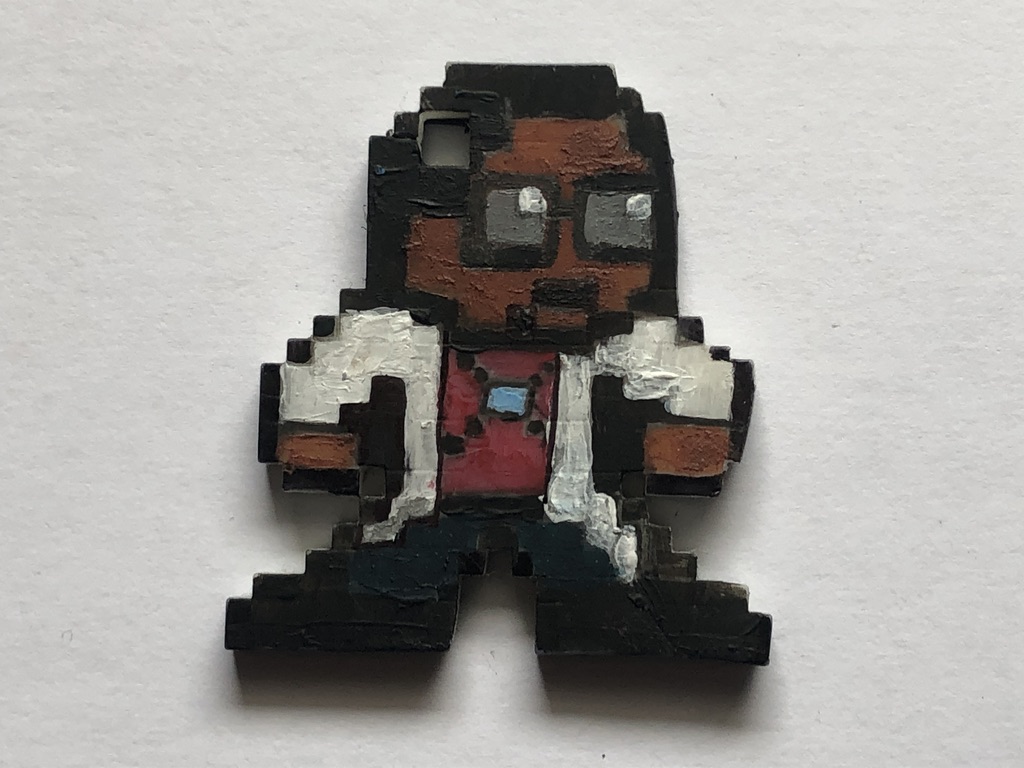
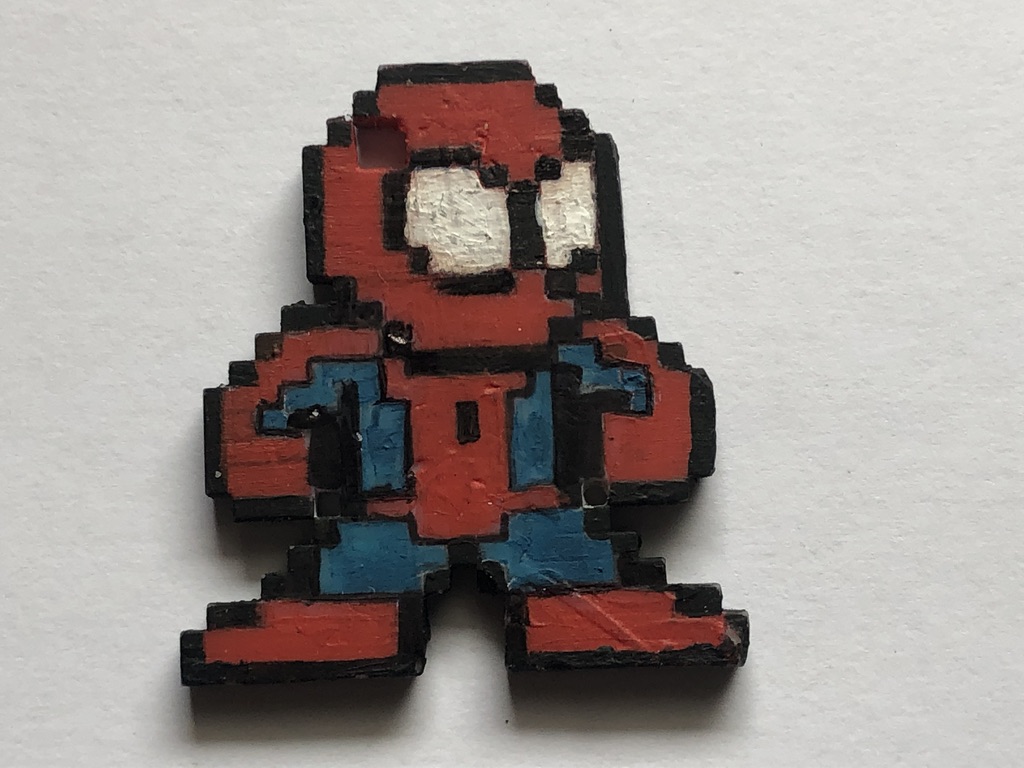
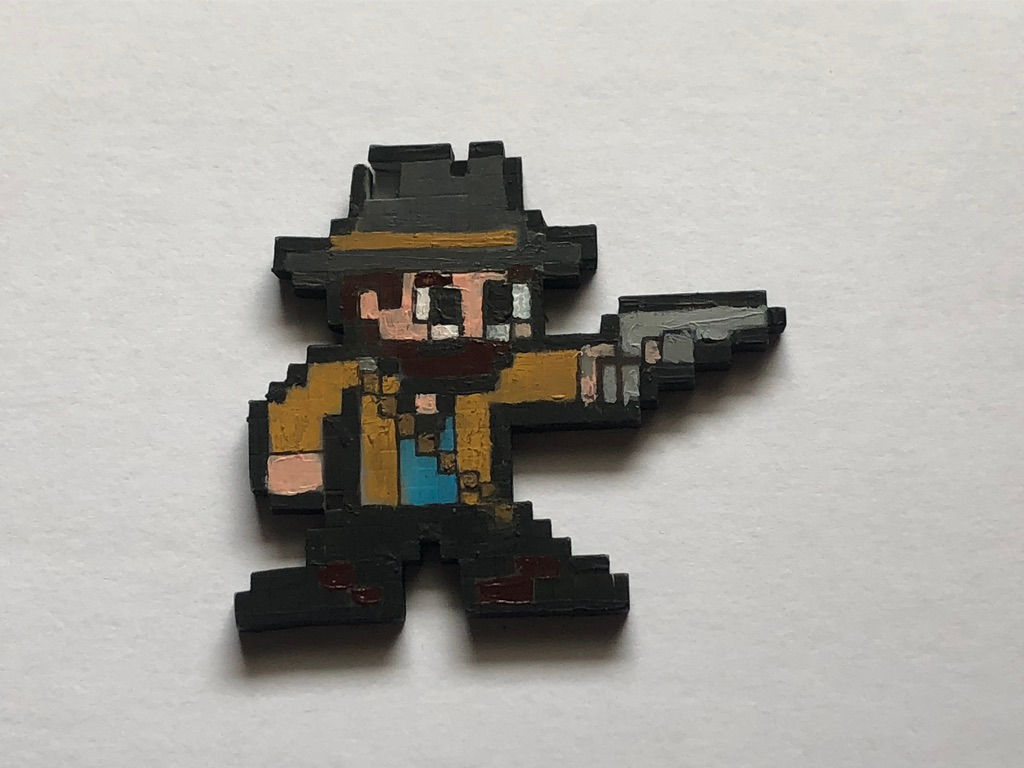
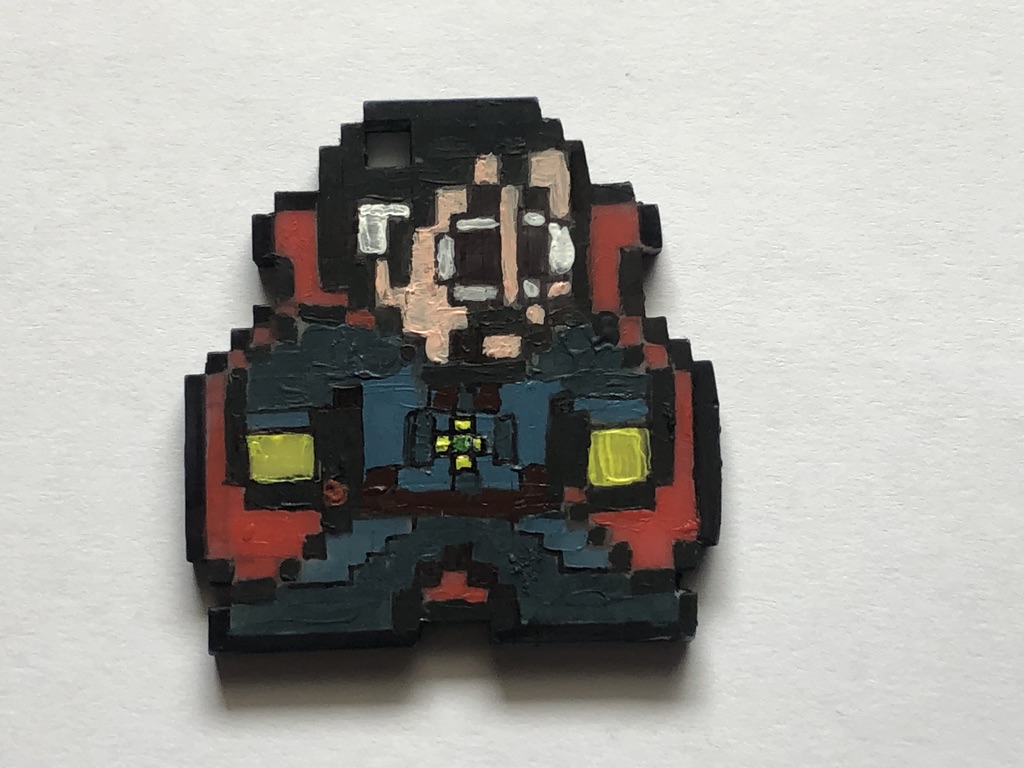
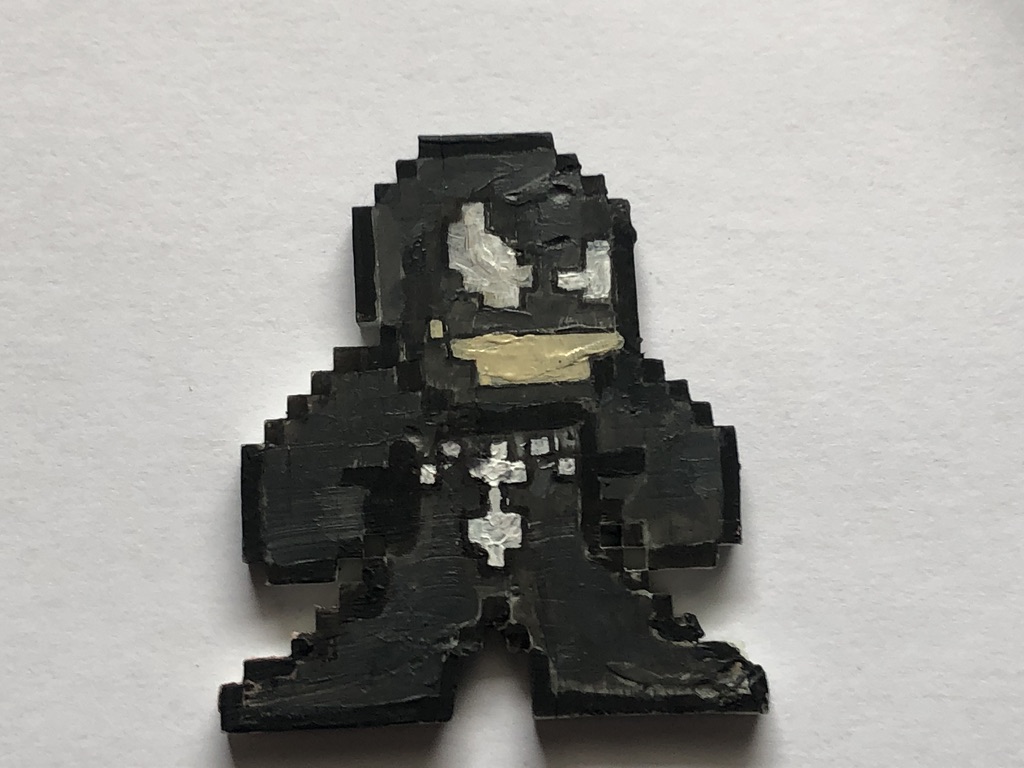
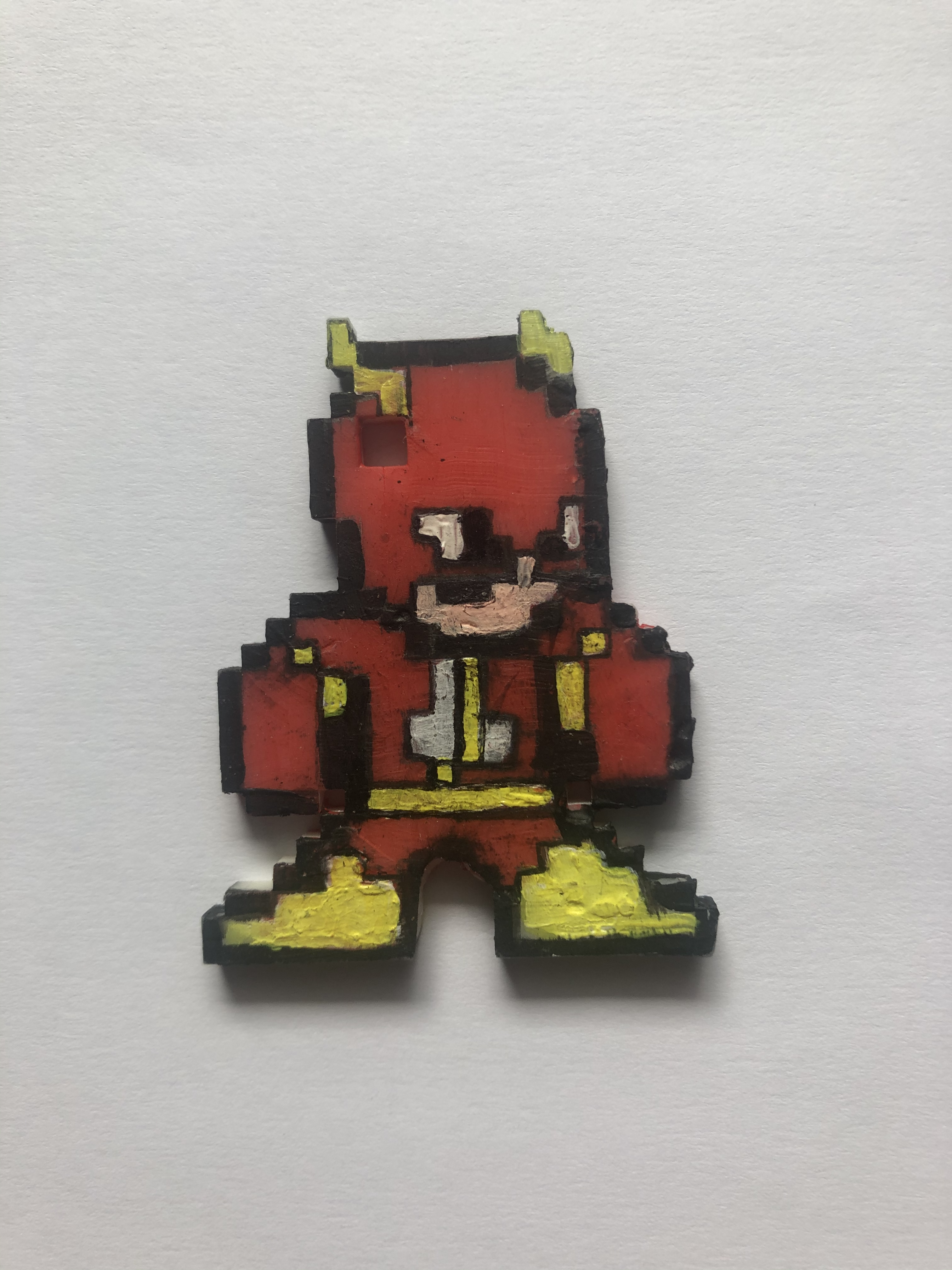
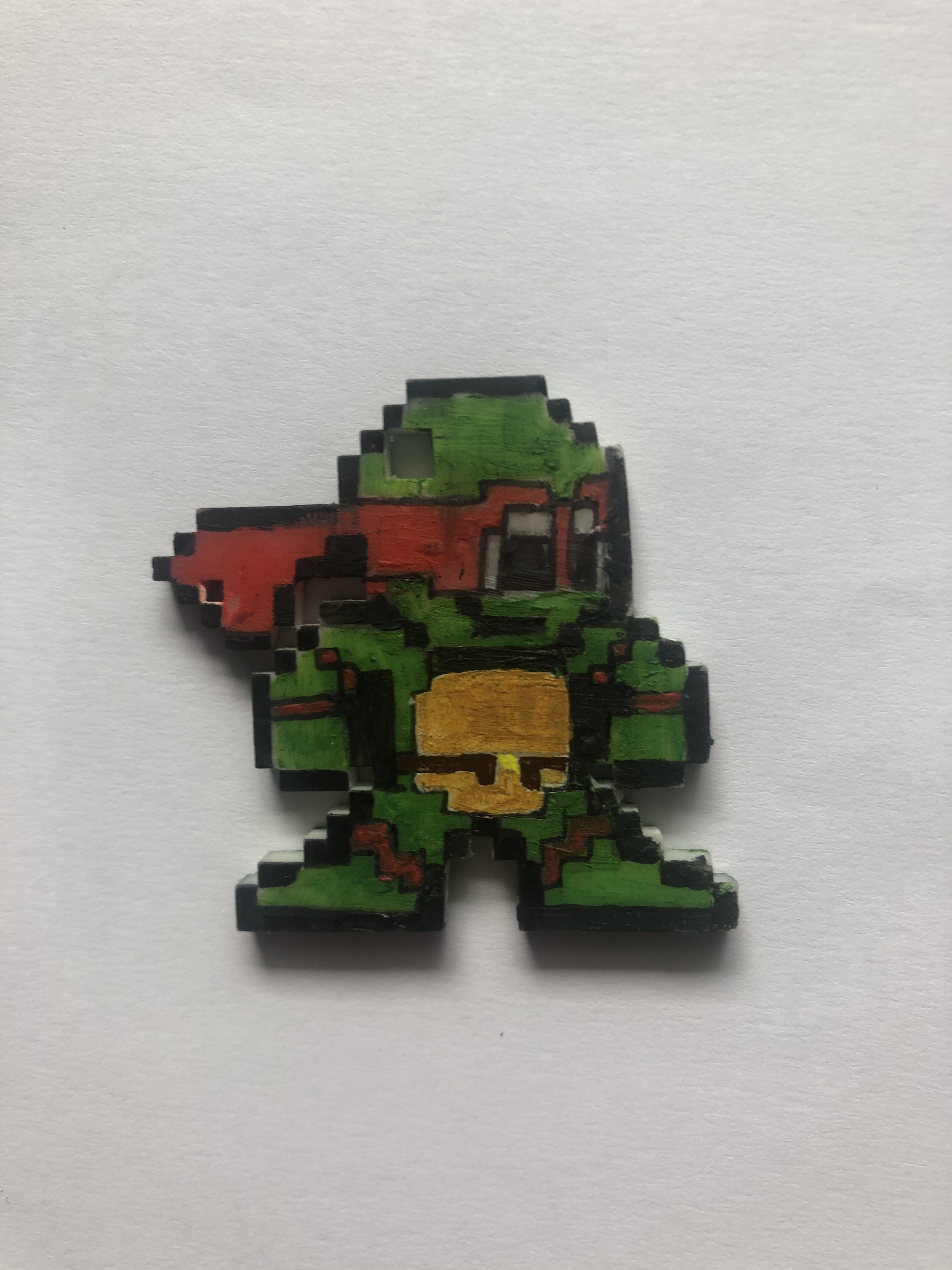
Here is a collection of all the 3D printed pixel models I have made for my Final year projects,

Most of these are designs I found on the internet, some are of my own characters and designs, here are some links to the designs I found on the internet:

https://www.deviantart.com/8bitherodotorg/gallery/all


My own characters and designs:

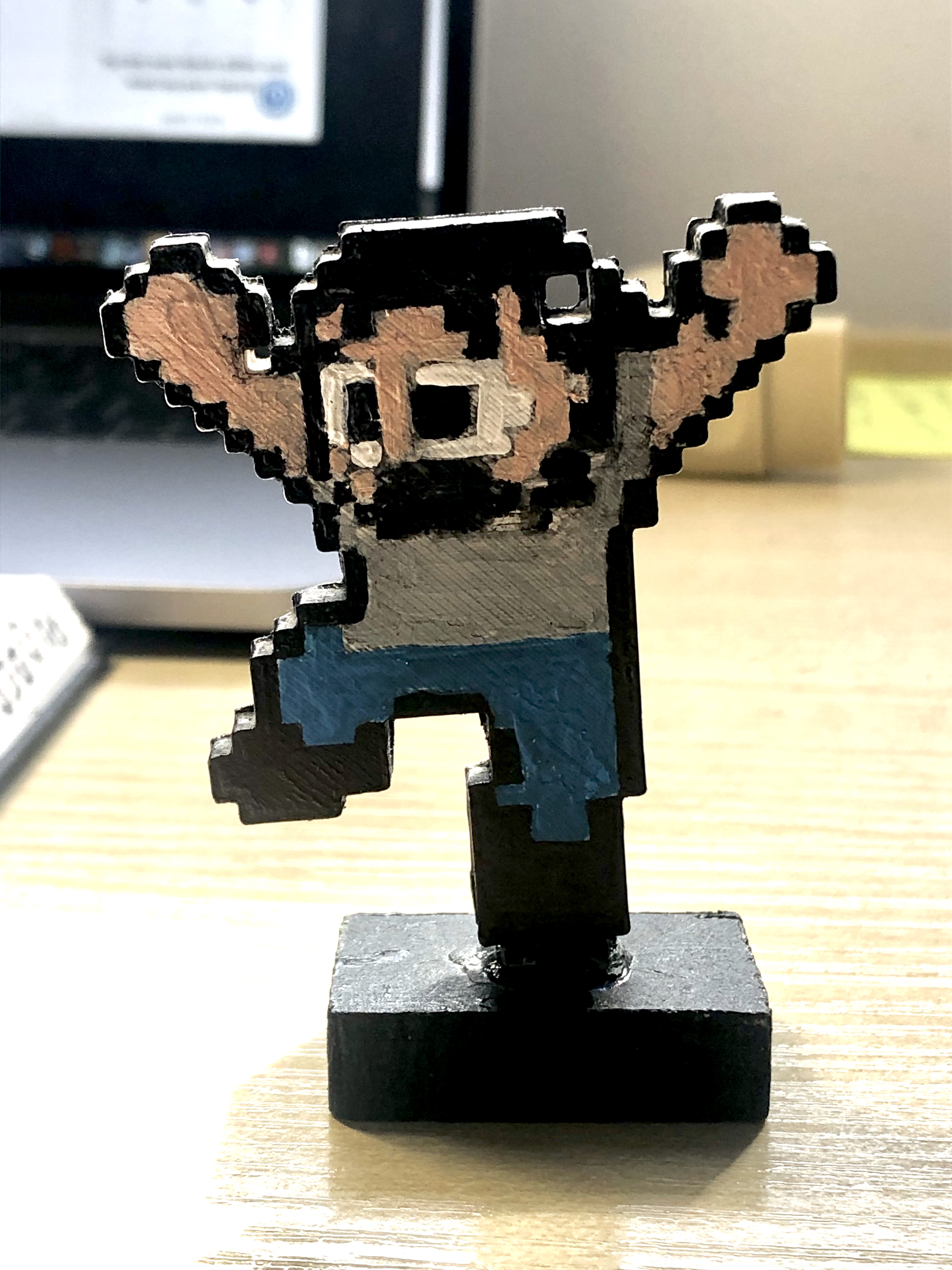
IMG_4722


My original avatar of me from 2018 (nickname: Pix)

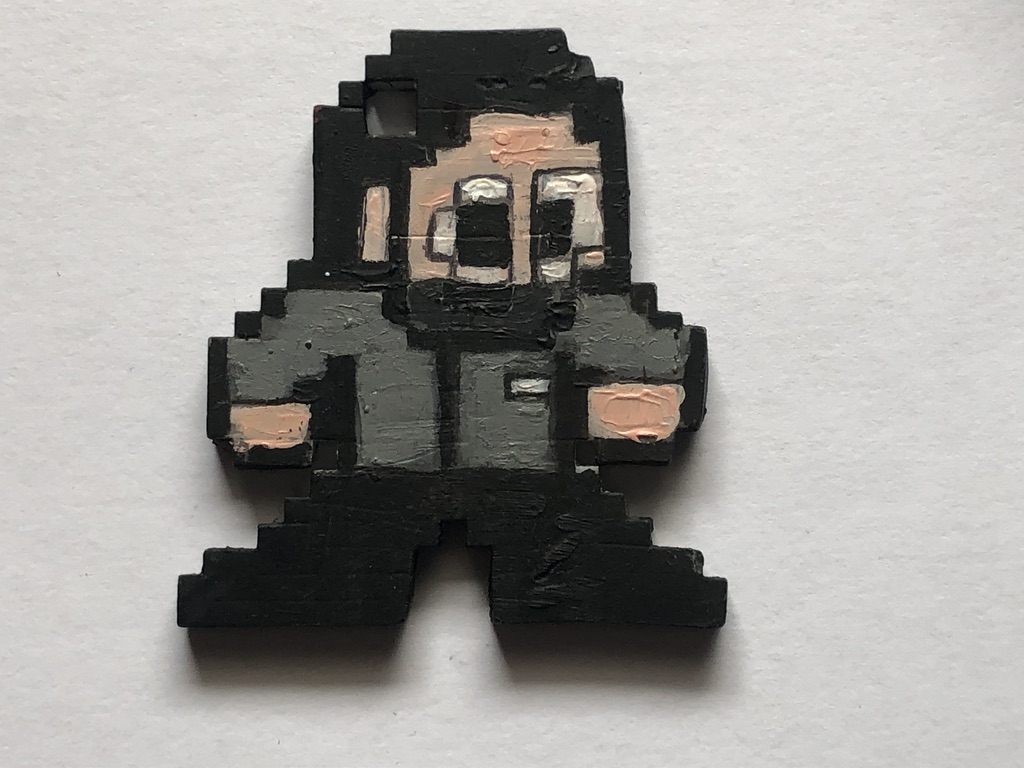
UNADJUSTEDNONRAW_thumb_2bb6

My new 2020 updated version of me (also named Pix)

IMG_4891

Mind Man (superhero I created)

UNADJUSTEDNONRAW_thumb_2bb7

Wondering Woman (superhero I created)


UNADJUSTEDNONRAW_thumb_2bb3

Professor Physics (superhero I created)


Internet designs:

UNADJUSTEDNONRAW_thumb_2bb2

Spider-man (Marvel Comics)

UNADJUSTEDNONRAW_thumb_2bae

Arther Morgan (Red Dead Redemption II)

UNADJUSTEDNONRAW_thumb_2bb1

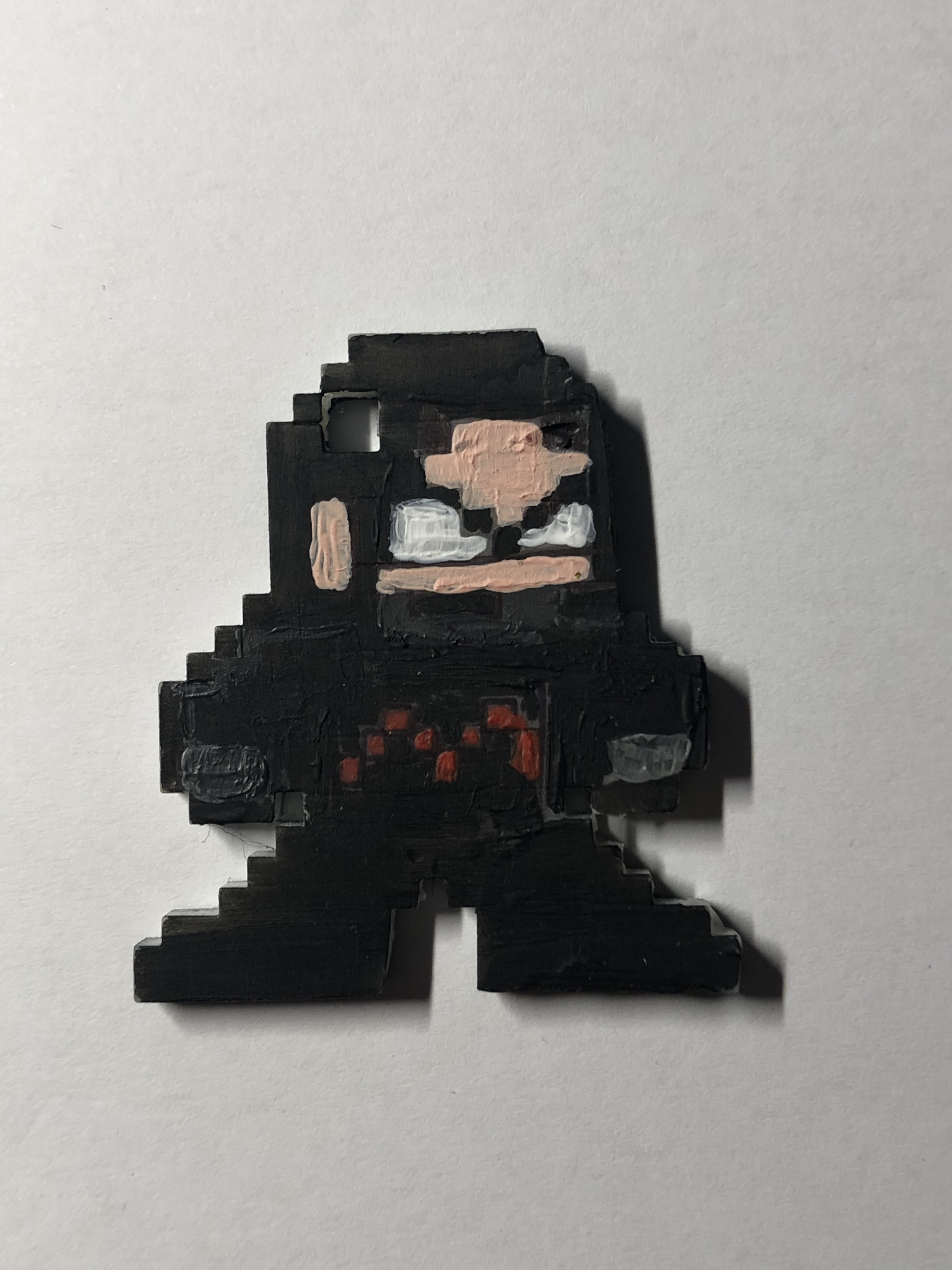
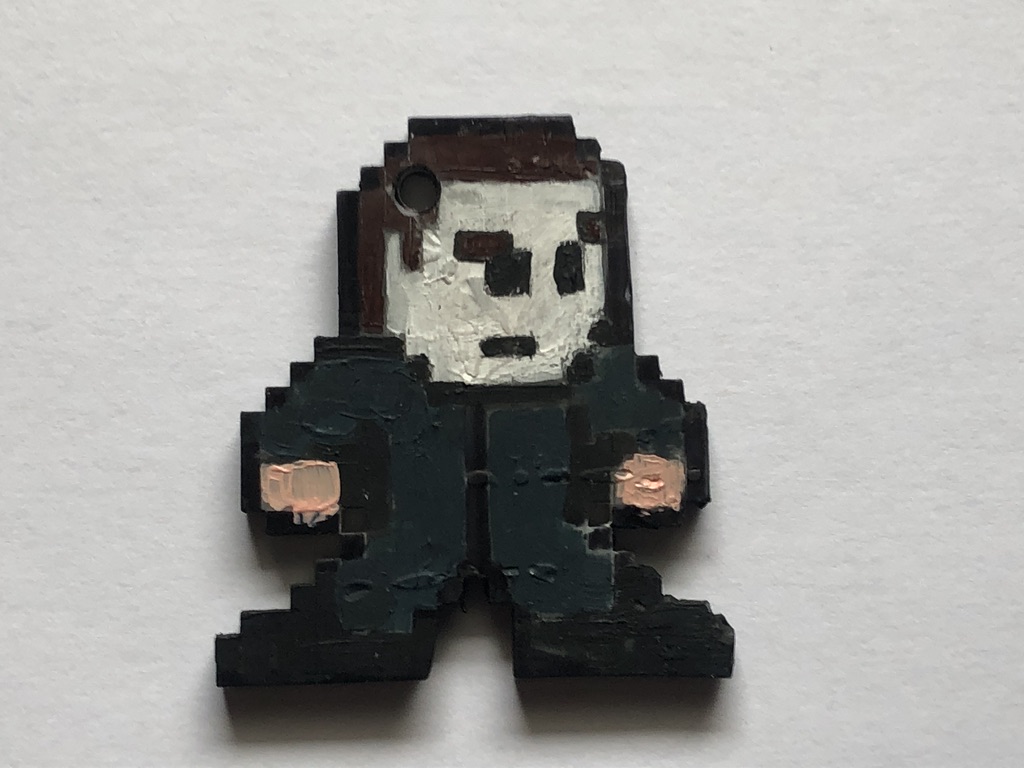
Michael Myers (Halloween)

UNADJUSTEDNONRAW_thumb_2bb0

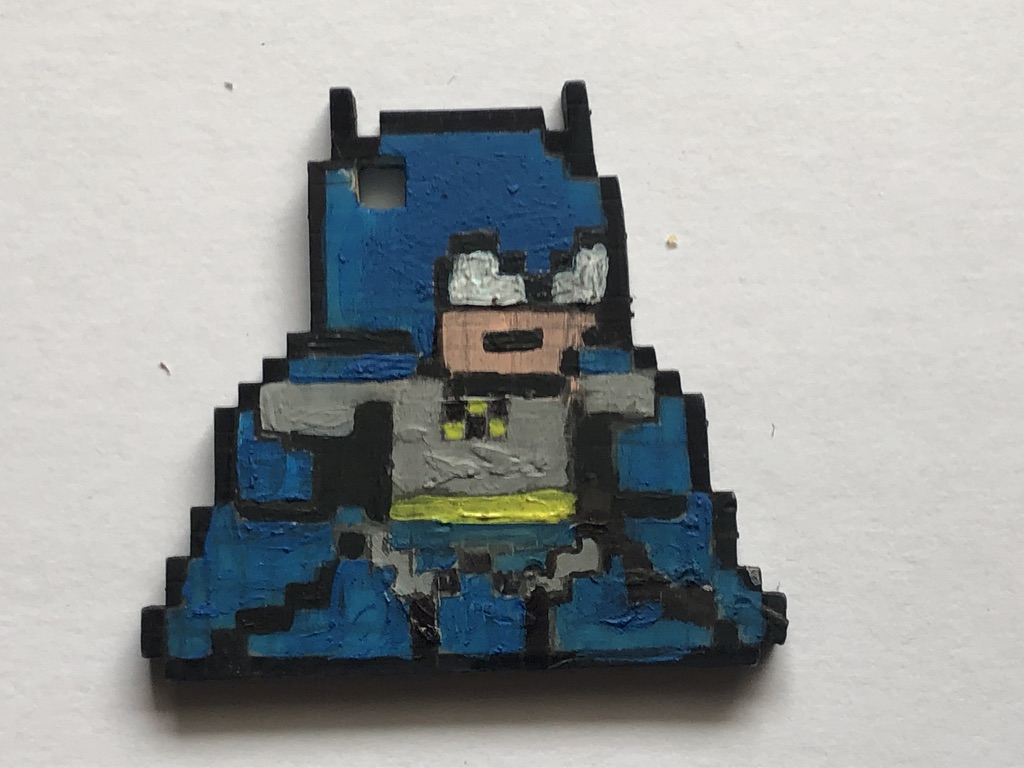
Batman (DC Comics)

IMG_4957

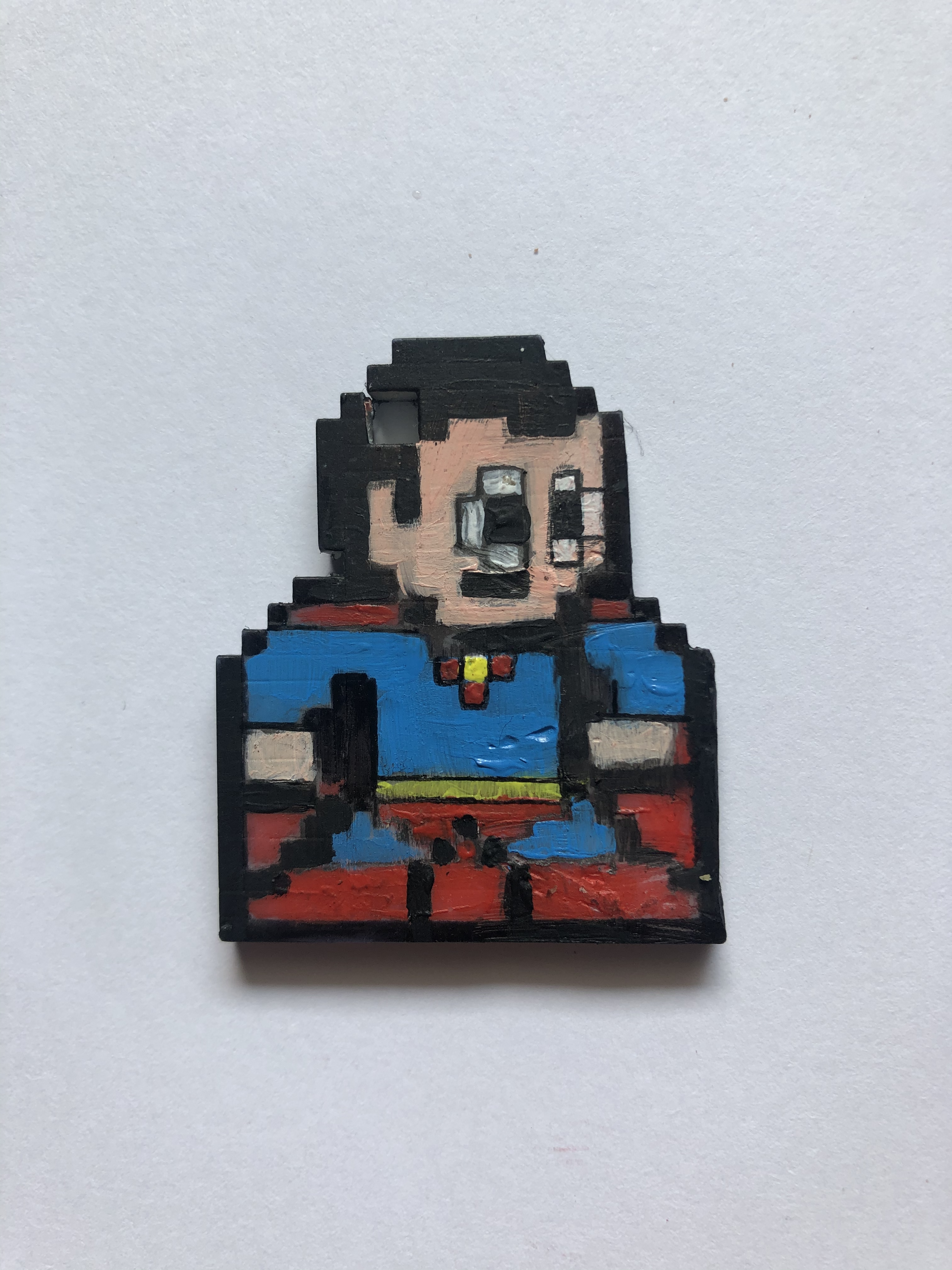
Superman (DC Comics)

UNADJUSTEDNONRAW_thumb_2bb4

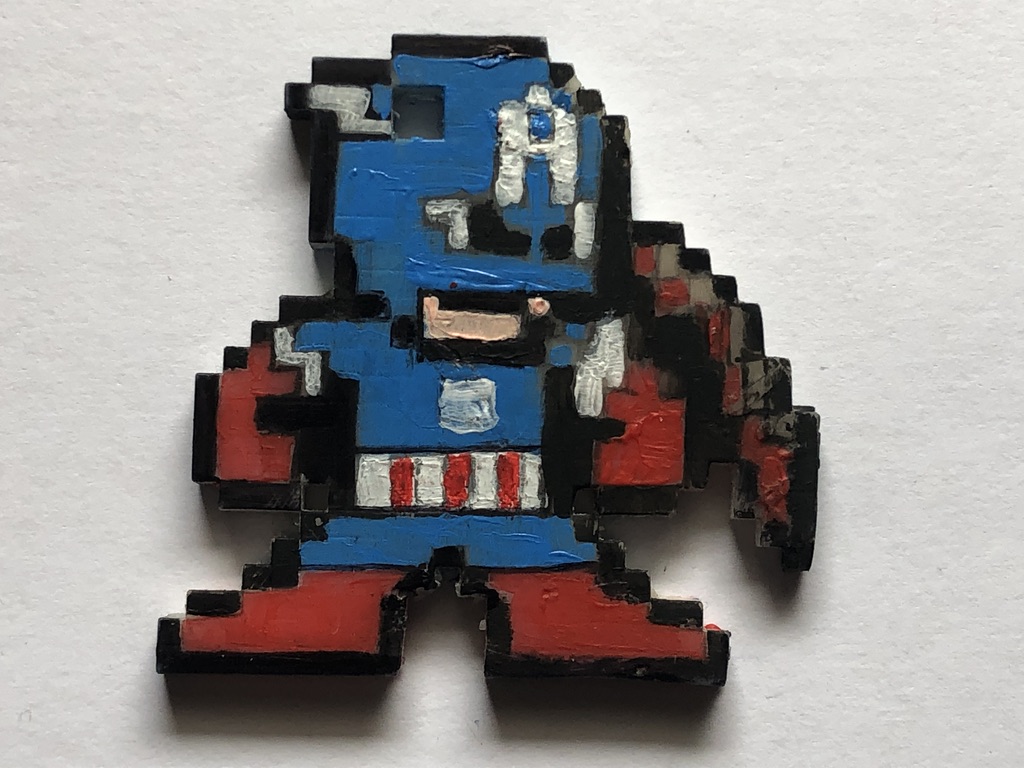
Captain America (Marvel Comics)

UNADJUSTEDNONRAW_thumb_2bb9

Doctor Strange (Marvel Comics)

UNADJUSTEDNONRAW_thumb_2bb5

Venom (Marvel Comics)

IMG_4958

The Flash (DC Comics)

IMG_4959

Raphael (Teenage Mutant Ninja Turtles)

My Final Year Project

For my final year project, I decided to expand on a particular element for my foundation project from 2018.

What I did was make a 3-D printed pixel model of me, that I designed, printed and hand-painted (as part of an alphabetical set of models of me, relating to 26 art movements, e.g  A =abstract, B=Bauhaus, C= Cubism, in this case, P was for Pixelation) so with that, I saw an opportunity to design and create more of these models to display or even sell them as merchandise.

IMG_4722

Making Process

The first step is drawing the design, (The designs are based on fanart creations of 8bit Megaman graphics styled characters from movies, tv shows and other videogames) the best way to draw the designs and keep the square count consistent, I bought a square paper notebook to draw the design.

IMG_4759

(Note: The numbers on the edges help me keep track of how squares are used and could even be used to tell apart or create different templates).

When creating my own designs I would often use inspiration from other designs this is so I can keep the design consistent with the other. (depending on the character’s body build, accessories or pose, the square ratio may vary)

CAD design

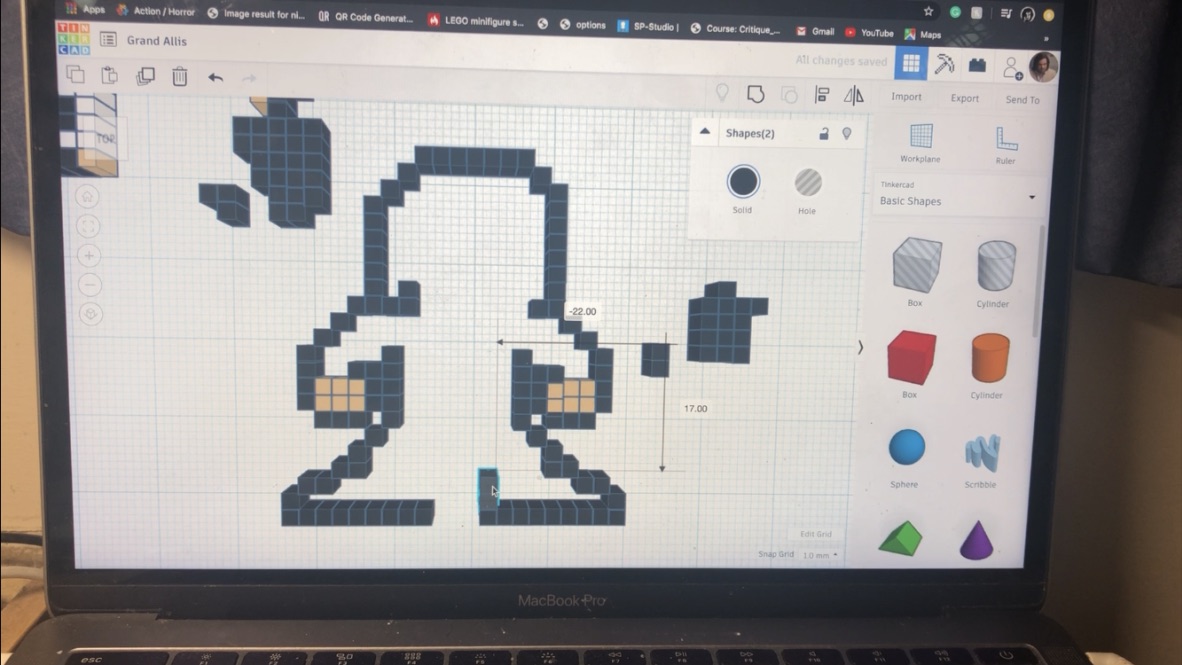
The next step is to translate the design on to Tinker cad, I first start by arranging the squares in the right place (I use the square note pad design as instructions, I make sure to colour coordinate to tell the difference and to get a preview before printing (even though it comes out in plain white).

UNADJUSTEDNONRAW_thumb_2bbb

Once the design is finished, I would then export it into an STL file and import it into Prusa slicer for preparation and slicing, once I set the model(s) to a 60-degree angle ( in order for it to come out the way I want it), after that, I would slice (add supports) and export it in a USB.

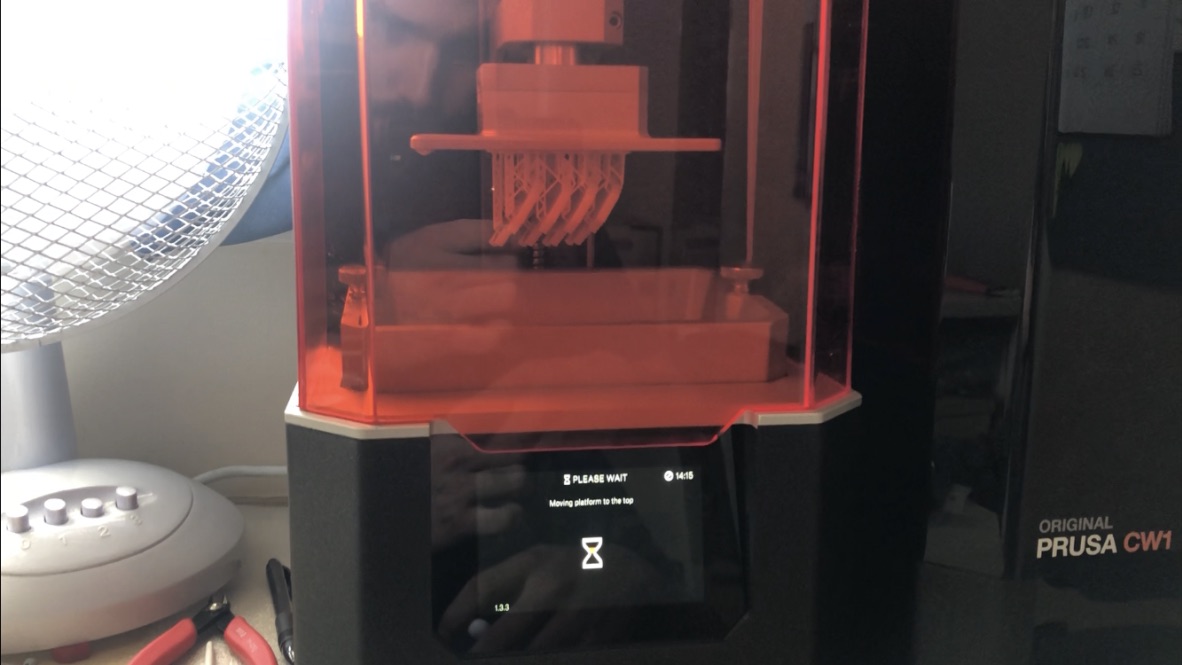
Next step is setting up the printer, first I would pour the right quantities of liquid resin in the tank, then I’d select the file from the USB, (the printer I have is resin-based and uses ultraviolet technology), so once the metal plate lowers down and sinks into the resin, the ultraviolet light then arranges which part goes where thus sculpting it in place

UNADJUSTEDNONRAW_thumb_2bc1

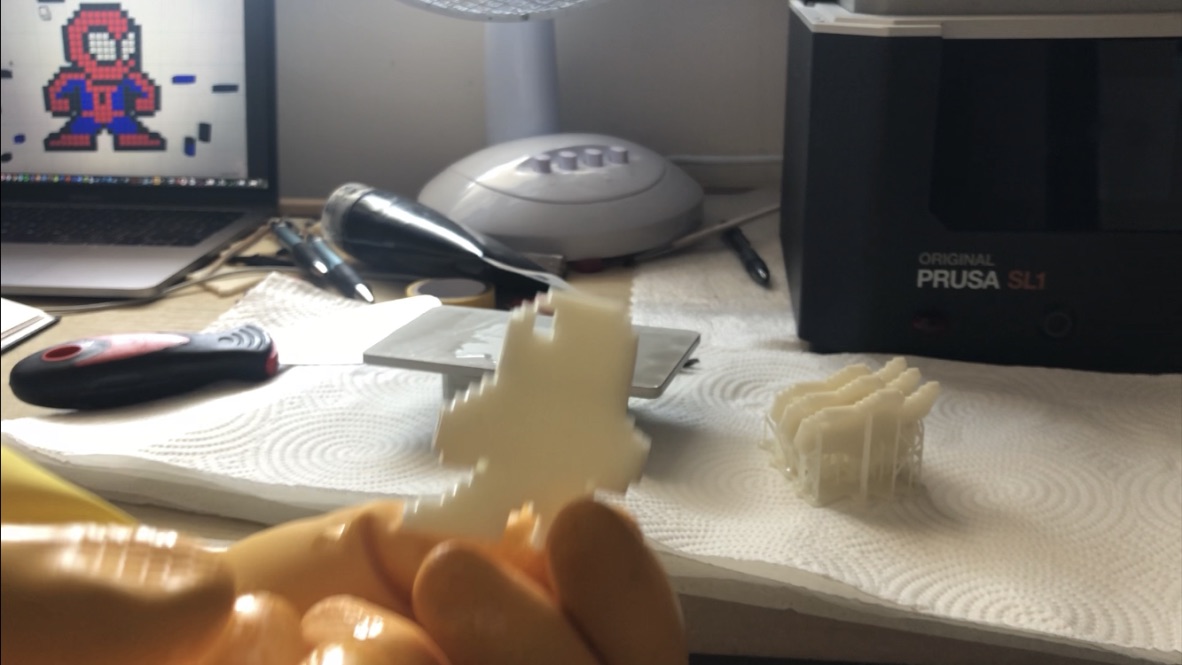
After a few hours (depending on how big the design is or how many I’ve made at once) I then remove the metal print platform, I’d then scrape off the print and cut off the excess plastic, next I would then wash the print using isopropanol (or nail polish remover), once cleaned I would then placed the model(s) into the washer to dry and cure.

UNADJUSTEDNONRAW_thumb_2bc2

Painting

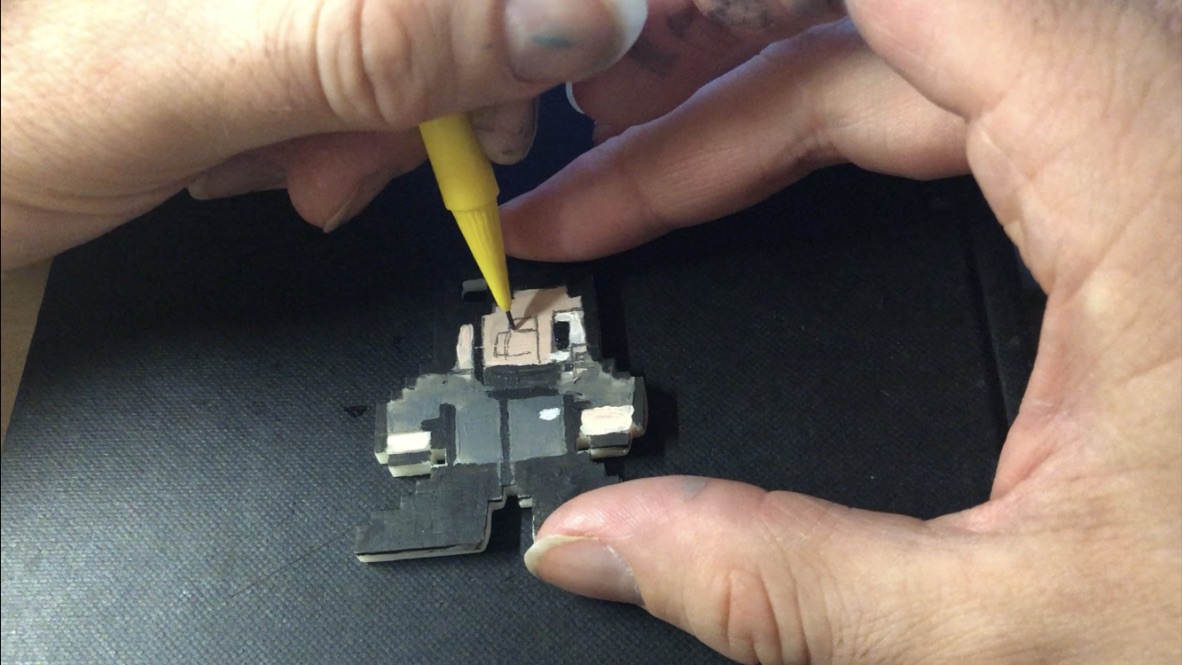
Next, I’d take the model(s) and paint them, I’d first start by drawing the grid of small squares to help arrange which colours go where, like a jigsaw puzzle, I’d start with the outer line, that way I would draw distinctive lines indicating which colours go which (depending on the design), I would then outline the coloured shapes with a pen to help them stand out.
UNADJUSTEDNONRAW_thumb_2bc6

After that, the model(s) is finished.
UNADJUSTEDNONRAW_thumb_2bb6

Designs

For this year, the theme I chose to go with for these models is a superhero theme (as well as other icons of tv, film or video games)

The designs for theses characters are based on ones I found on the internet, where they created Megaman style looks for many icons of comics, movie, tv and videogames.

I used these designs to help count how many squares there are per length (particularly the ones that have a grid background, to make counting easier) and draw them out in my square paper book, I would then use the drawings as instructions when designing on tinker cad

Ideas

This project does have a few business opportunities and ideas of what they could be sold as and who they can be sold to and how they can be sold.

Key chains

Way back when I made my original model from 2018, I had a side idea for this pixel model idea, not only could it be apart of my art collection exhibit, but it could also be used as a souvenir, either a desk knick-knack or a keychain (because when I created the original model, I intentionally gave it a key chain hole, so it could also be used for someone’s keys or backpack), for example, I had a friend, who liked my model so much, that I decided to create an exact copy for her to keep as a key chain.

Another idea, I’ve included with my prototype models is I’ve managed to find a way to make them both key chains and deskc knick-knacks by gluing on 3mm x 0.5mm magnets to the bottom of the feet and on a bottle cap. Anothet idea I could do for the magnets, would be to print accessories to attach to the characters. (e.g guns, lightsabers, swords etc)

This is a basic idea of what kind of merchandise I could use these designs for and base on what they like, this Leeds to another possibility

Customised commissions

Aside from the comic book, movie and videogame designs I found and copied off the internet, I also created my own unique designs based on me and my own made-up superheroes, this gave me the idea to design and create commissioned models based on customer or friend request, with this I could make anyone for anyone, (possibly try different forms of 8bit, such as Mario Bros, the legend of Zelda or even 16-bit designs)

Another idea (if possible) would be to create a camera filter (on my website) that transforms a picture of someone into an 8bit form (with the possibility of customizing options, e.g clothing, accessories, facial features etc), once they submit the design they want, I would then create on CAD, print them, paint them and have them sent to the buyer.

IMG_4956 UNADJUSTEDNONRAW_thumb_2bb6


Check out the making process video on my Youtube channel:


My Book Idea

On the 10th of February, I started progress on making the book.

Idea:

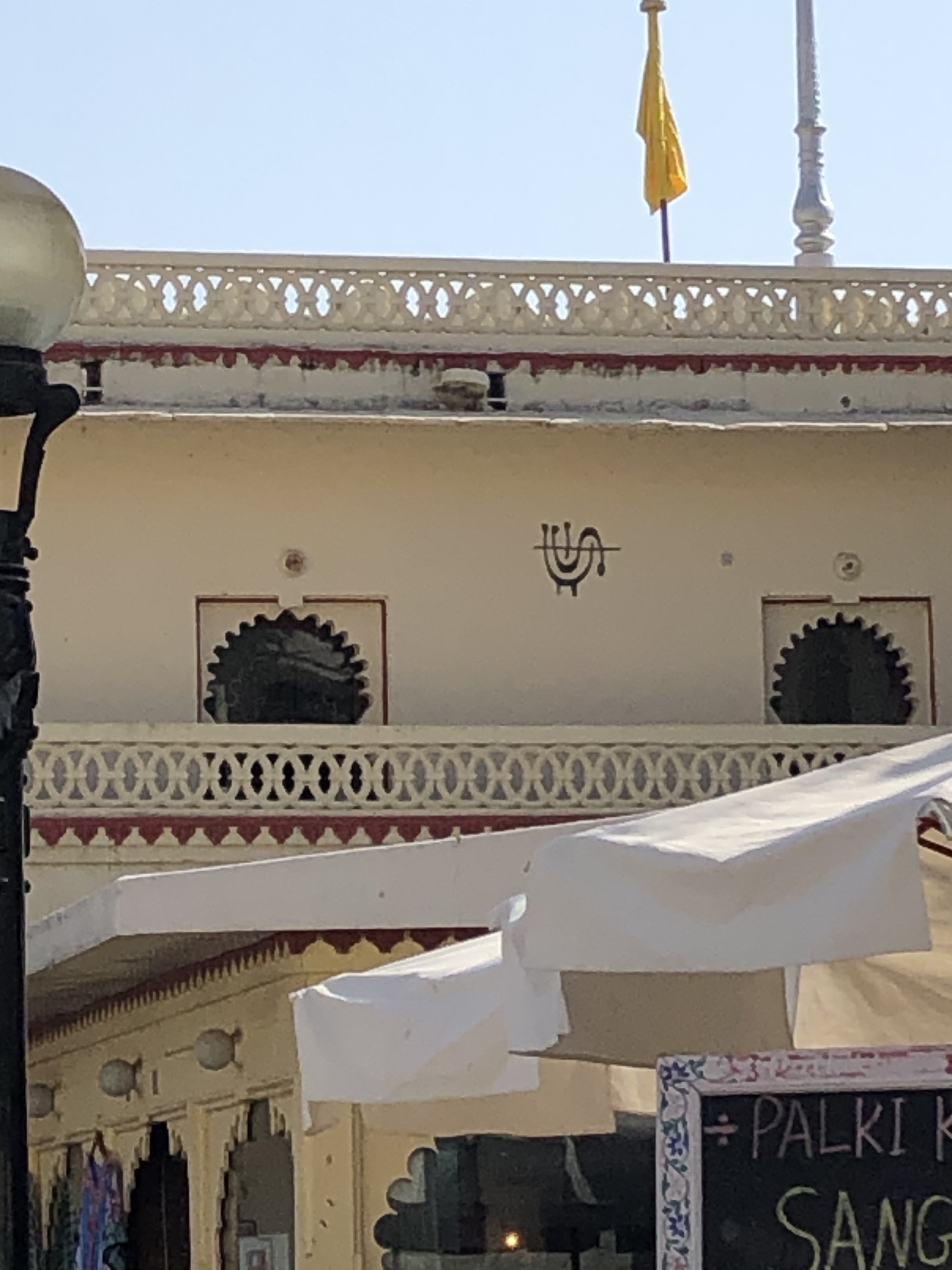
While I was in Rajasthan I came up with an idea for my theme of my book, my idea was to create my hieroglyphic alphabet based on certain things I spotted during my time in Rajasthan. The idea of the book was to use HP reveal to translate my hieroglyphics into English.

IMG_3268      IMG_3269

(My hieroglyphic alphabet)         (My book design)

Supplies:

  • Red fabric
  • Thread
  • A button
  • White fabric

I first started by drawing big versions of my hieroglyphics to create full design and detail next I then scanned them to my email and imported them onto adobe illustrator to create laser cutting files

IMG_3169IMG_3216

Once the design was laser cut onto the wood I then glued little wooden sticks to the top of each one and with that, I created my hieroglyphic stamps

IMG_3238 2

Next, I took the red fabric and cut it to the right length

IMG_3221

Once I cut it to the right length I then cut up a piece of cardboard (at the same size as my sketchbook) and fit it in between the fabric, I then use a sewing machine to secure the cardboard inside the fabric

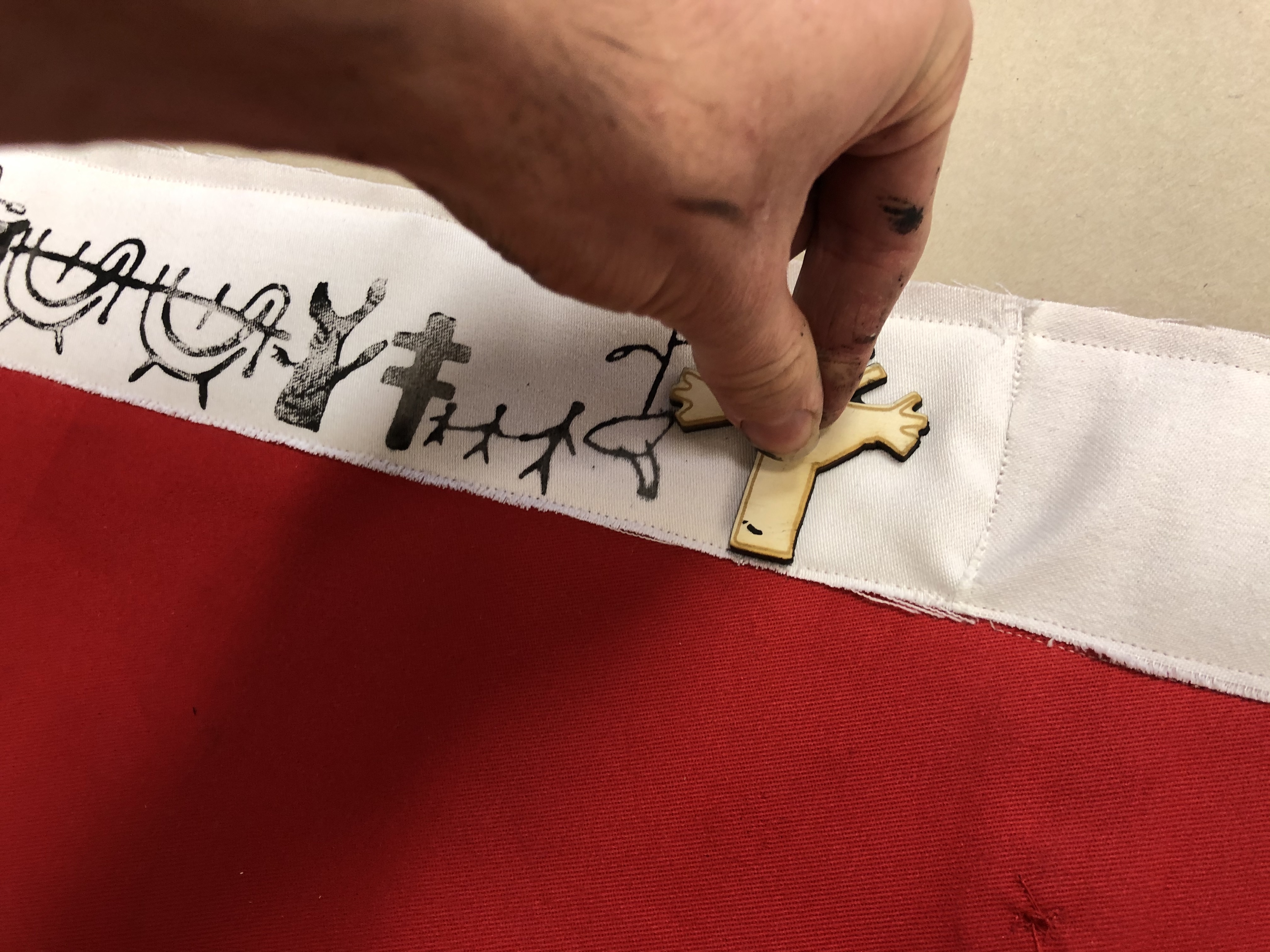
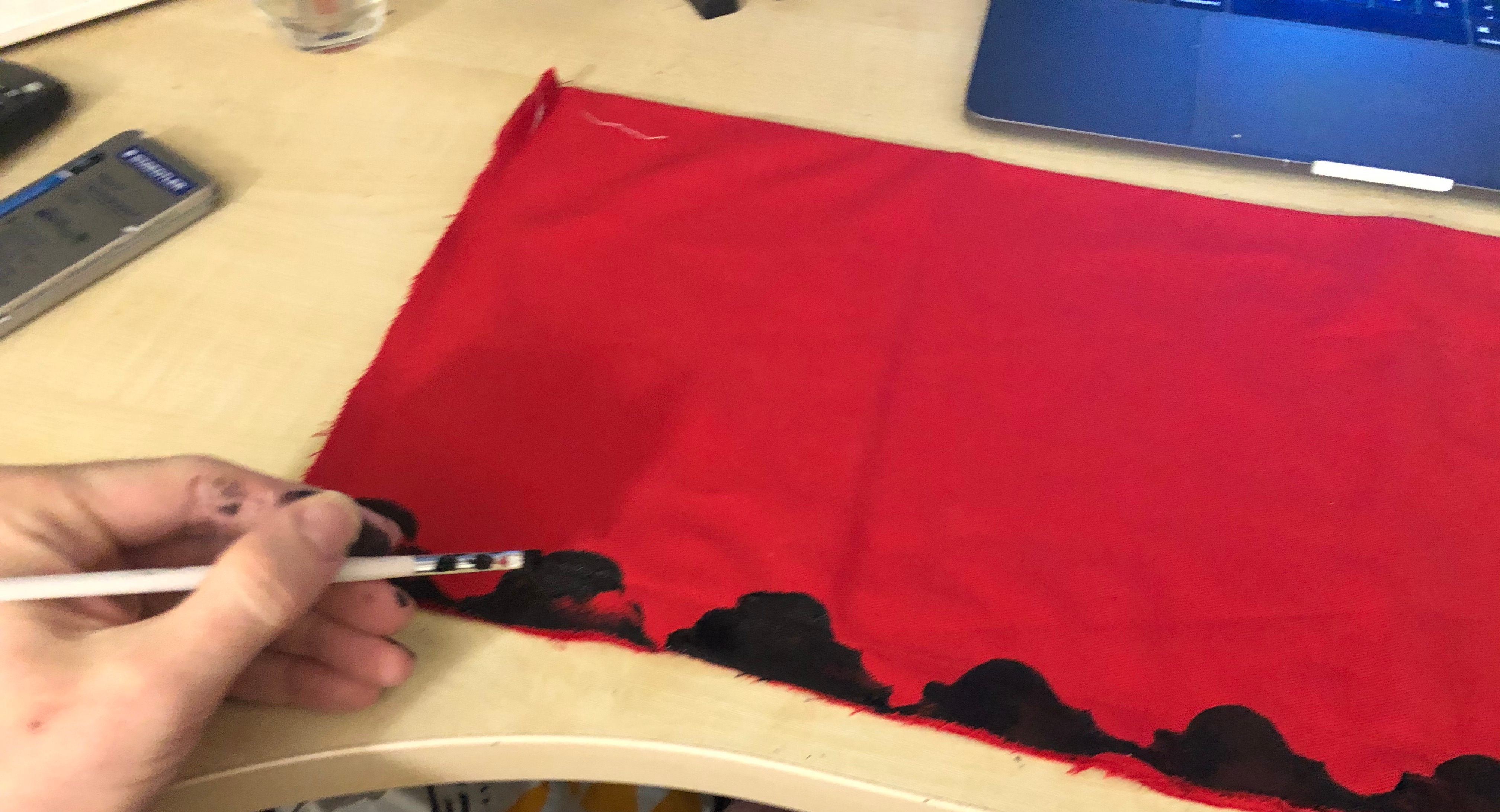
Next, I used the print pattern (that I laser cut) I then stamped the design to edges of the fabric (then filled in the missing gaps by hand)

IMG_3225

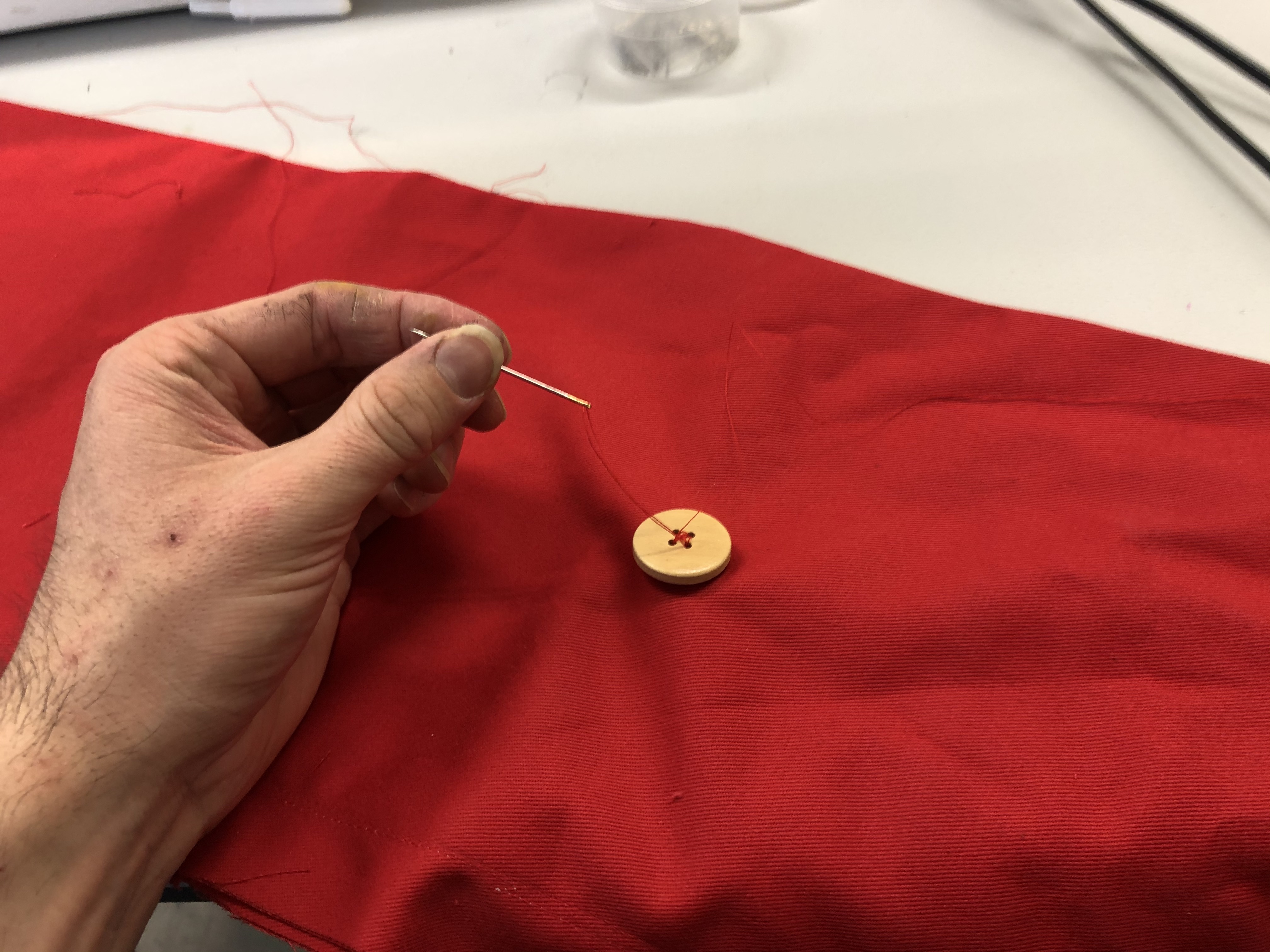
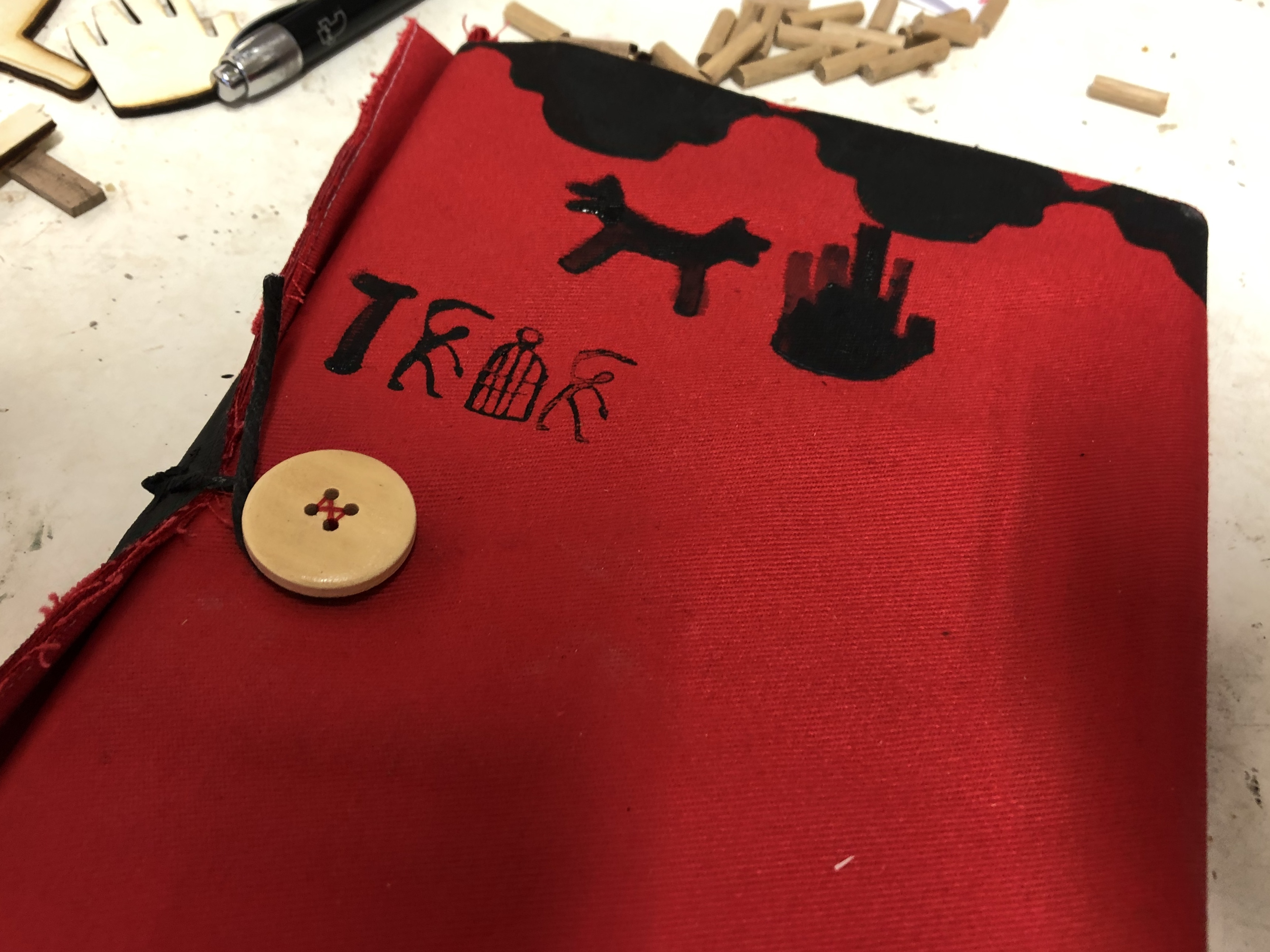
Next when I folded the book closed I marked the position where I wanted the button to go, then I hand stitched the button securely in the right position.

IMG_3222

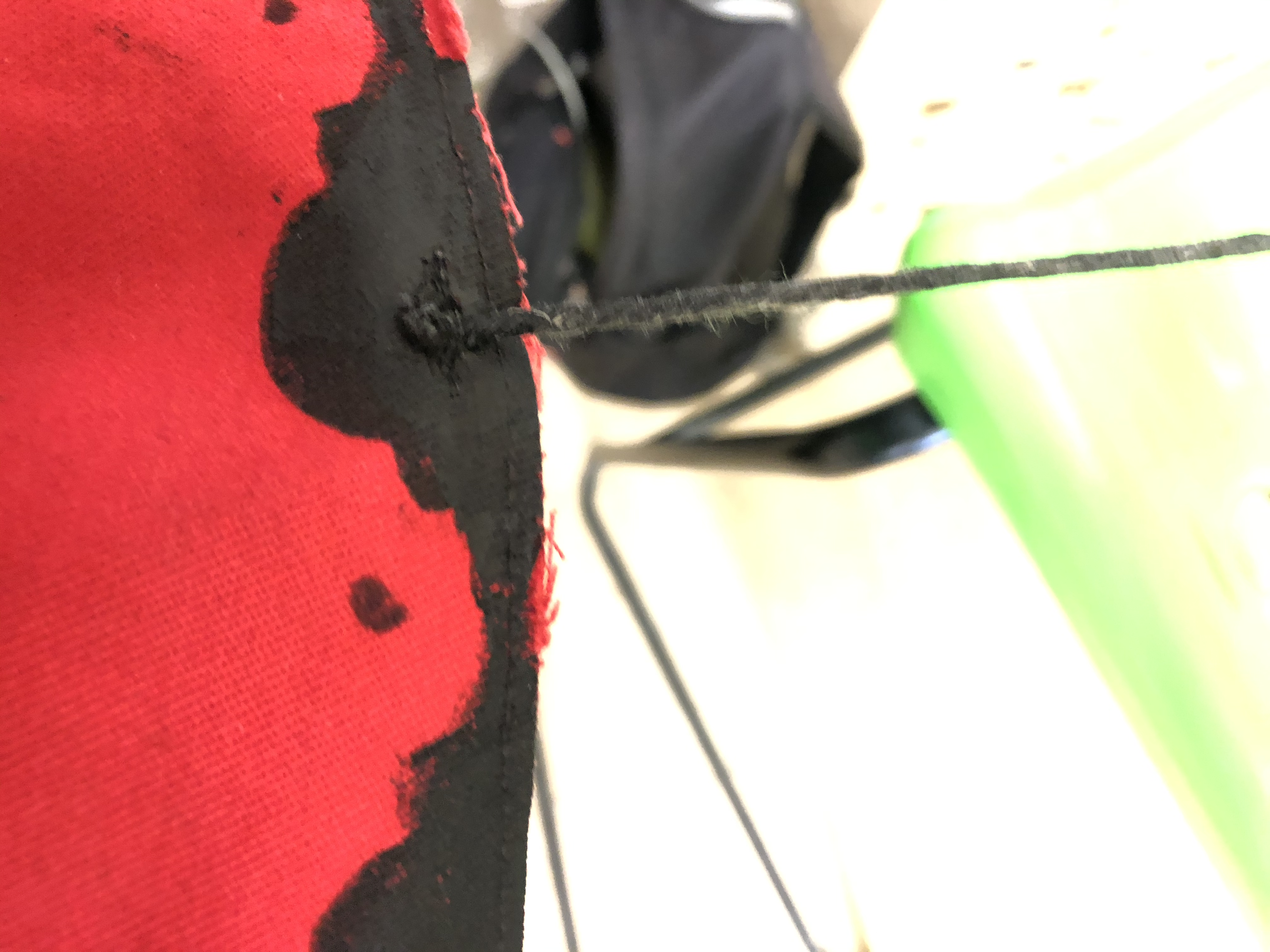
Next, I took some string, painted it black and sewed it onto the edge of the book, this string would then wrap around the button keeping the book in place.

IMG_3261IMG_3233

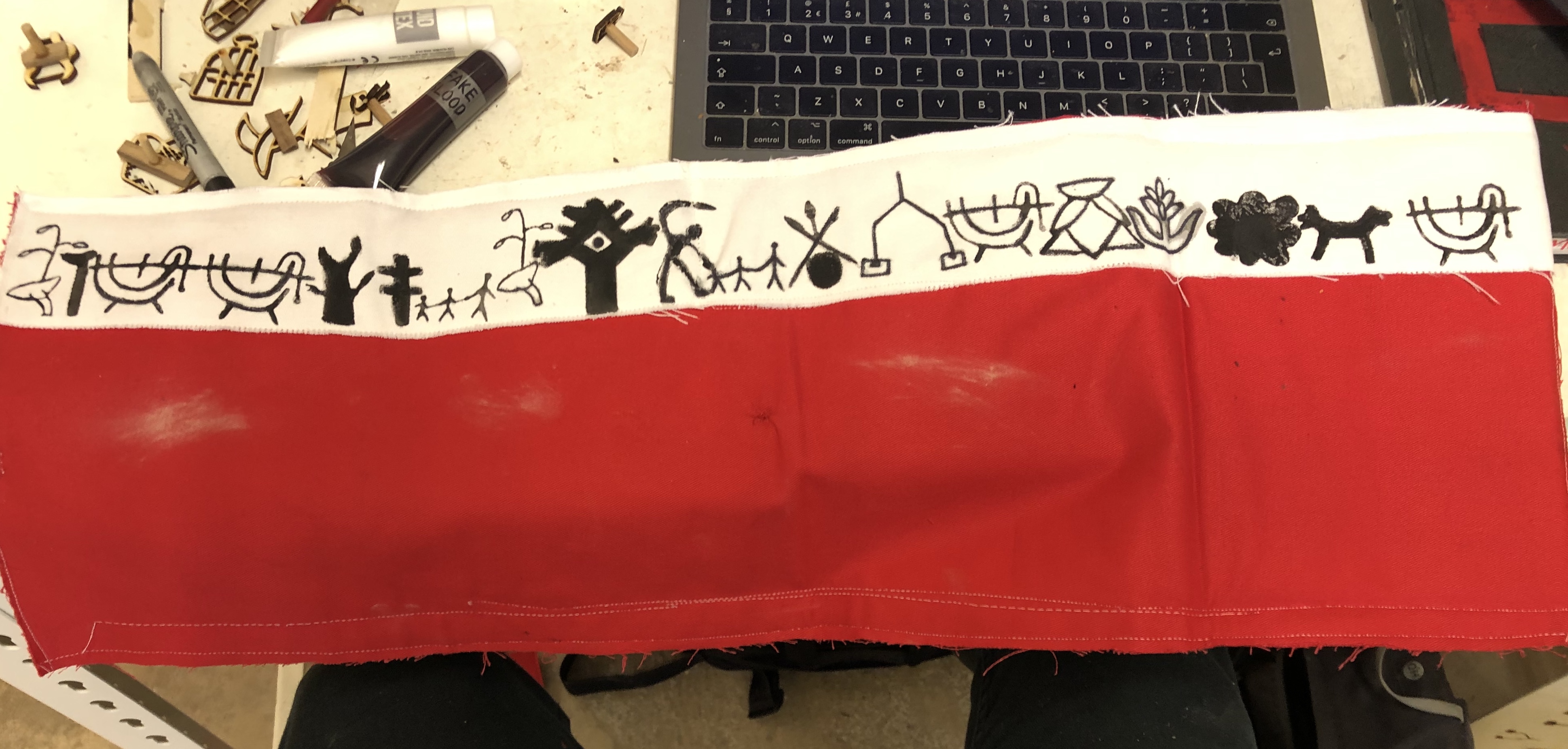
Next, I took some white fabric, measured the right length, cut it out and sewed it on the top of the inside of the book, this acted as a banner, displaying a friendly welcome to the reader (written in my own hieroglyphics)

IMG_3262

Next, I took my scanned hieroglyphics onto my computer and created digital sentences, these were meant to act as fun facts about Rajasthan and its culture, once I printed and cut them out I then glued them onto the white fabric, cut them out and sewed them into my book.

IMG_3260 3

My finished book.

Rajasthan Part X

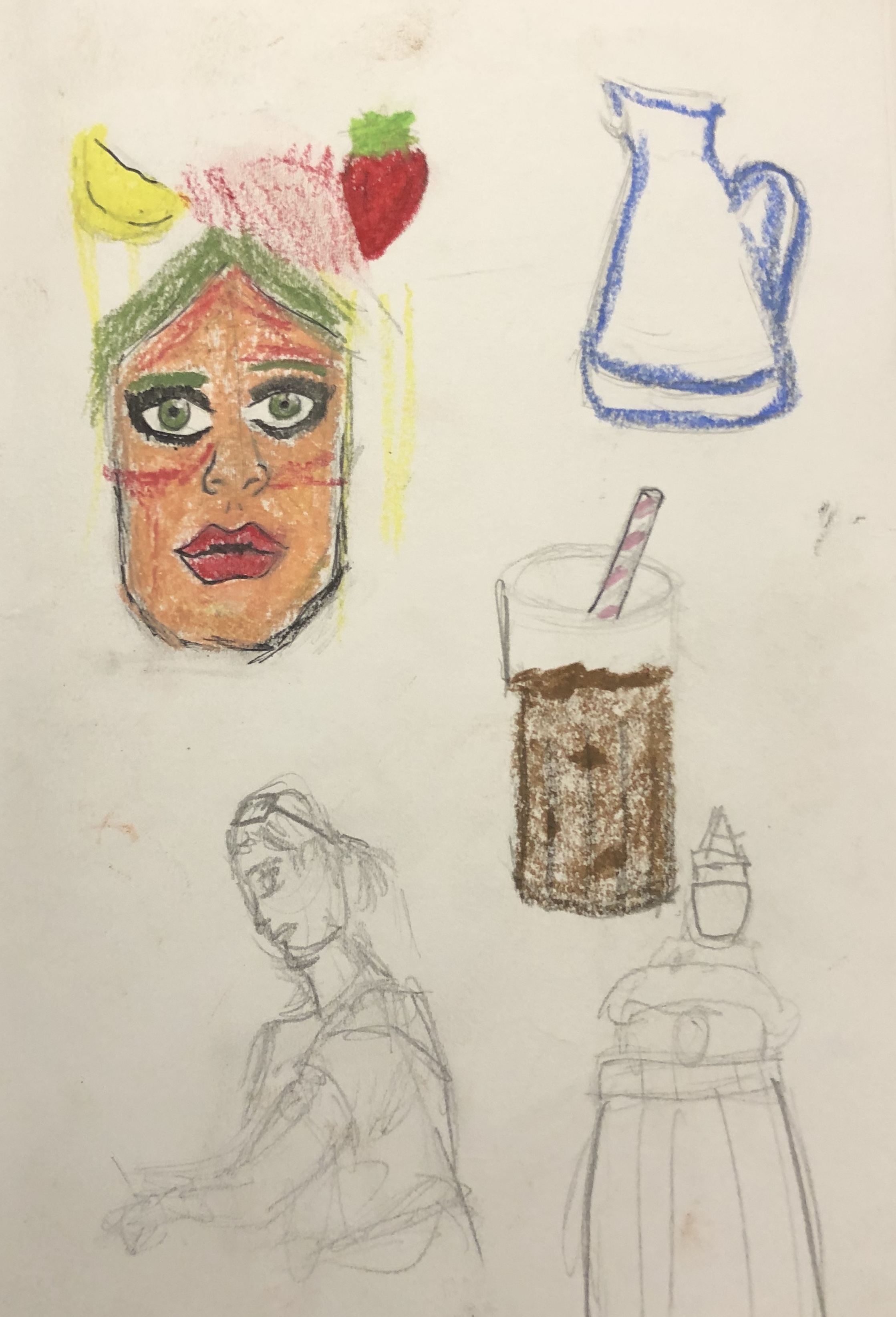
On the 3rd of February, we had our final full day in Rajasthan, we started off today by walking through the village and the shops, eventually, we made our way to the grass wood cafe for lunch, after that most went outside and did artwork to contribute to the cafe (since the people who owned it were a part of the family who were working on the hostel)

Today’s sketches:

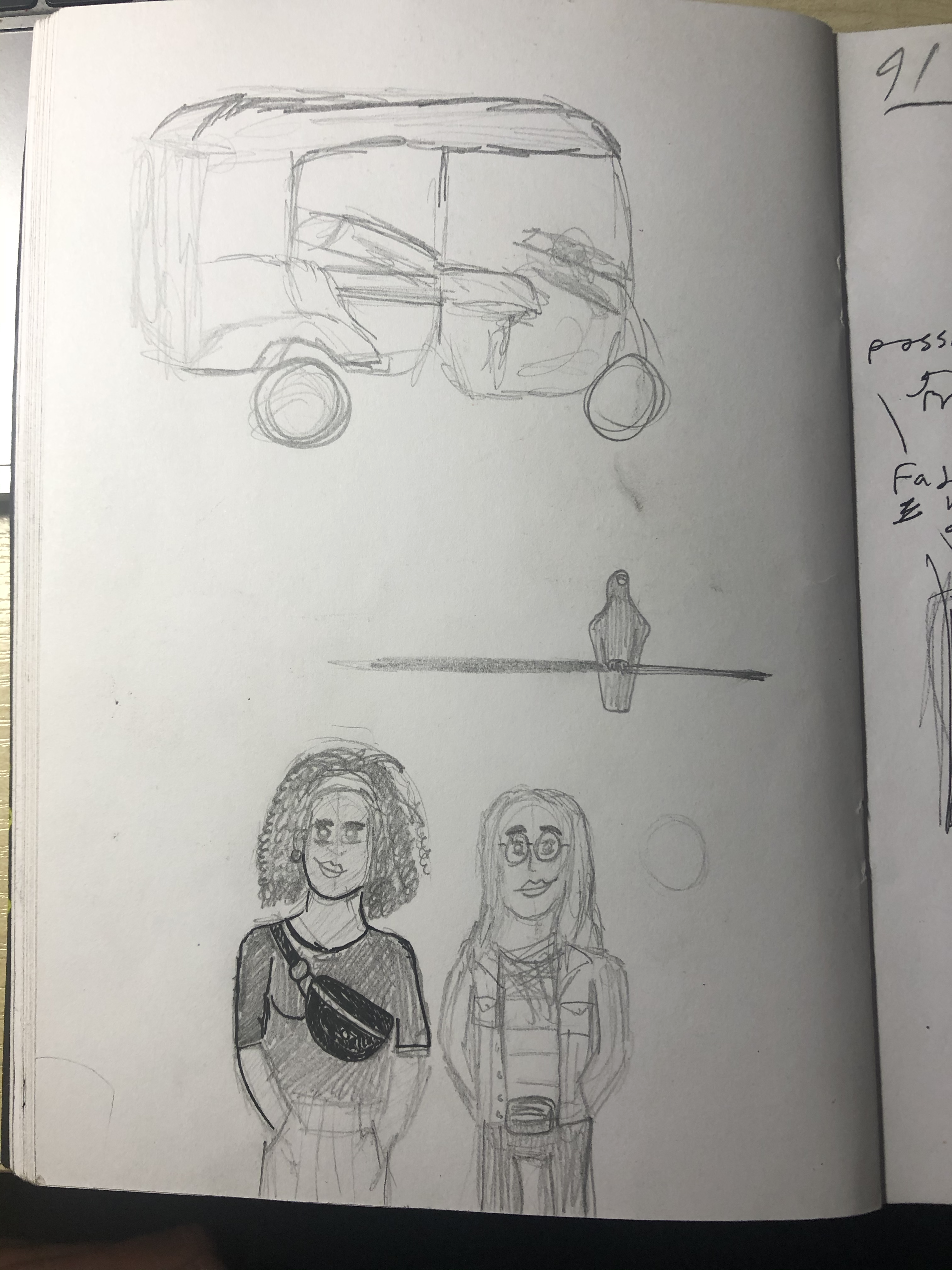
IMG_3255IMG_3276

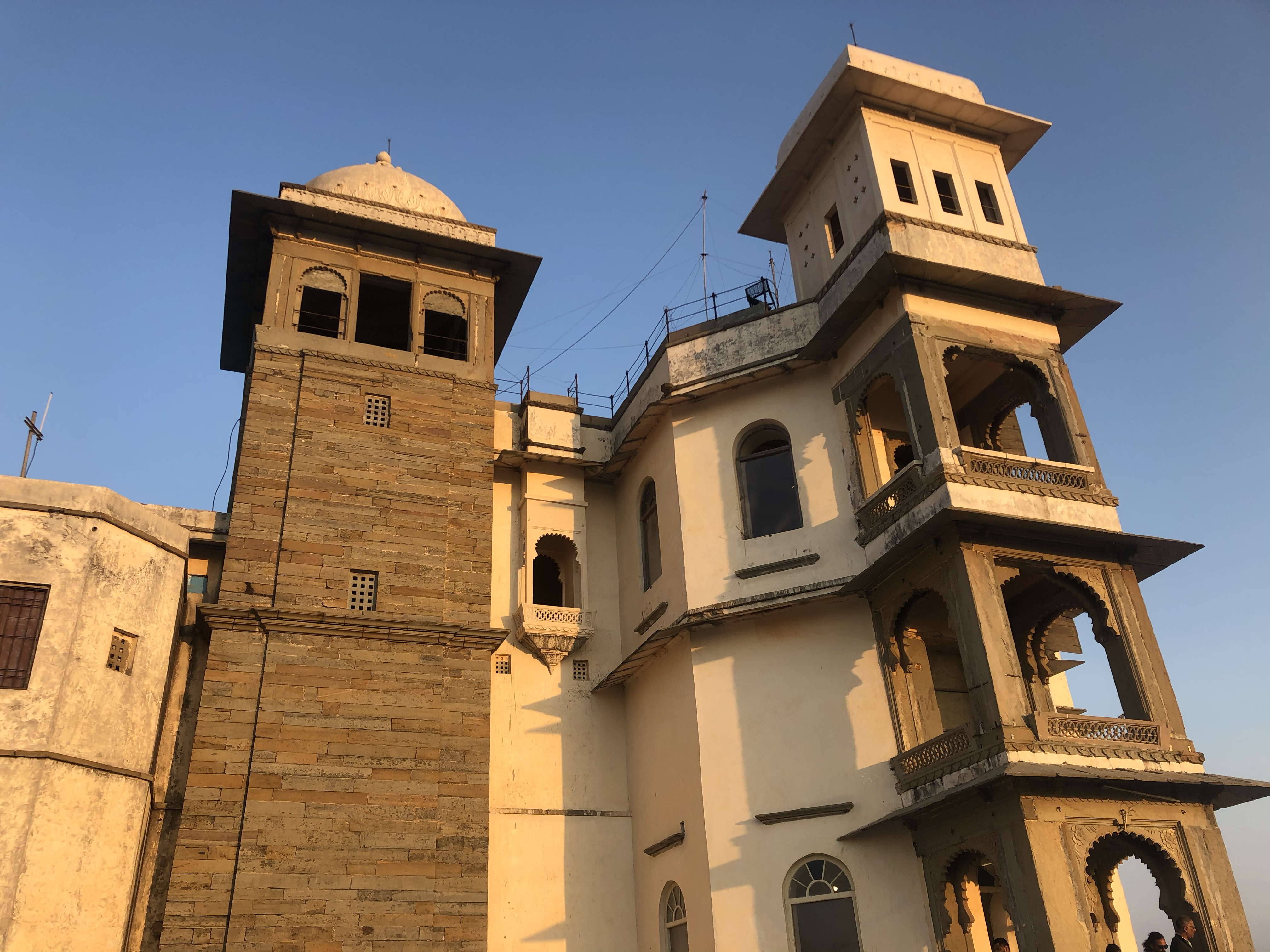
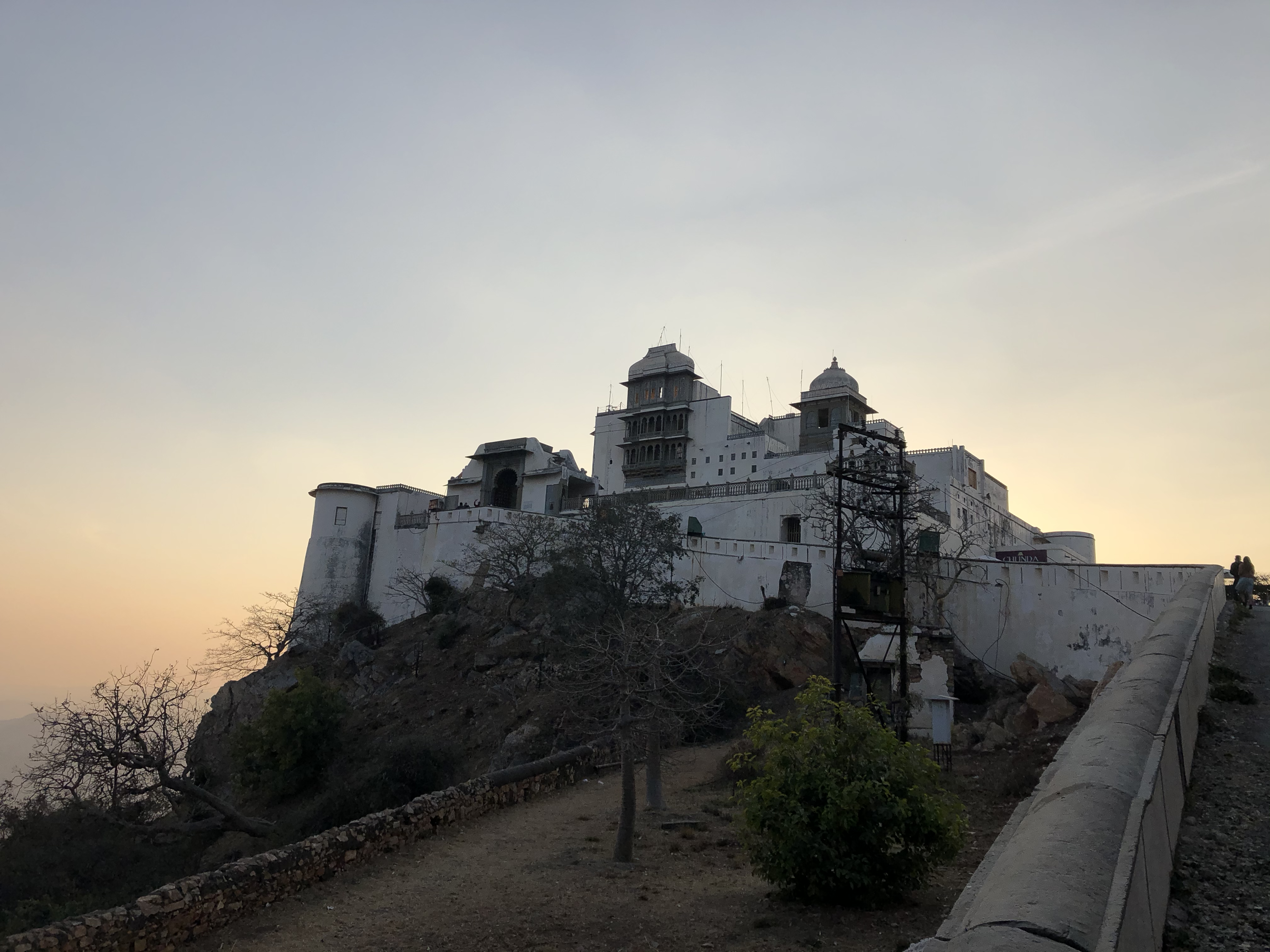
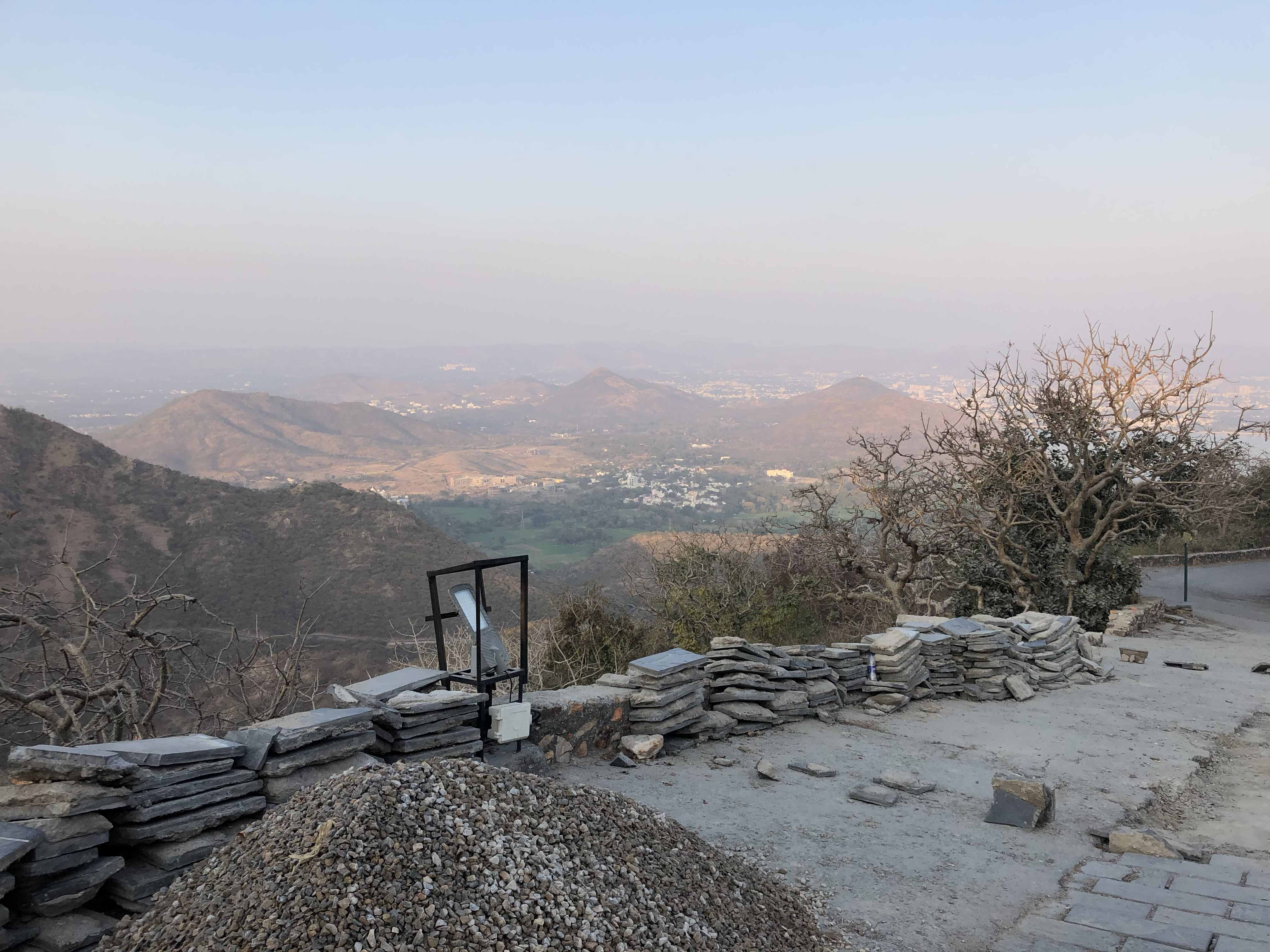
Later in the afternoon, we all took tuk-tuks to go see the Sajjangarh Monsoon Palace, to get up there we had to pay for cars to drive us up there, our visit was short but the views were excellent.

IMG_3044 IMG_3066IMG_3072

Rajasthan Part IX

On the 2nd of February, we all made our way to a family home, while we were there we were tasked in drawing/painting our own artwork to contribute to the art collage for their upcoming hostel (Hello!Boho) I decided to do something with my own hieroglyphics, so I wrote the name of the hostel in my hieroglyphics as well as my own alphabet, as a way of people translating my message and to inspire them to write their own message in my hieroglyphics.

IMG_3252IMG_3254

(try out HP reveal to decipher the hieroglyphics)

In the late afternoon as I made my way back to the hotel, I stopped to look at the temple.

IMG_2962 2 IMG_2976


Rajasthan Part VIII

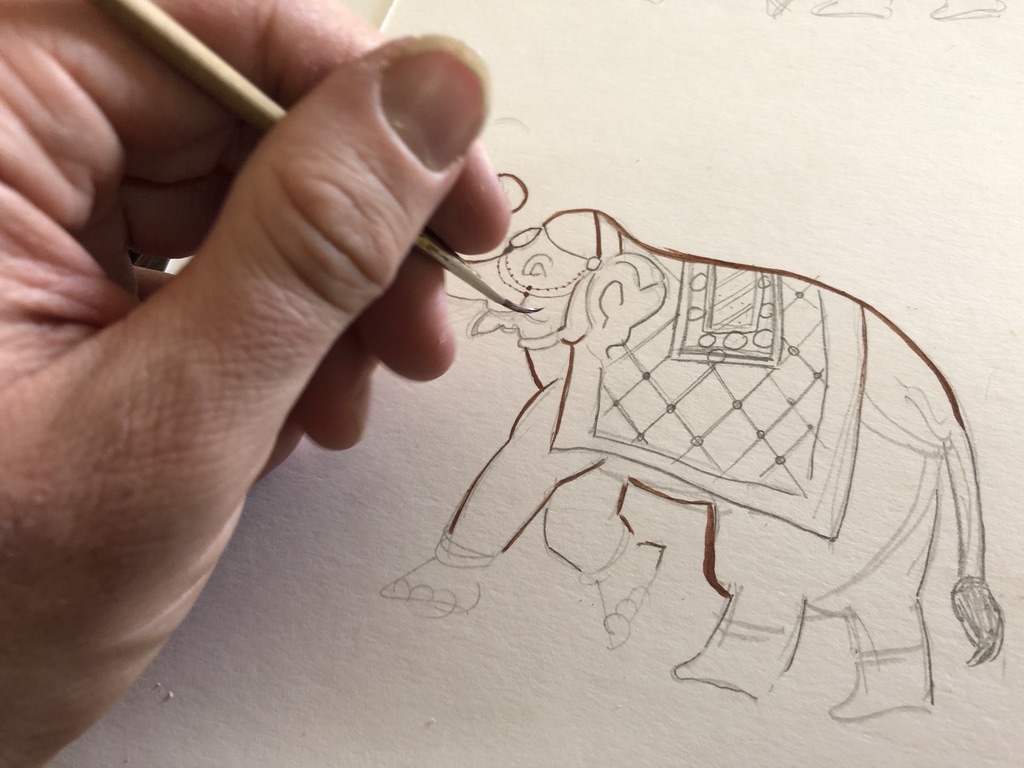
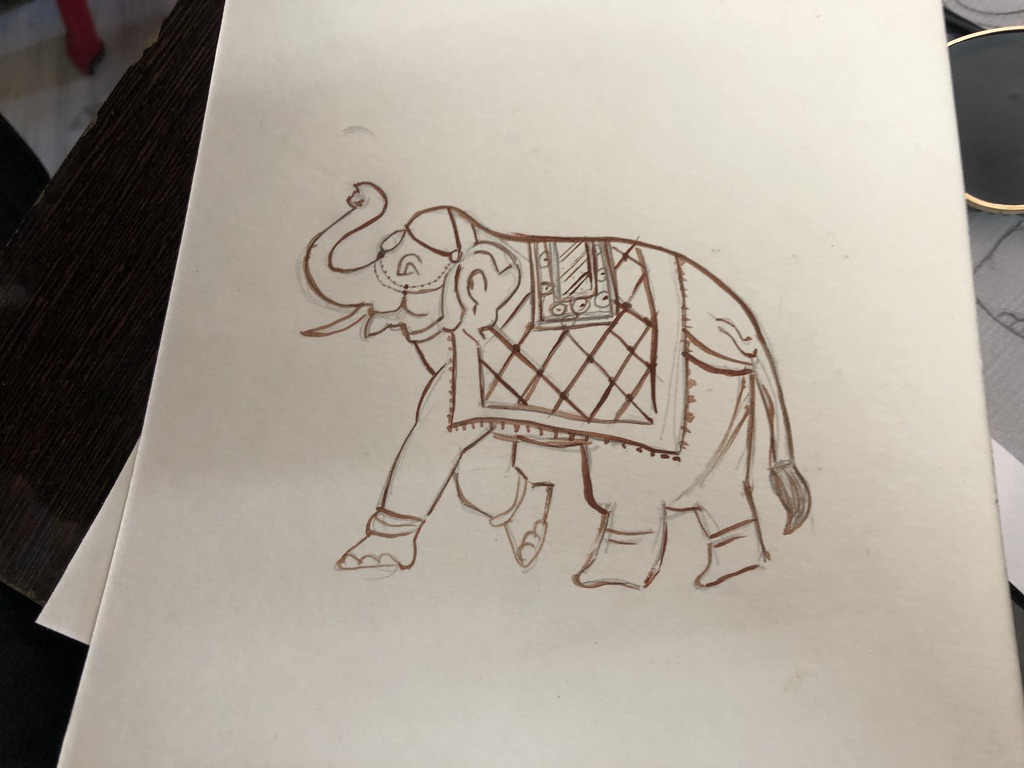
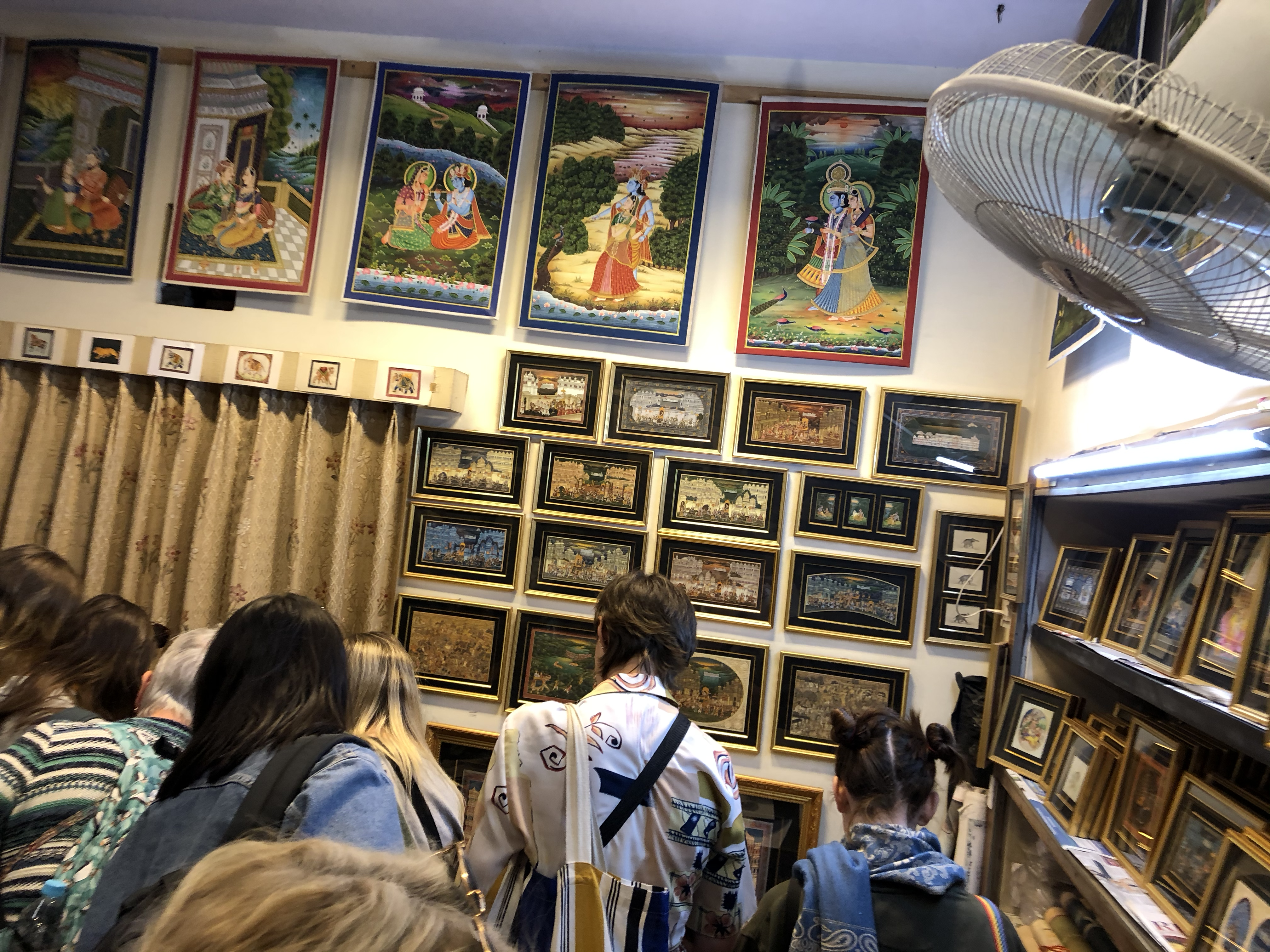
On the 1st of February, the first thing we did was go to an artist studio to do miniature paintings, during this we were being taught step by step on the drawing and painting process, while everyone gave there paintings color, I made mine in sepia.

HTDgRmfuQtSFnl0eVdjMKw_thumb_236fUNADJUSTEDNONRAW_thumb_2372

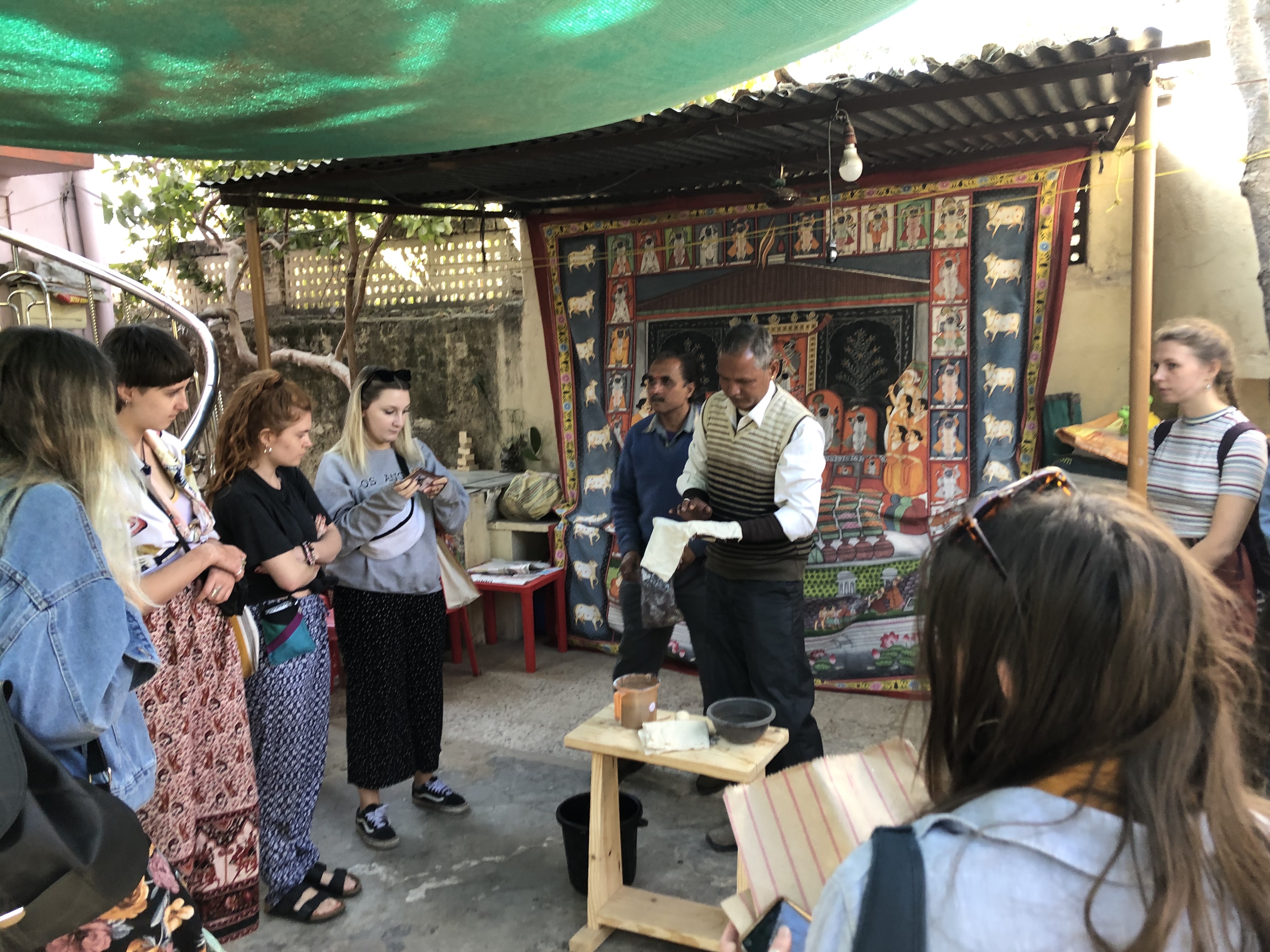
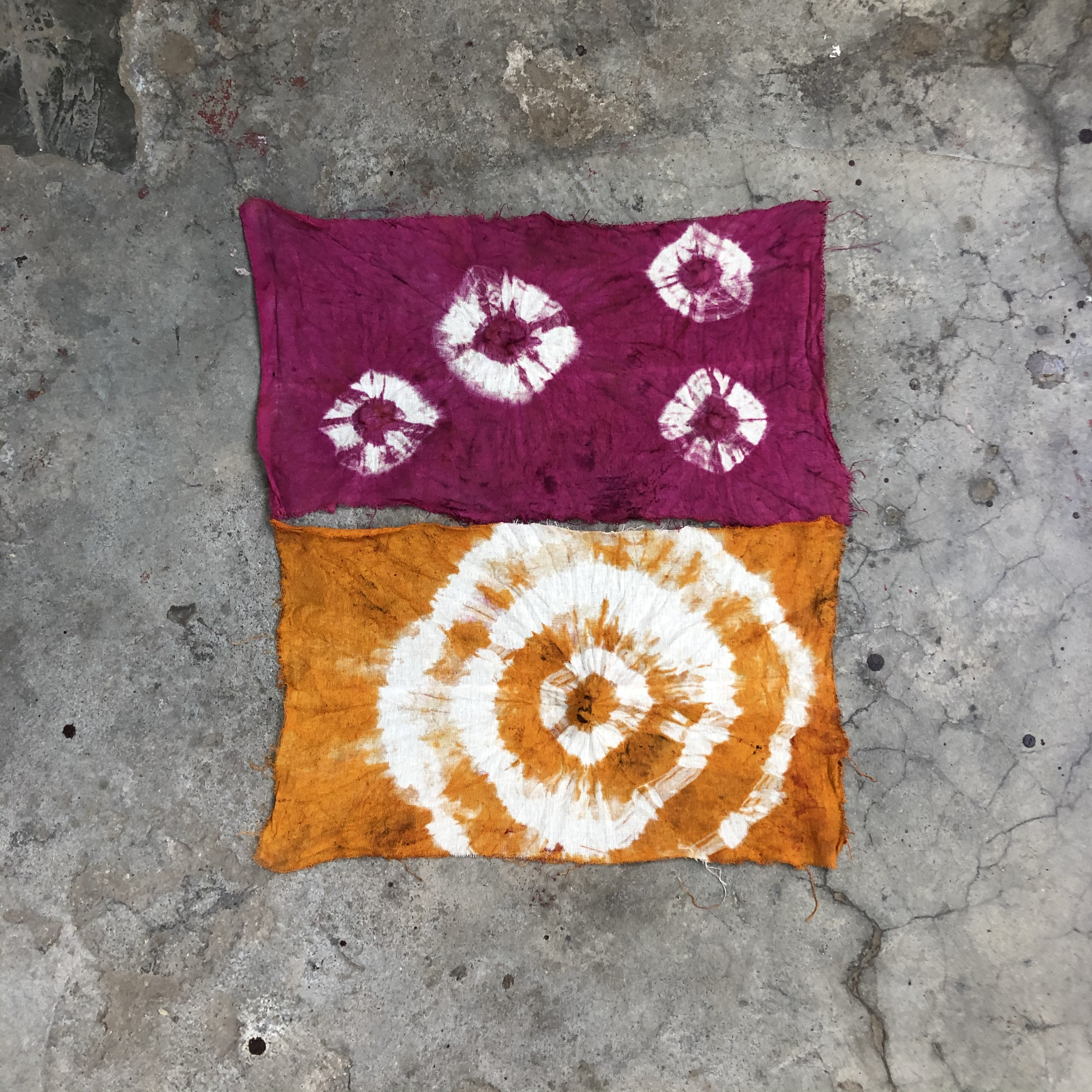
After we did our paintings we were shown around a local’s home where he demonstrated natural dyeing.

IMG_2887IMG_2894

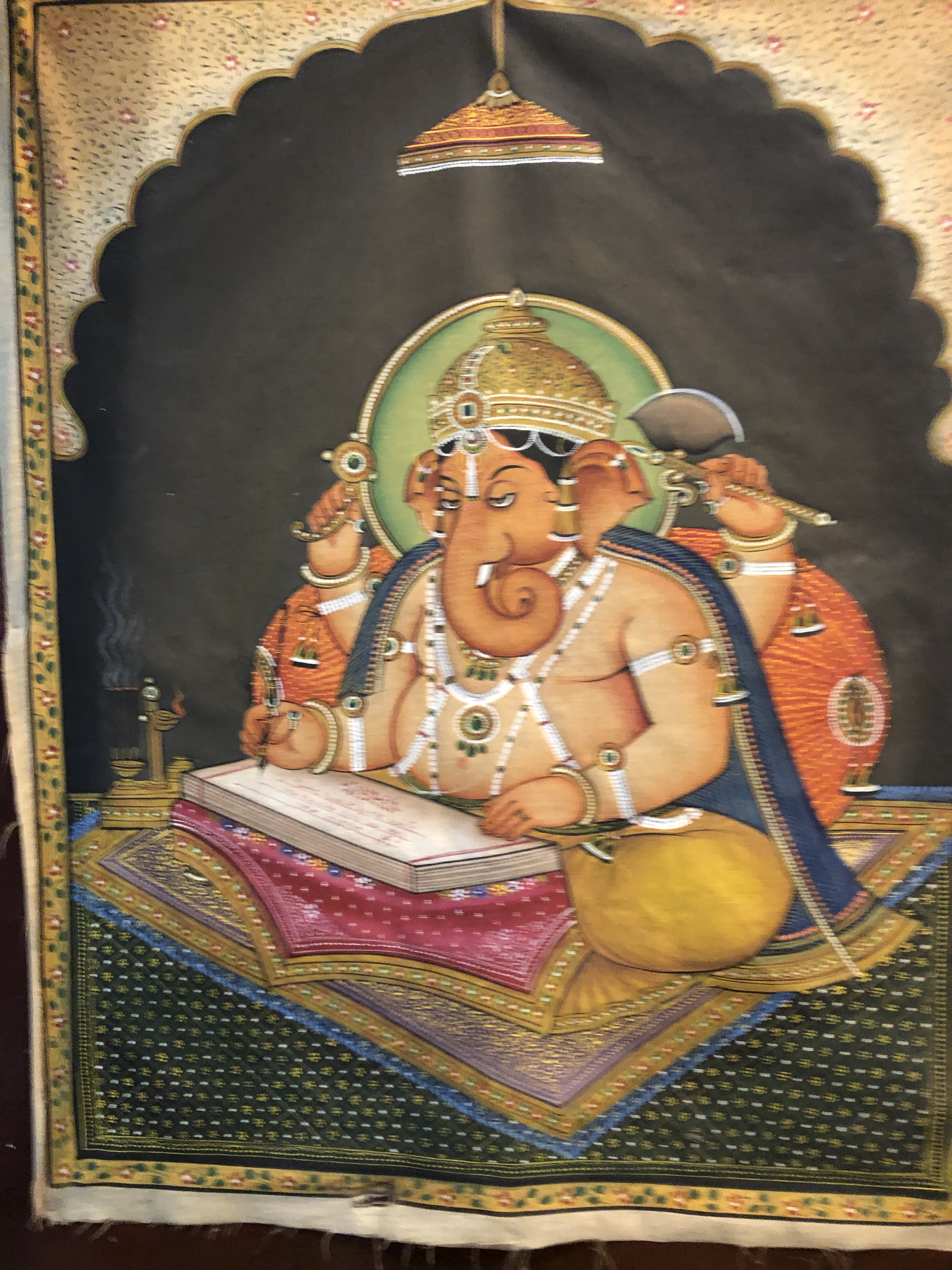
After that, he showed us into his house so he could show and even sell some of his miniature paintings.

IMG_2907 IMG_2904

Rajasthan Part VII

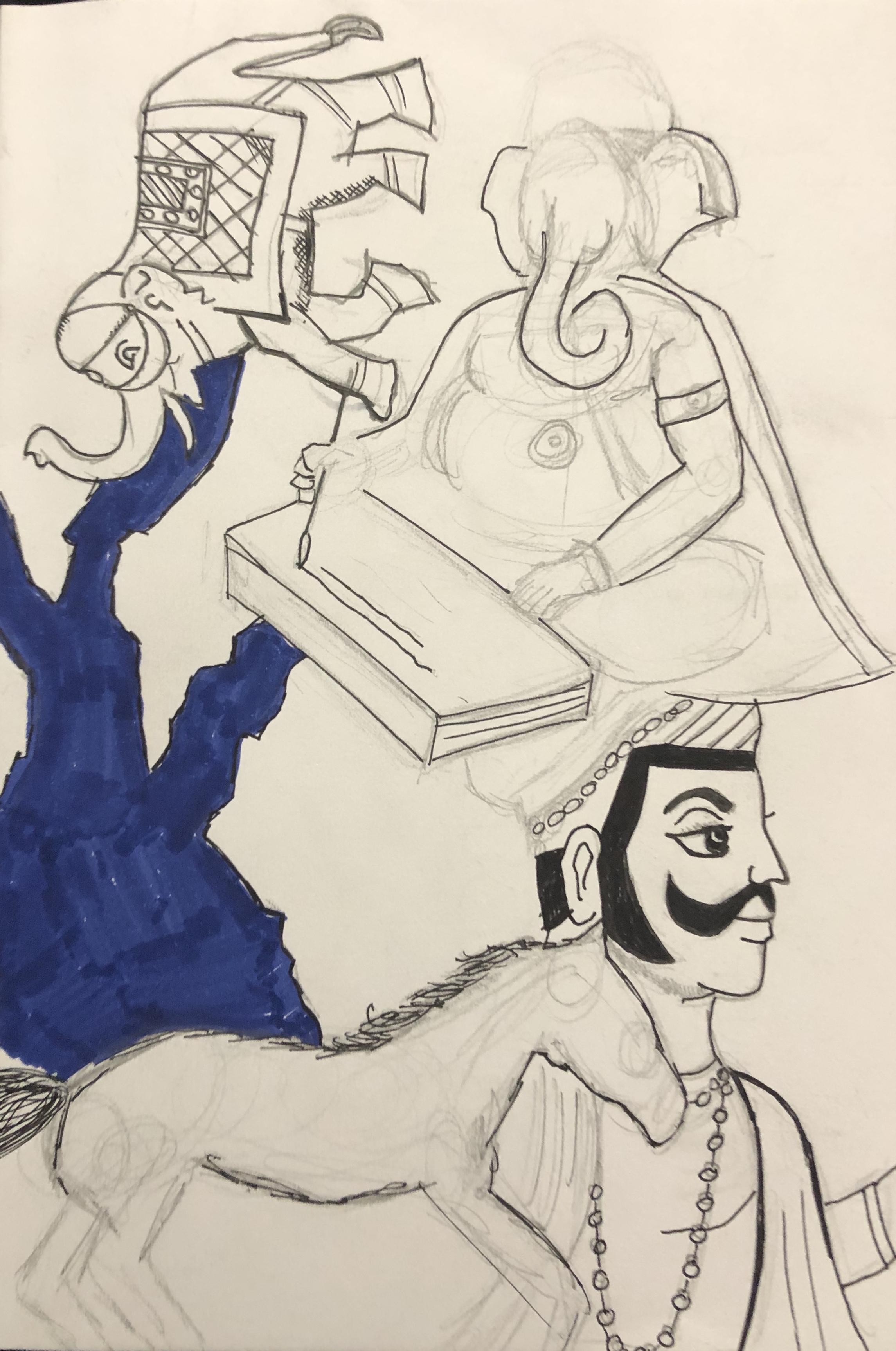
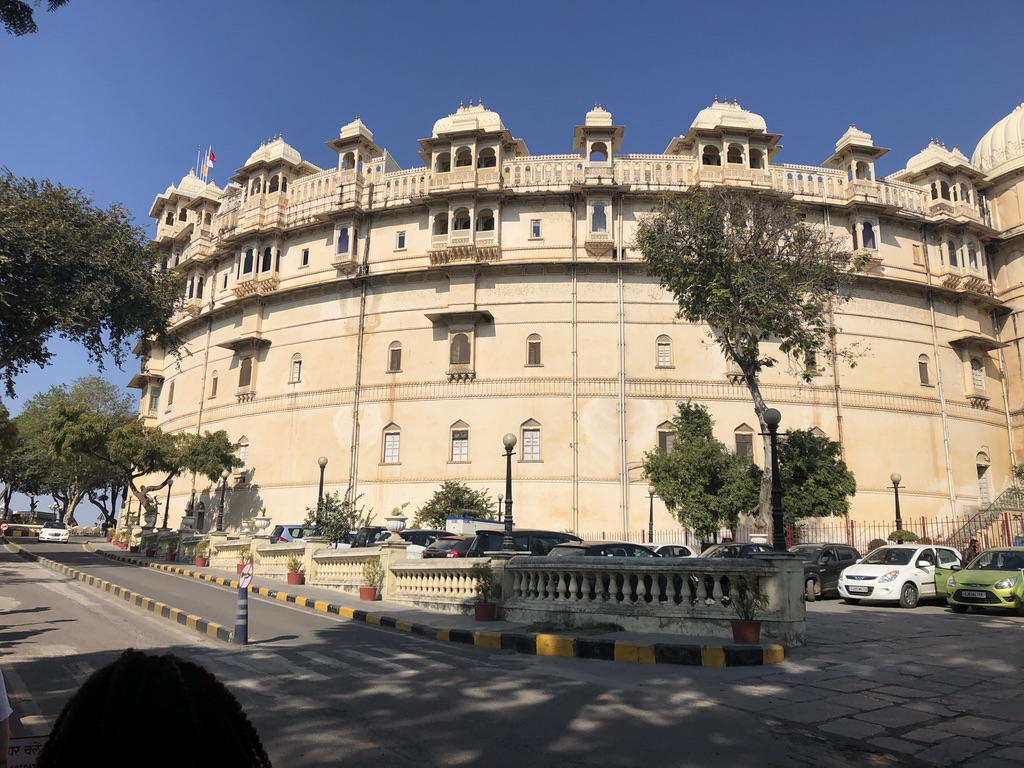
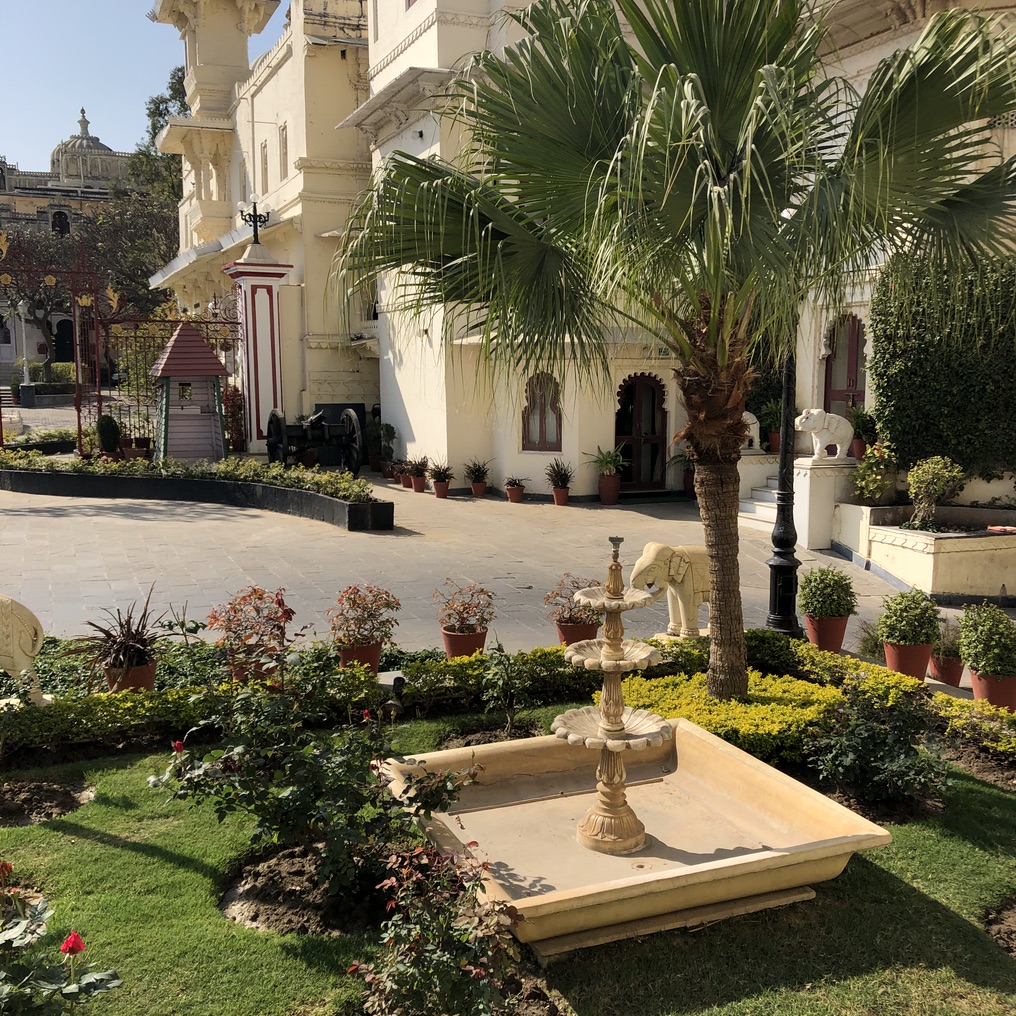
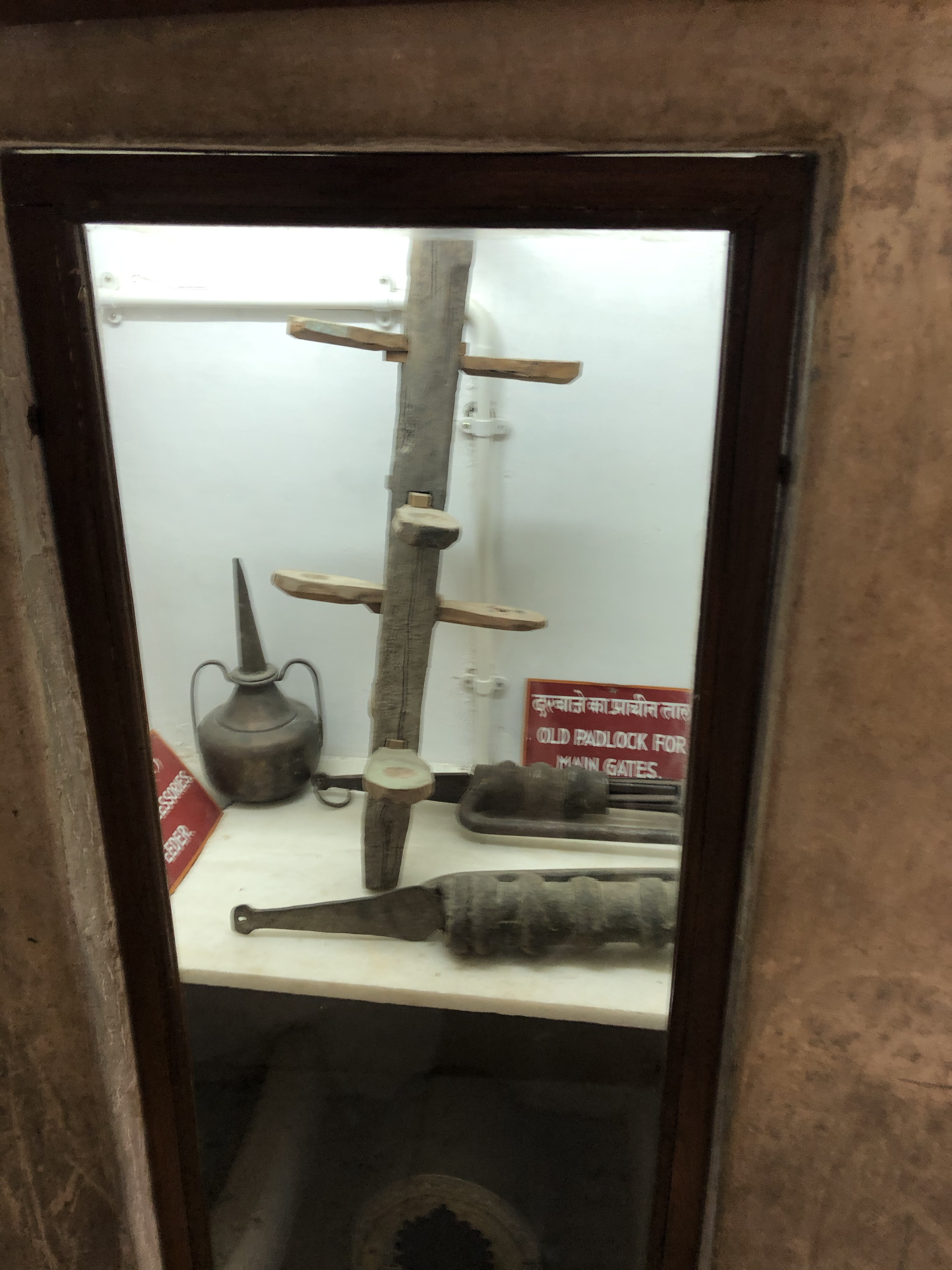
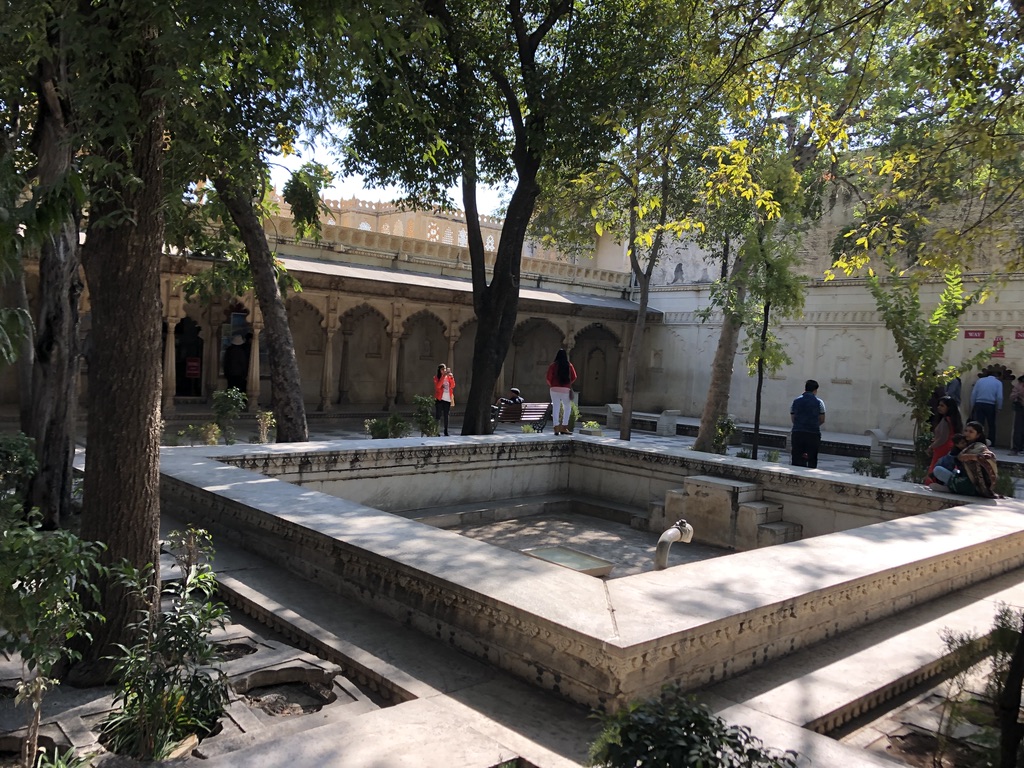
On the 31st of January, we had our first full day in Udaipur, our first stop was the city palace, while we were there we looked around the place, learned about the royal family and did some sketching.

UNADJUSTEDNONRAW_thumb_21ab UNADJUSTEDNONRAW_thumb_21c8 IMG_2473IMG_2525UNADJUSTEDNONRAW_thumb_222c

Today’s sketches:

IMG_3268

(My book idea, my own hieroglyphic alphabet)

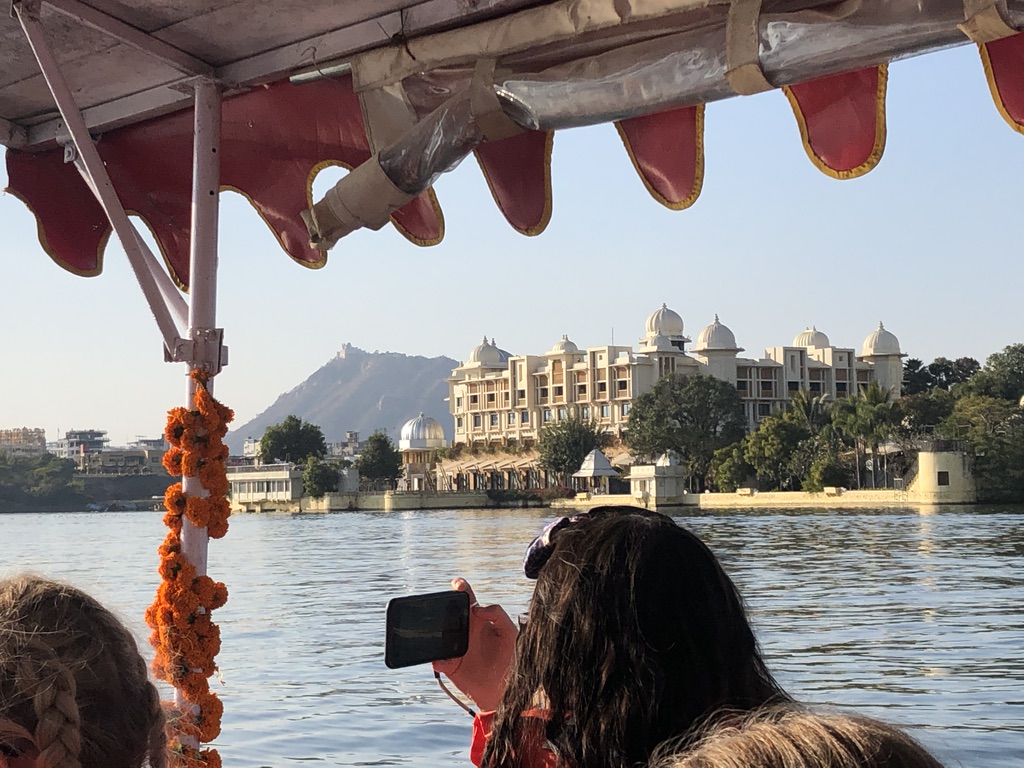
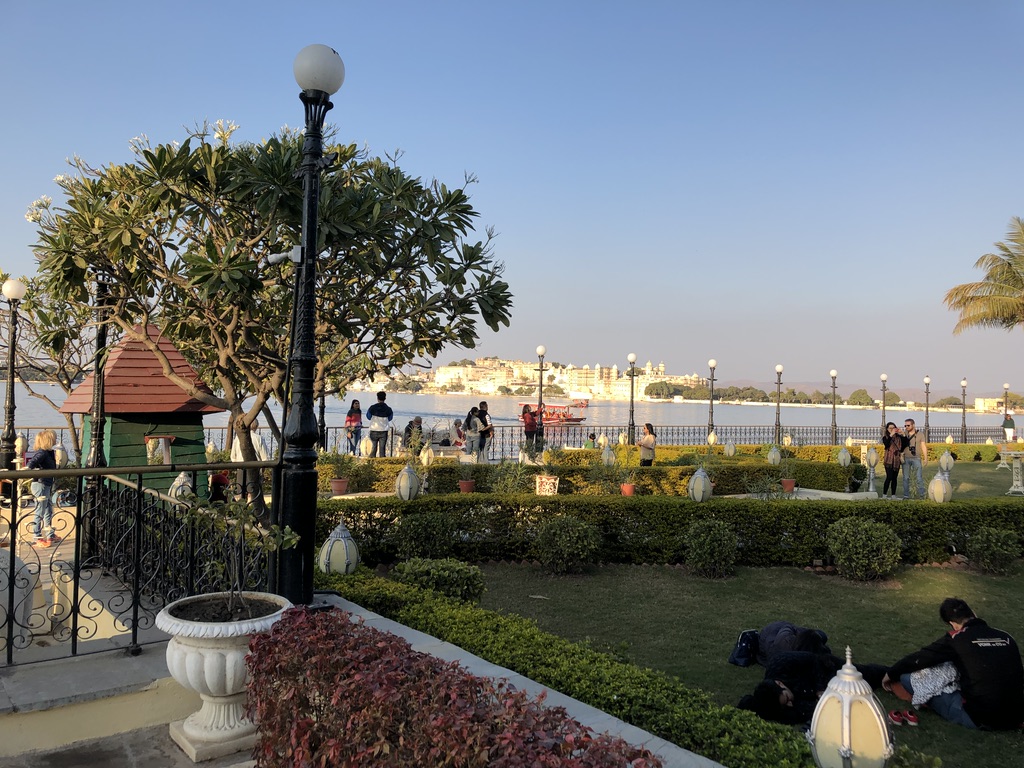
In the afternoon we took a water taxi to an island hotel named Lake Pichola, while we were there we had a look around and did some sketches until we made our way back.

UNADJUSTEDNONRAW_thumb_233eUNADJUSTEDNONRAW_thumb_2351UNADJUSTEDNONRAW_thumb_2355

Rajasthan Part VI

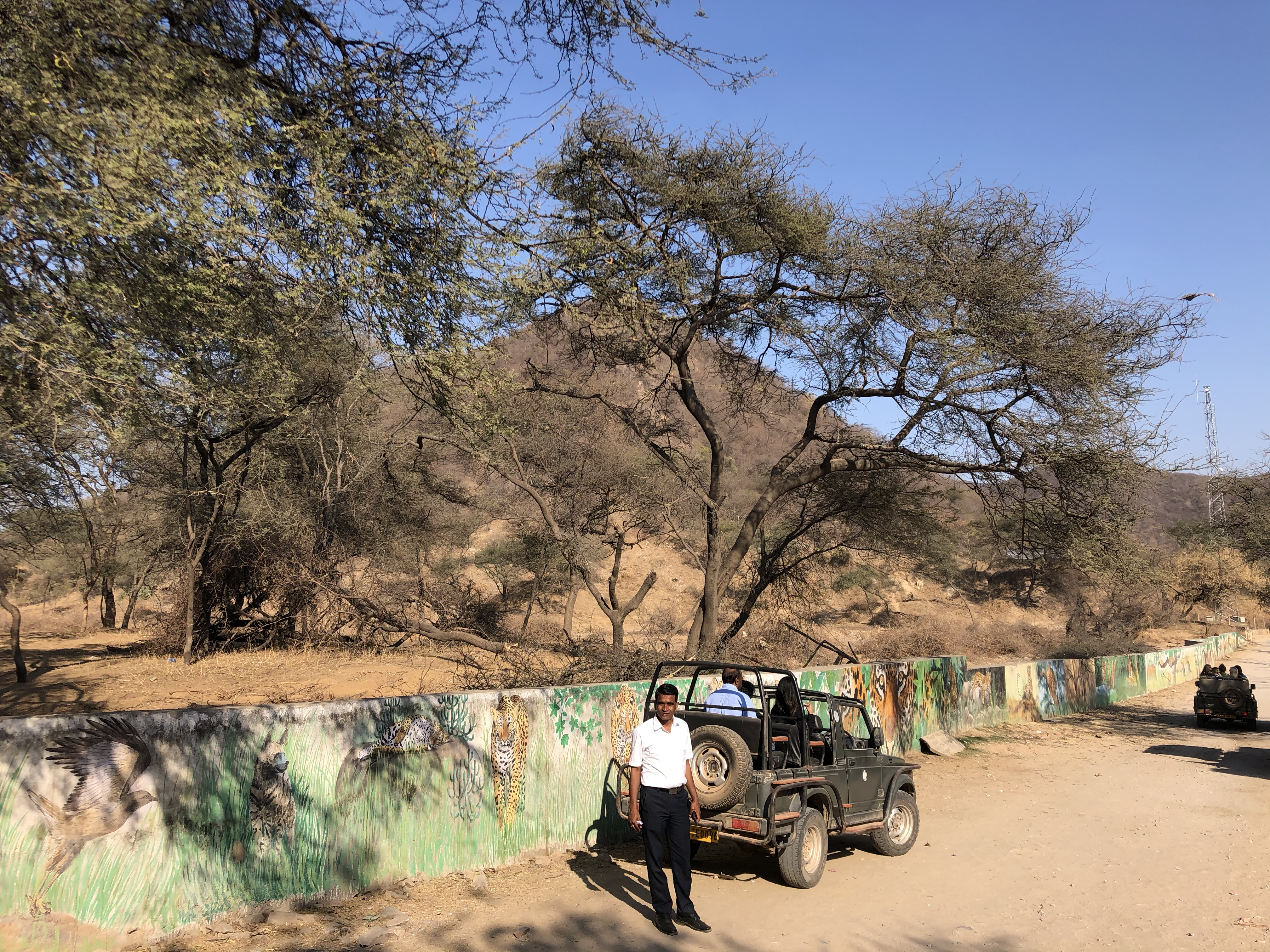
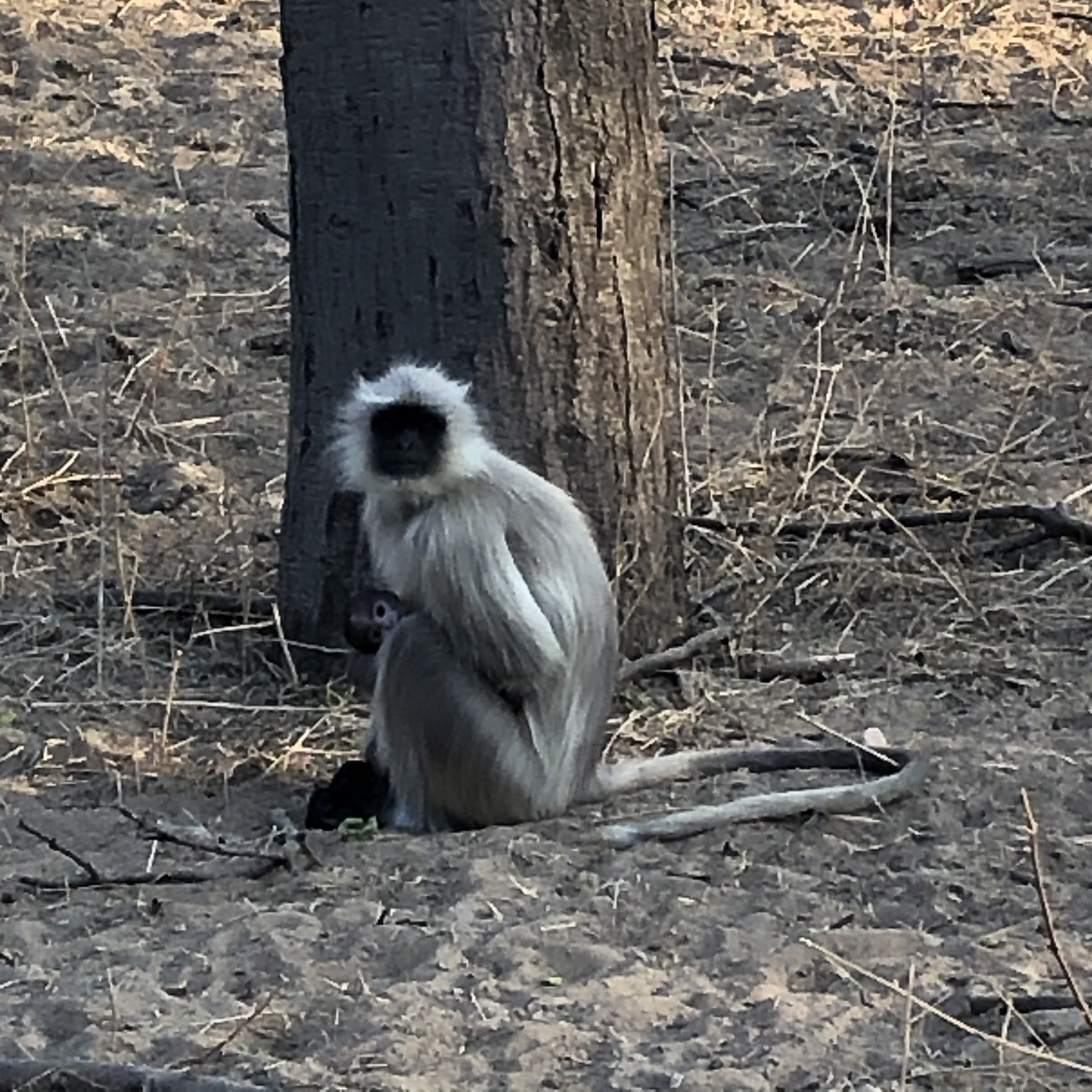
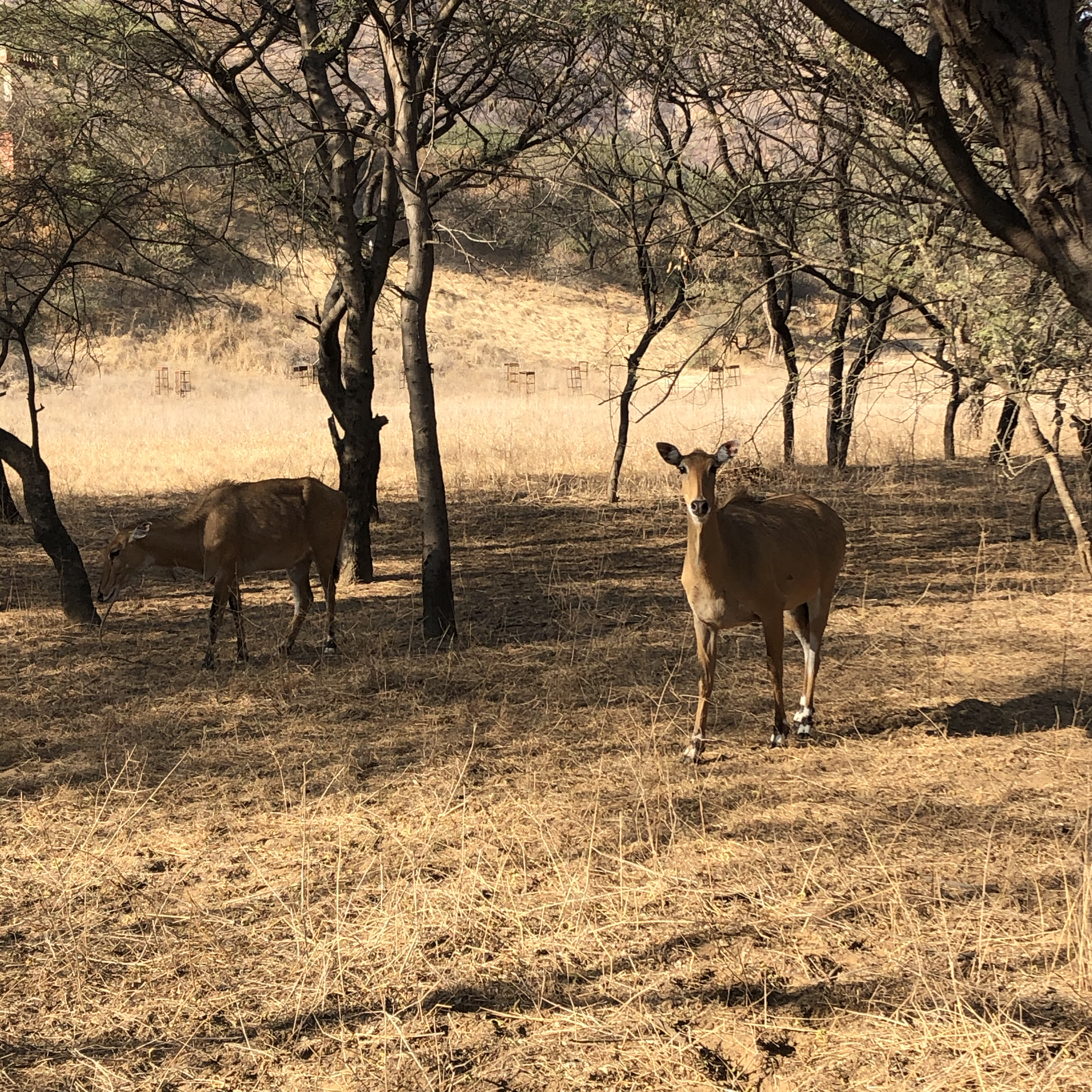
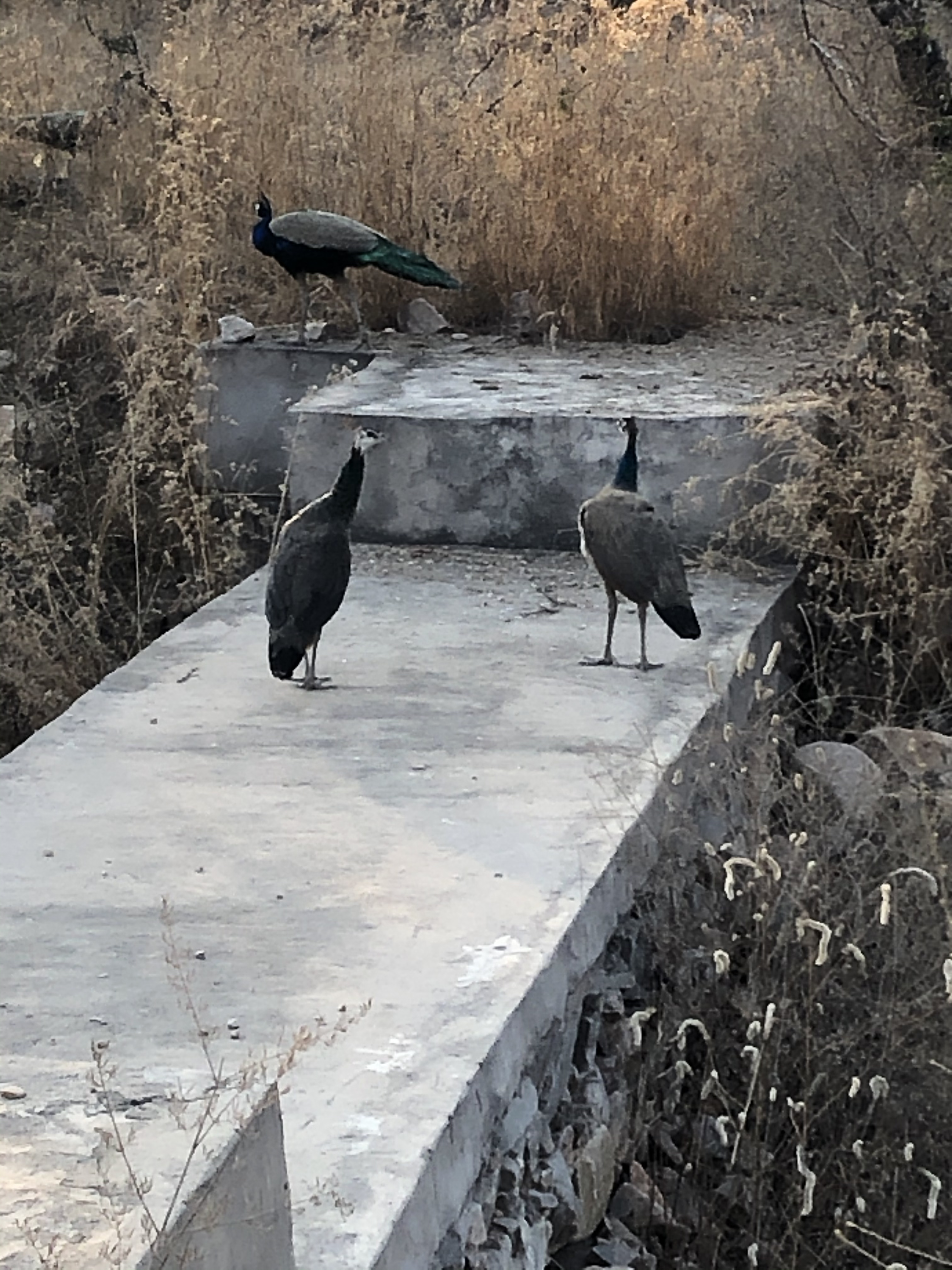
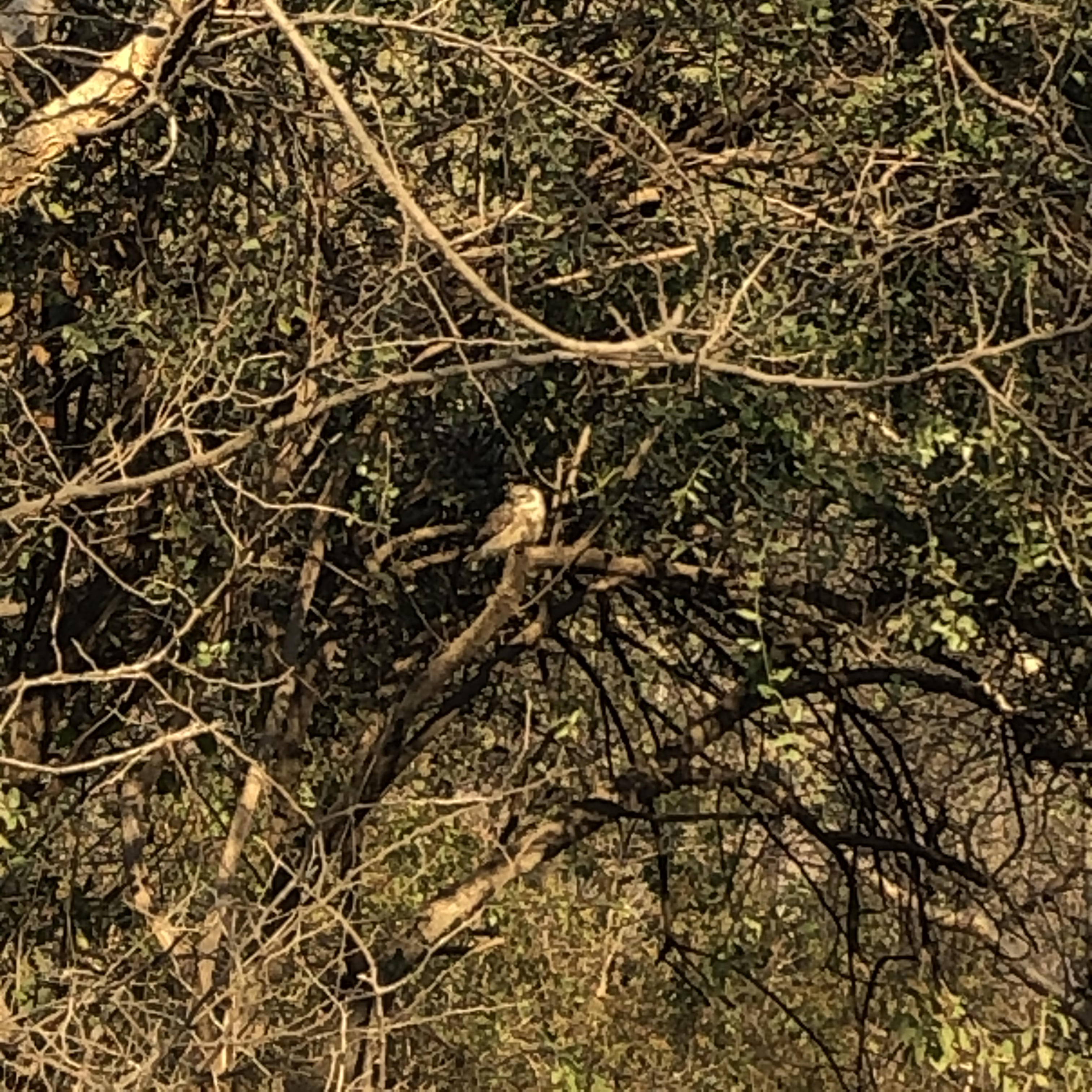
On the 29th of January, we all went to Jaipur safari, the day started off when as a couple of jeeps arrived at our hotel and took us to the safari, the jeeps then took us around, I only saw a few animals including Monkeys, peacocks, deers, baby owls and (?), there were however leopards, but I didn’t see one 😦

IMG_2177 IMG_2298IMG_2195IMG_2319  IMG_2269 2