My Top Choices for my Da Vinci Project

When it came to creating designs for my Da Vinci Project and creating more unique iterations of well known technology and reverting it back to Da Vinci’s time, I had to narrow down my ideas and select my ideas based on their design, function and overall interest in design and engineering them.

So through the many ideas and process of elimination, I managed to put together my own choices for my personal collection, starting with…….

The Prosthetic hand

This design and model is by far my favourite and most ambitious idea, mainly because of all the work and process went into it, as well as its idea of functionality.

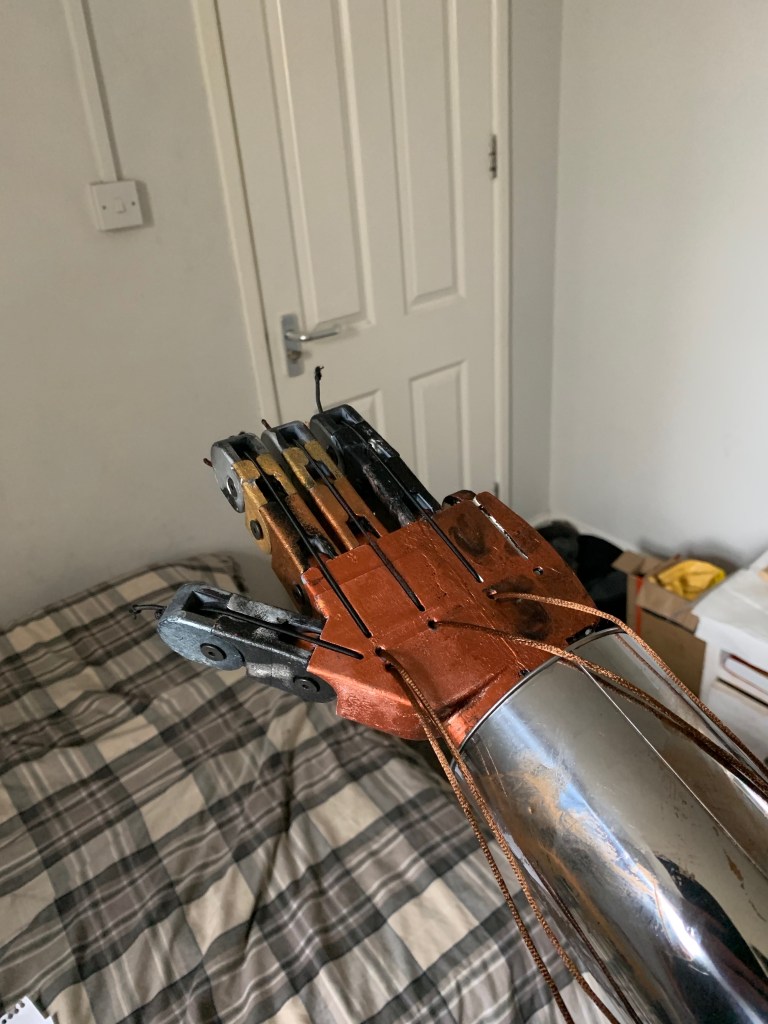
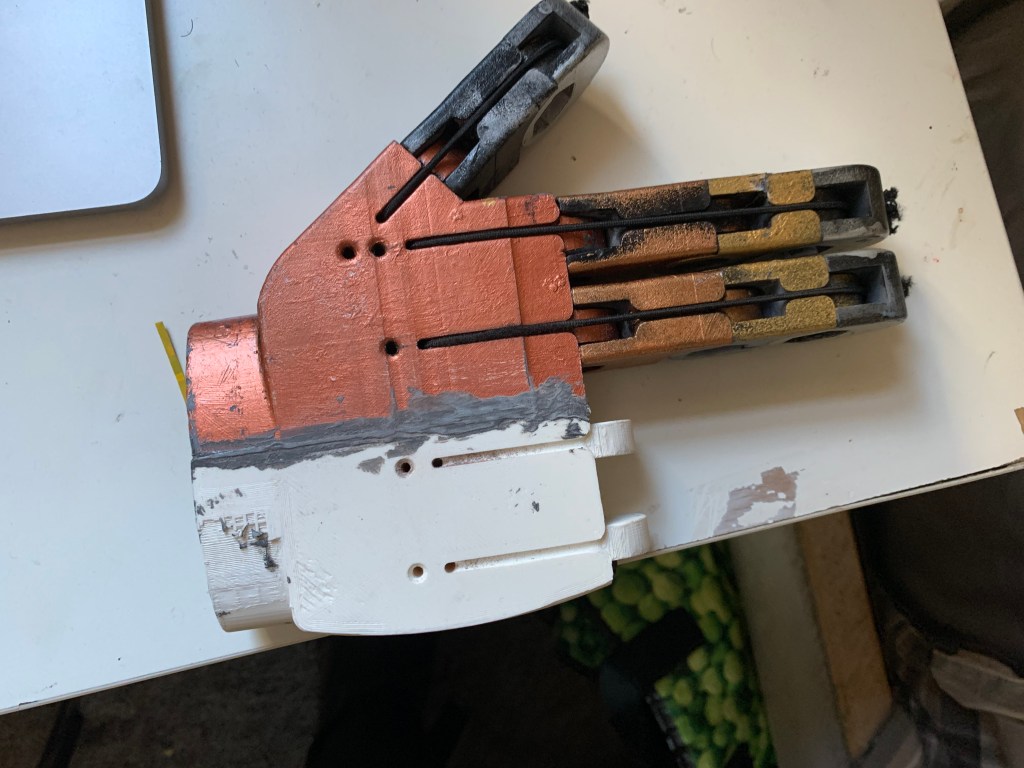
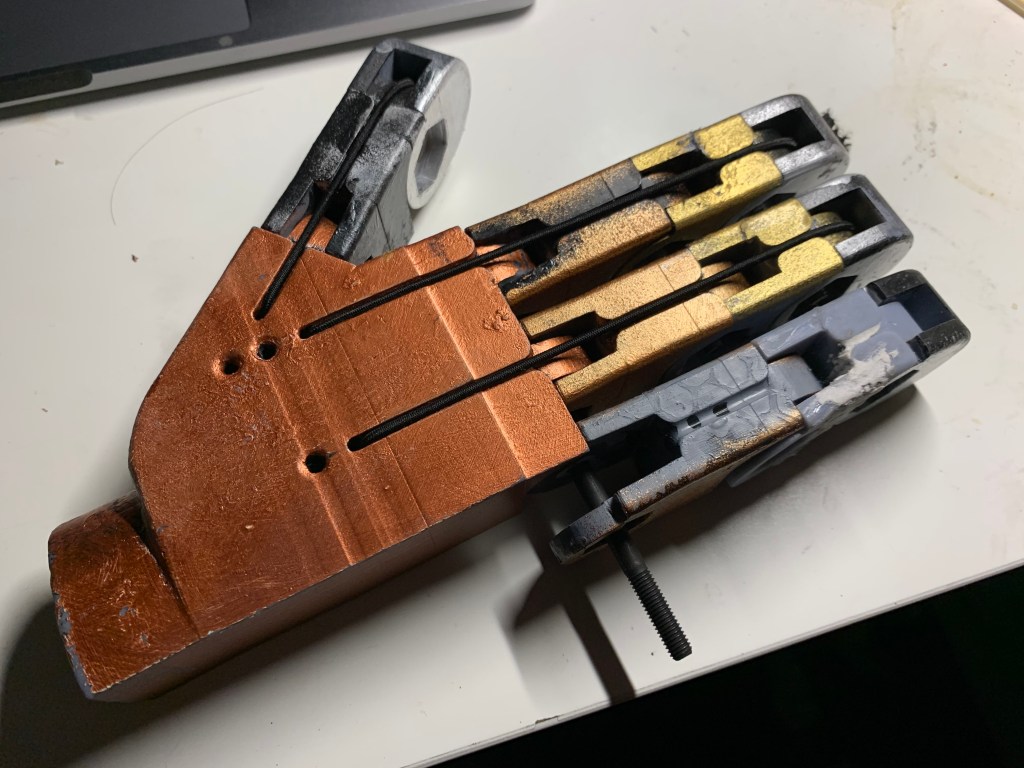
My original idea for the hand was to be operated by a series of strings that were connected to the fingers and to move them in position they would have to be pulled and hooked in place by the amputee, with two sets of five strings on the palm and backhand, it could be used to make a fist, give a thumbs up, point and even give the middle finger.

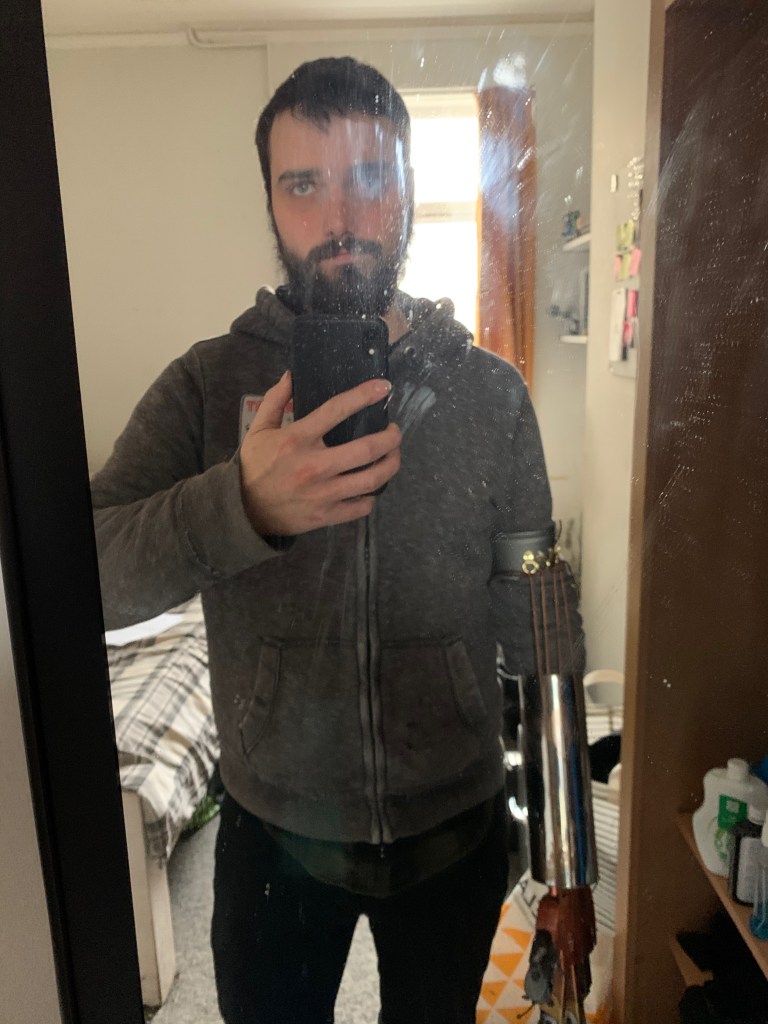
However, I wanted to take this idea further, so I designed and built a new prototype that was able to move on its own via arm movement.

Now the function was different compared to my original, however it still carries the idea and set of its predecessors, more specifically the the two series of strings connecting to the front and back of the hand.

The latest design consisted of elastic cord attached to the back hand and fed over each finger, this was so the fingers would stay up and the strings (attached to the muscle brace) would pull the fingers to form a fist.
The Type Writer

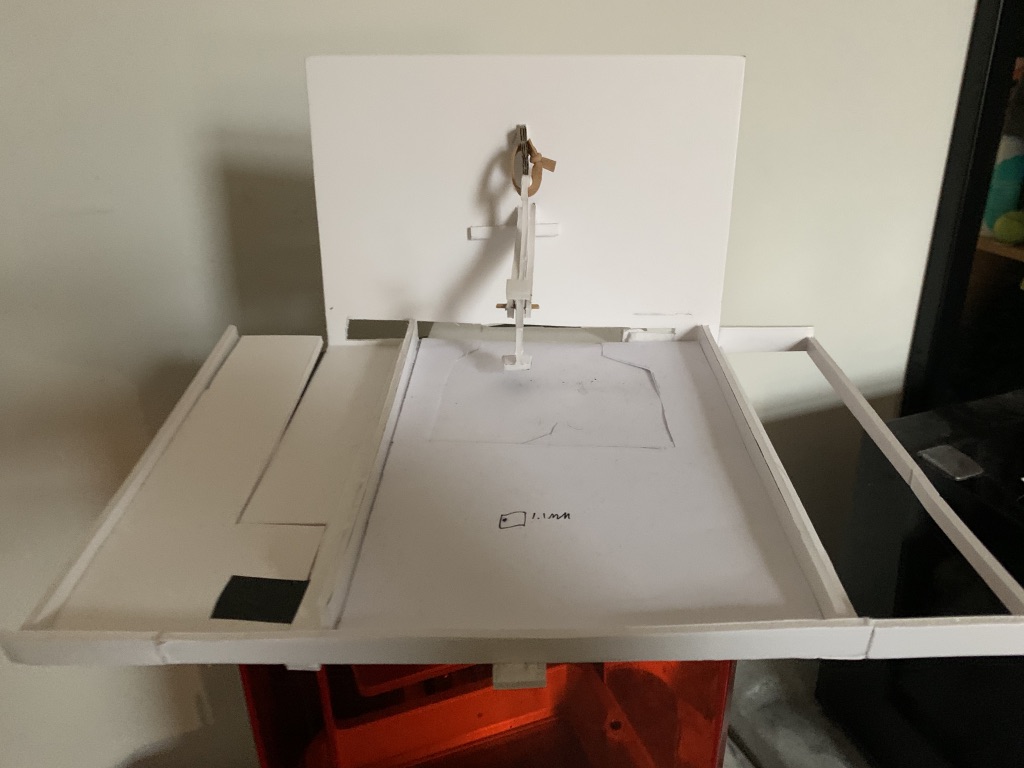
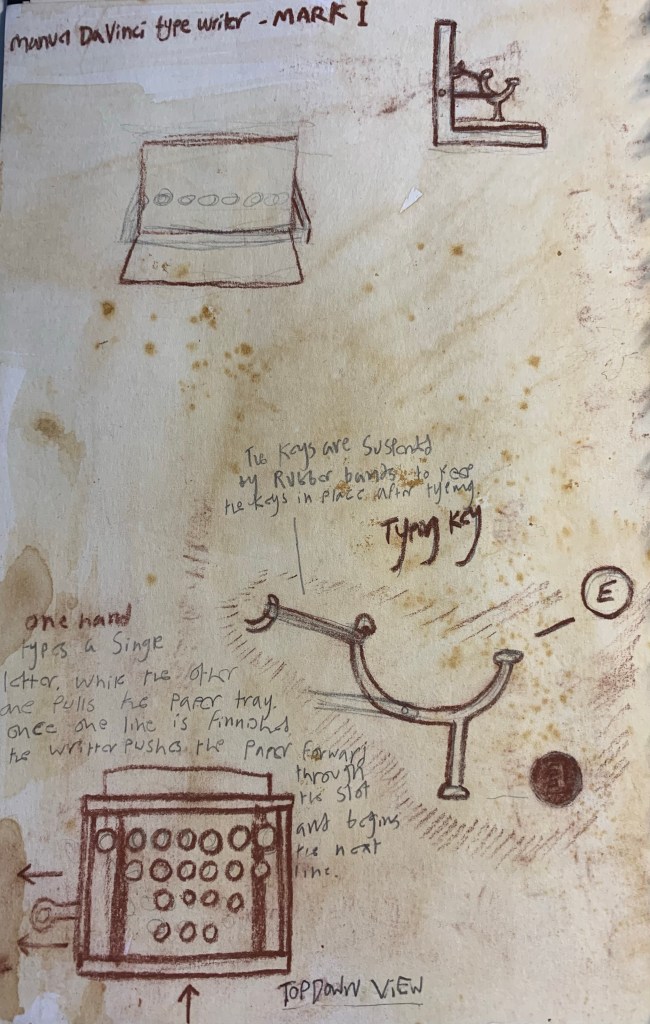
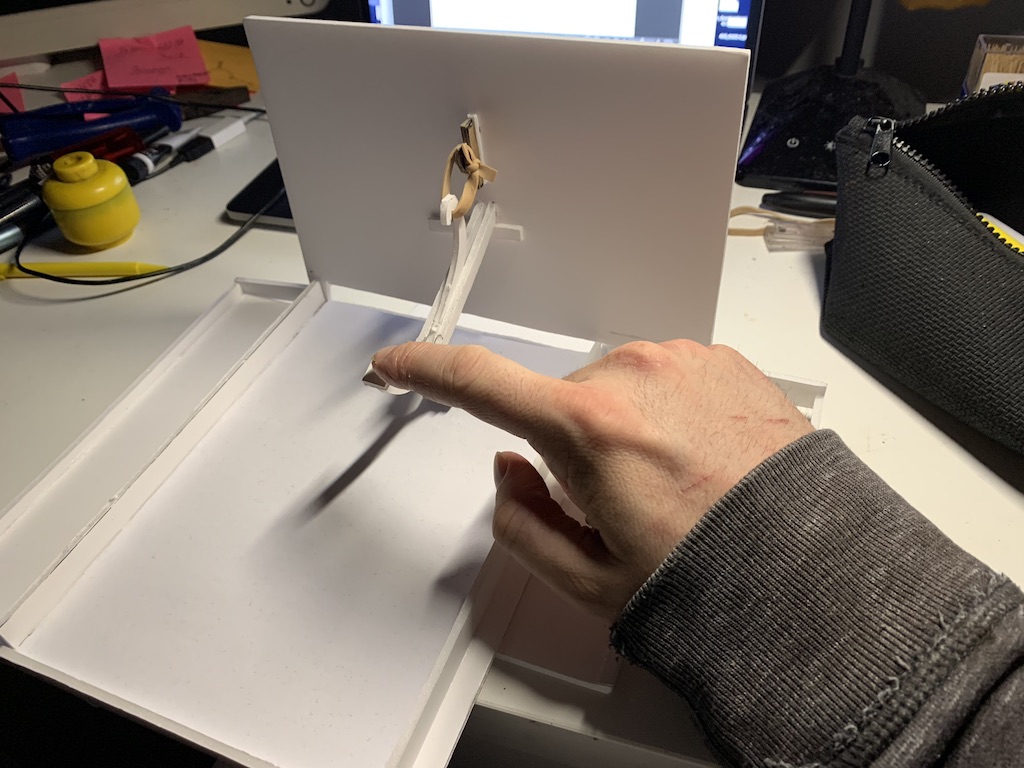
Like the hand my main idea for my typewriter function was elasticity, more specifically, each of the typing key would be suspended by rubber bands wrapped around the hooks, thus keeping them in place, so whenever the user types a key the rubber band then pulls the key back into place.
Glasses

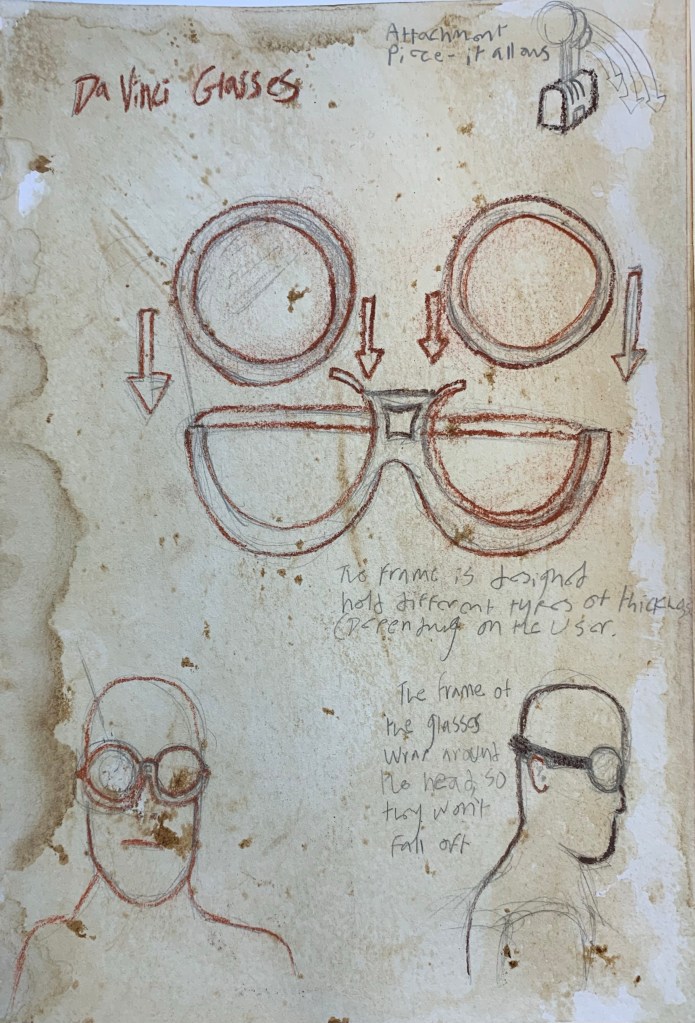
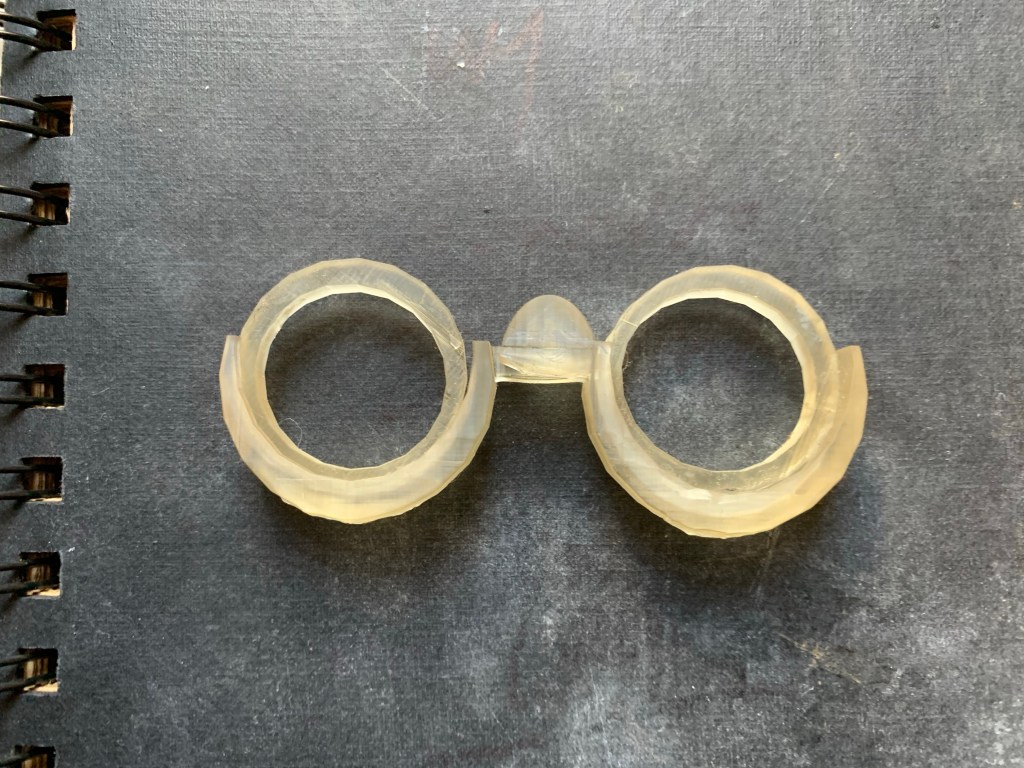
The glasses were a fairly simple design, for my version I wanted to give it two unique features, were you could switch out the lenses for a different thickness as time goes by, another feature I thought of was an attachment of multiple switch lenses for artists, scientists and/or model makers.
The Micro Scope

One of the microscopes features is similar to the glasses, were you can switch the thickness of lenses at anytime, however for this the lenses (I call Micro-discs) are inserted into the main shaft of the scope in order to get a closer look at the specimen.

One of the key ideas of this project was to recreate modern ideas in Da Vinci’s eye, this would either mean simplifying or overly complicating the designs of our current inventions, for the microscope, rather than turning the dial to zoom in for a closer look, the idea is to simply push down the upper scope for a closer look and using the micro-discs for an even closer look.

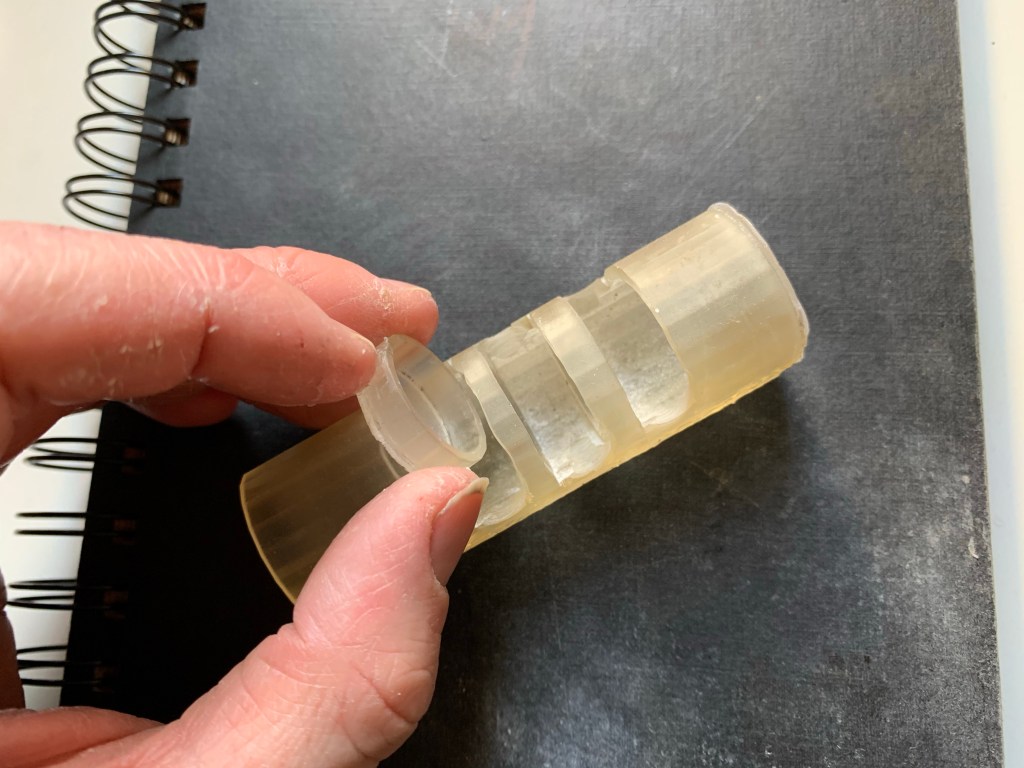
The reason I chose these particular kinds of inventions was because if Da Vinci was way ahead of his time, logically he was want to design and create inventions worthy of expanding his need for knowledge and research into medical and scientific technology.

For example if he wanted to further his research in science he would use the microscope to get a better understanding of the human or animal body, possibly expanding his knowledge in medicine.

He would also use this prothetic hand design to further the use of prosthetic to allow amputees of the renaissance to have easier lives, since it would a huge upgrade from a hook or wood/metal hand that doesn’t move.
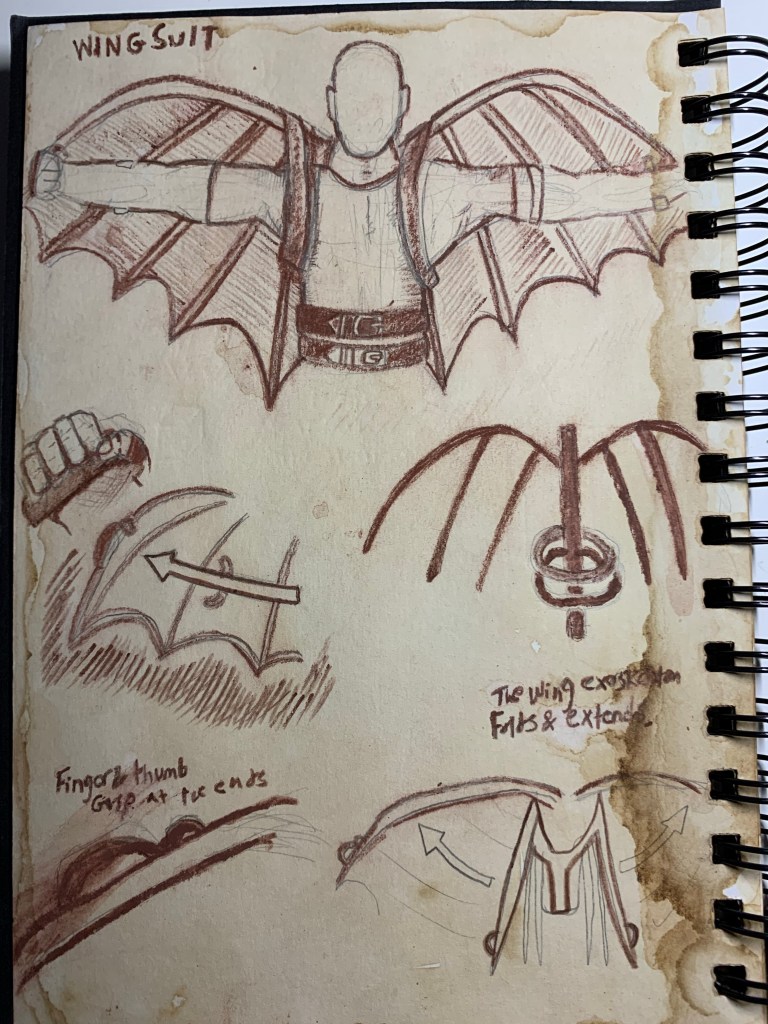
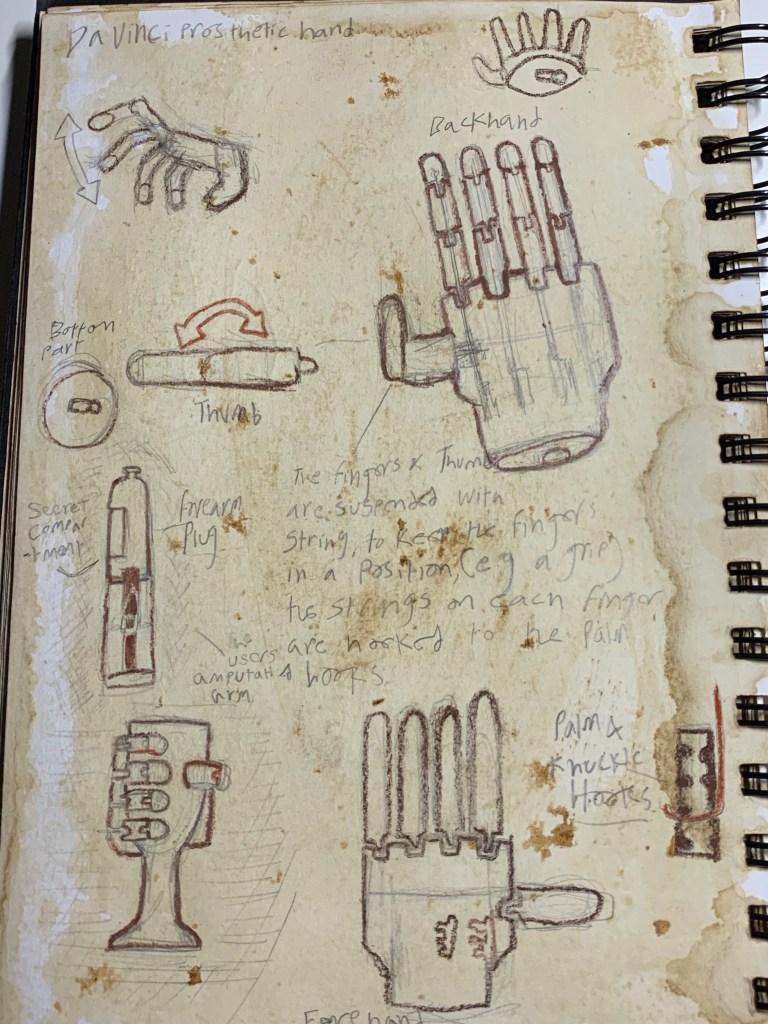
My Da Vinci Sketchbook

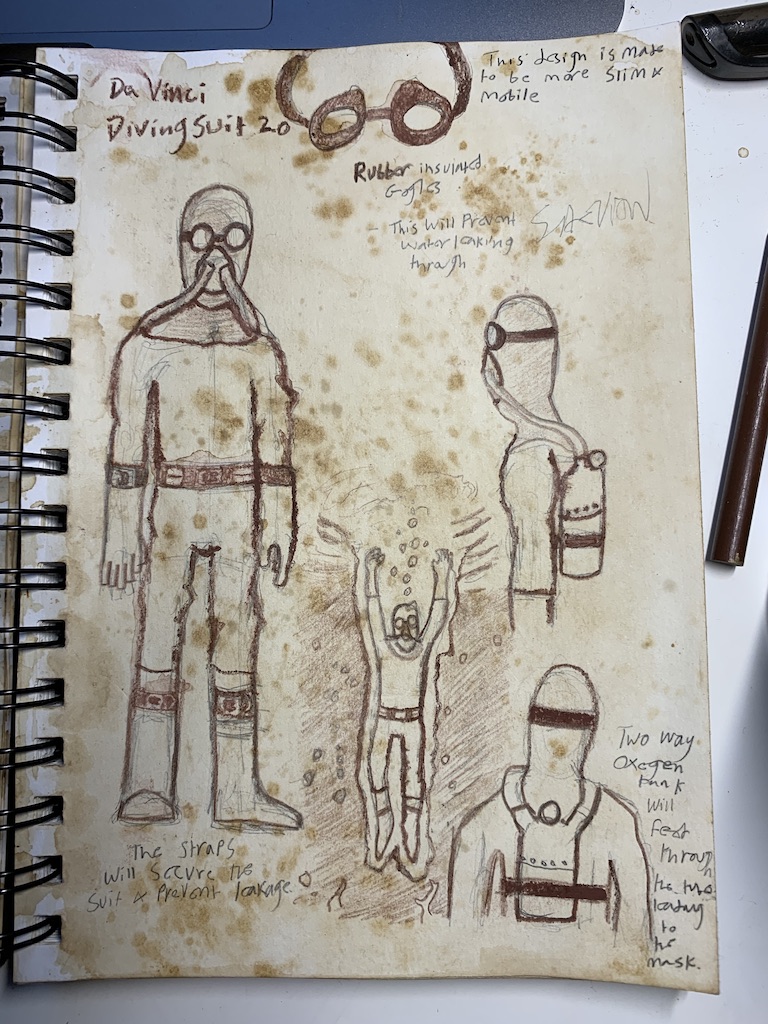
For my final project, I created a select few of models based on my Leonardo Da Vinci inspired sketches.

When starting this project, I knew if i was going to build like Da Vinci, I had to think like Da Vinci, So I bought a sketchbook to specifically draw and design either my own Da Vinci themed ideas (based on old/modern technology or reimaginings of Da Vinci’s designs.

Here is the link to my Sketchbook Powerpoint:

https://outlookuwicac-my.sharepoint.com/:p:/g/personal/st20142403_outlook_cardiffmet_ac_uk/EV6j2E4skOxPnzyOxWDKT9cB_Zior2t7oNVrLVVXNKomGg?e=Kt8cjg

Preview:

Current Progress

The current stage my project is at now is slowly transitioning from research and design to CAD work and creating small simple prototypes to test their design, stability and to test wheter my designs actually work or make sense.

So far, I’ve created prototypes of my microscope, glasses and hand

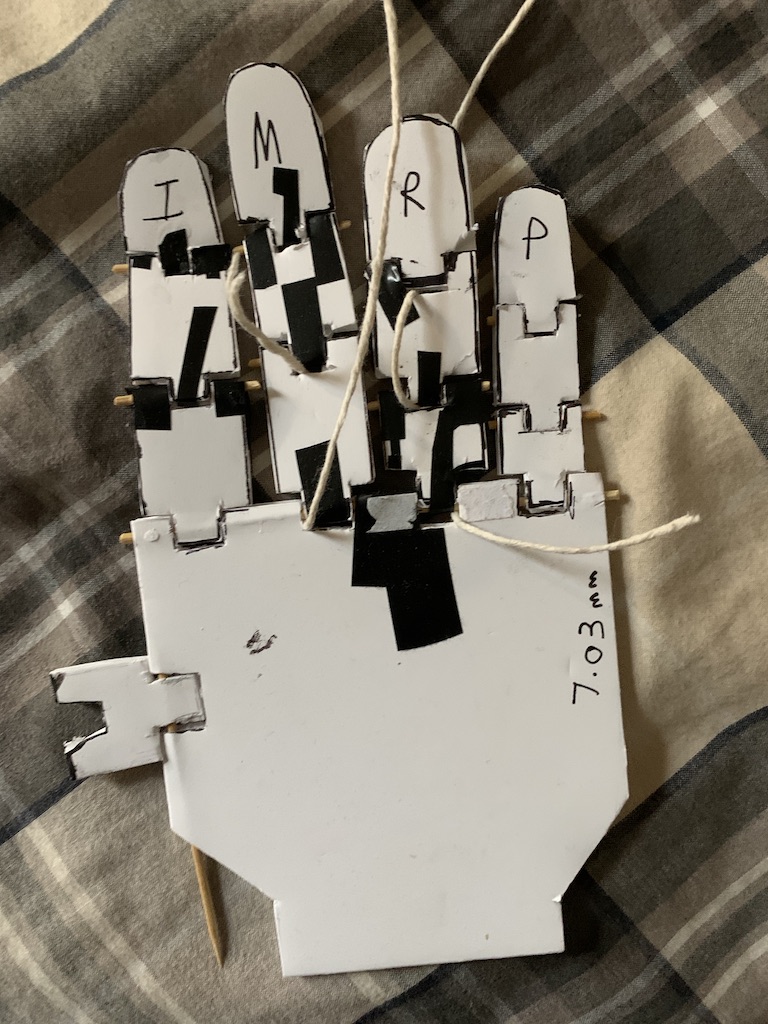
To see if my design work or make sense, I would first start by sketching the pieces of my designs on paper, then I would cut them out and trace each piece onto foam core poster board, once all the pieces were cut out, I then drilled holes onto the ends of each finger joint and through the hand, to secure the fingers and joints in place I used toothpicks and glued the ends to keep them in place.

Foam Core poster board prototypes

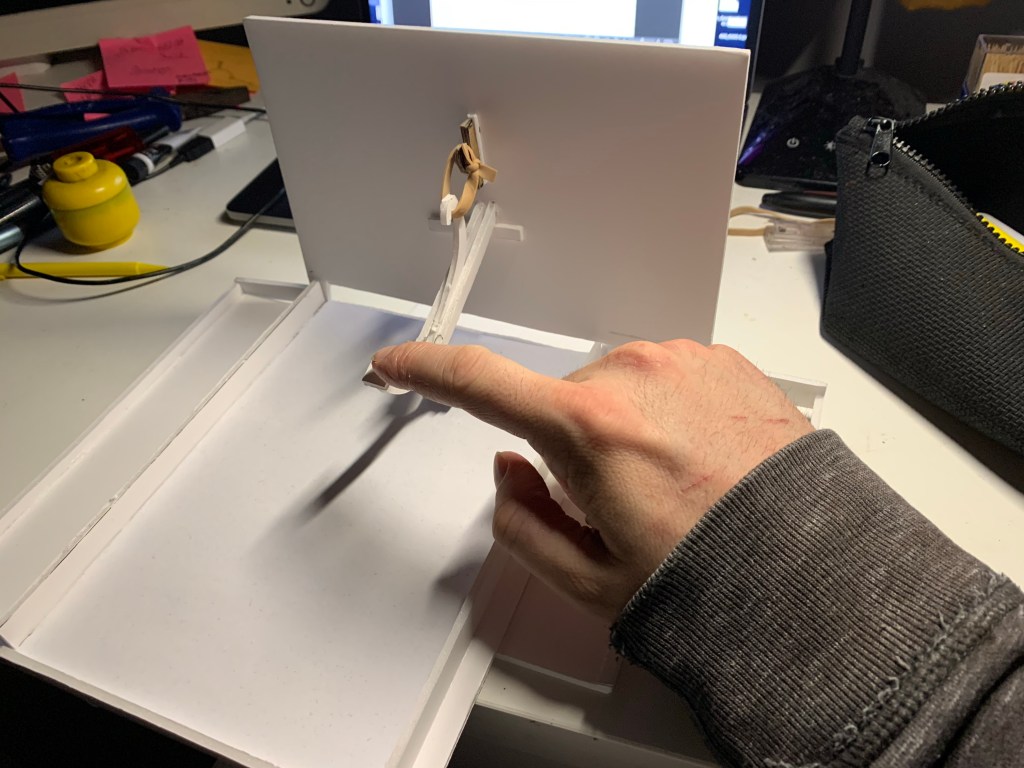
The Typewriter prototype

3D Prototypes

The Hand

Before I moved on to using Fusion 360 to develop my skills and learn more intricate techniques, I started by using tinkercad to create the basic shapes, I started by creating my prosthetic hand.

I first started by creating and printing a finger, the result was decent, although I did have to alter it by cutting chunks off each section and sanding the sides of each joint, this was so the finger was able to move around properly and curl into a fist. Once all the pieces were modified, I cut up some toothpicks and slid them through the holes on each joint and glued them in place. (This was useful, for the next time I design the hand, that I would make sure that there’s plenty of distance between each finger joint, allowing the fingers to move flowingly)

Once I was satisfied with the finger movement, I then designed and printed out the main hand so I could attach all the fingers to.

Once the main hand was printed out and all the fingers were cut and trimmed down i then inserted the fingers into the knuckle slots and kept them in place using toothpicks and gluing the ends in place with superglue.

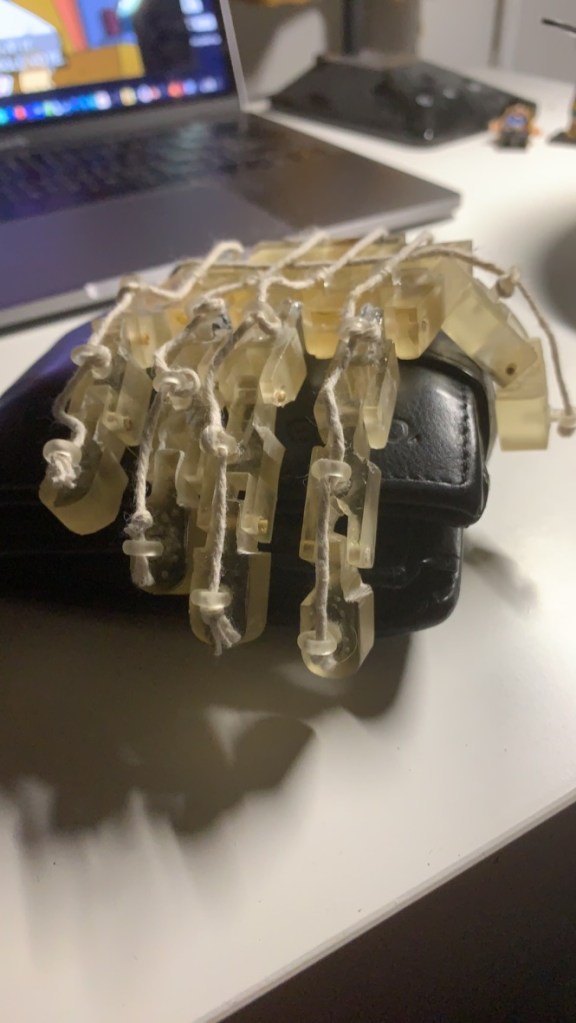
Once all the fingers were attached, I took my dremel and drilled holes to each joint of the fingers and glued in these loop pieces I 3D printed then I took some string and tied knots at the ends to secure in place, this would then allow me control to move the fingers in the direction way I wanted.

The Fully assembled Prototype- I was happy with how the build turned out in quality, build and function, especially how the fingers moved, for future models, I might consider using fishing wire as opposed to string, this would help hide the strings and add a little subtlety.

Here is a link to a video of my prosthetic hand in action:

Pixel Model *Update*

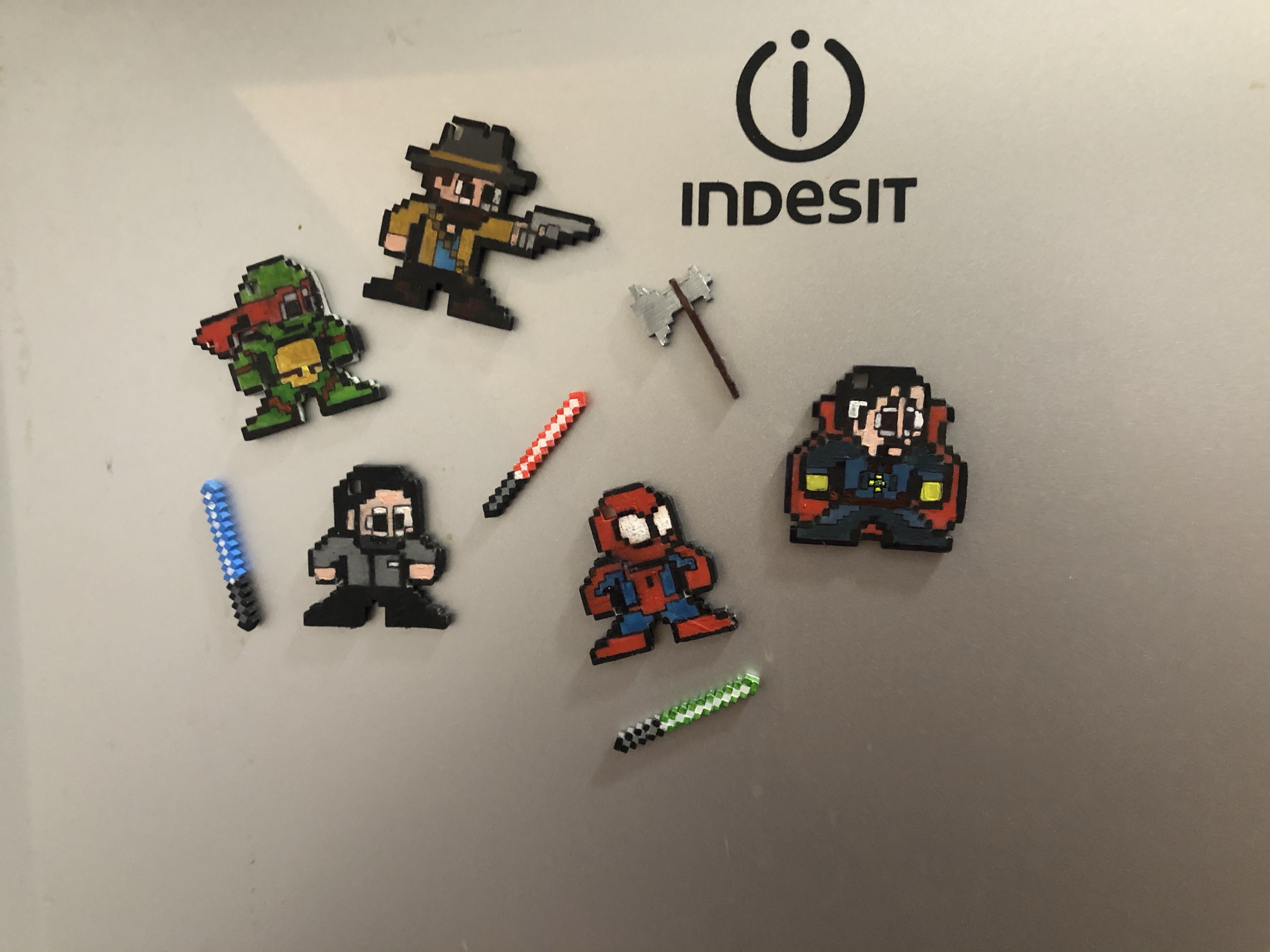
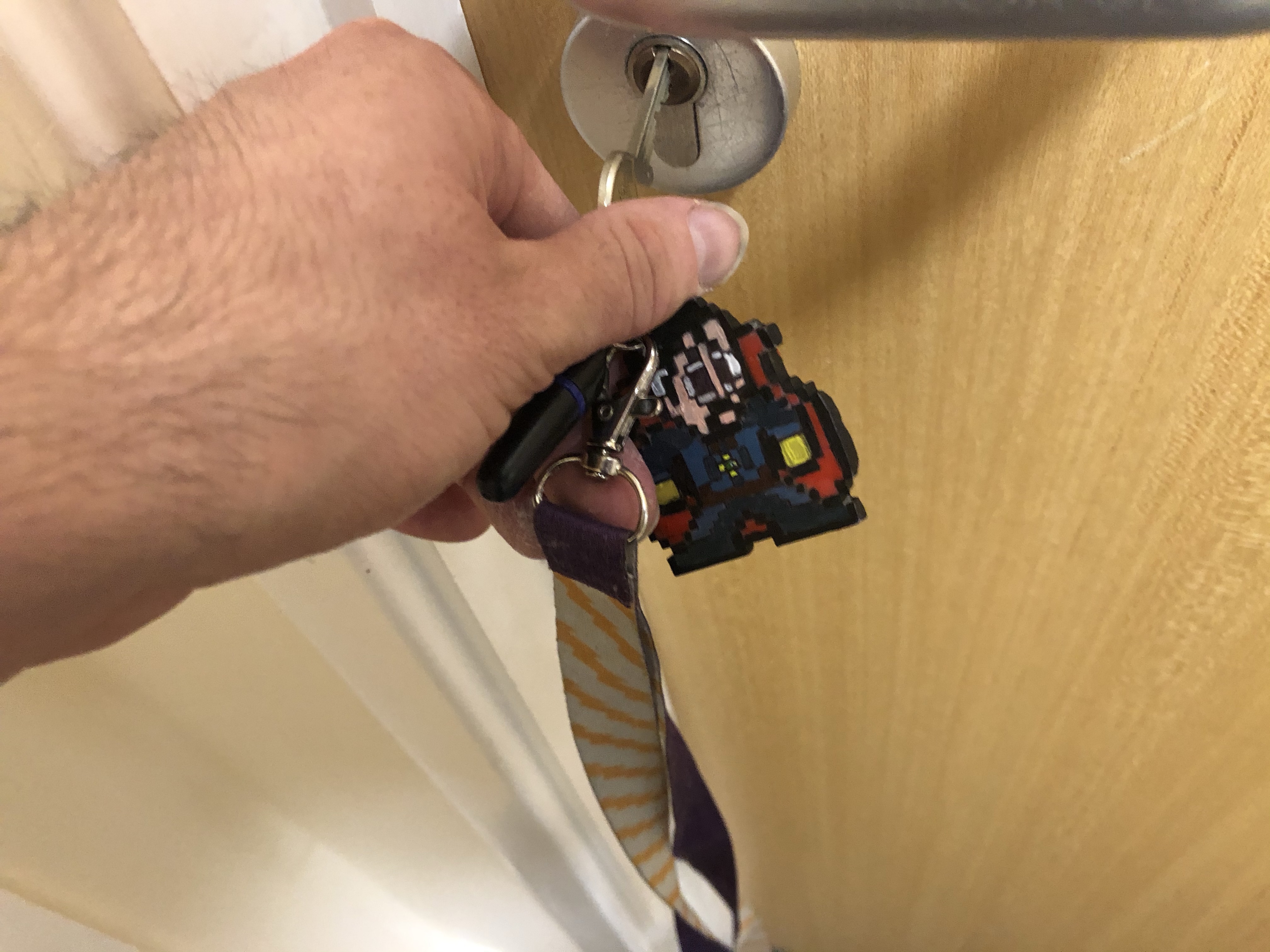
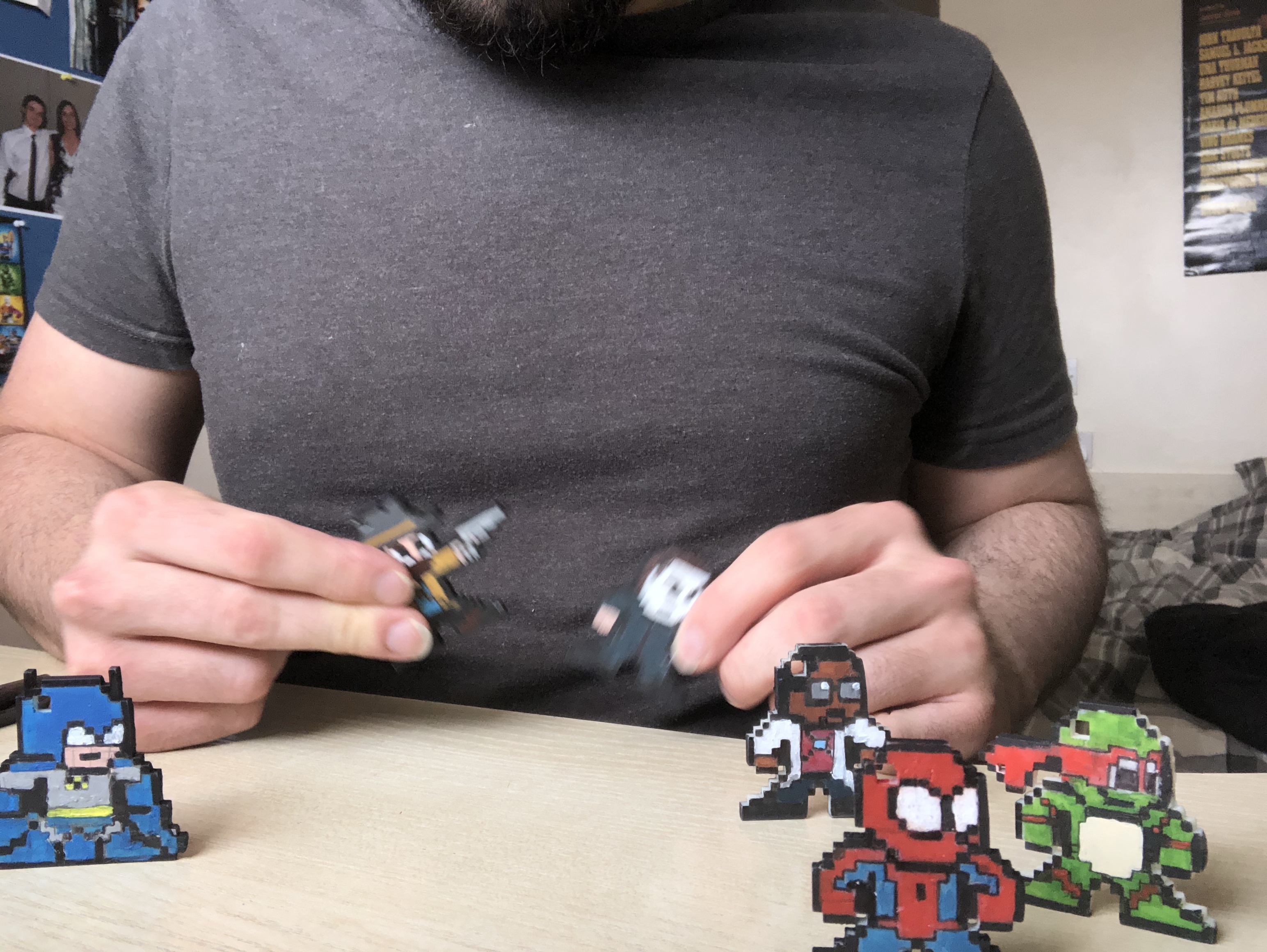
I’ve recently done an update on my final project concerning my Pixel models, In my first blog post about my final project, I mentioned how I had an idea to put two in one in my models, how their both key chains and desk knick-knacks (using small magnets to attach to bottle caps), with this, I took it a step further and made them three in one, so they are Key chains, desk knick knacks and fridge magnets

That way you can either stick them on your fridge, place them on your desk as a Knick knack or take them where ever you go.