Brian Hart (Light Drawing)

Brian Hart is an American artist who specializes in light drawing and develops a series of This media by setting up living scenarios then using the photographic technique, capturing domestic and whimsical scenes. The color scheme mostly consisted of reds, yellows, and greens. His exposures can go on for 20 minutes or more in which he traces every detail of a scene.


What do I think of his work?

I really like his use of colors, techniques, setups and how they look all rough and sketchy like 20-second drawing challenges just trying to capture the main details that stand out, the work he does is a perfect example that drawing or painting isn’t about capturing the accuracy, its about having the confidence to make a picture.


Here’s some of his work

bmh03.jpg

‘Dena falling with umbrella’ (2011) “Made in 6 minutes”

bmh02.jpg

‘Adsurdist portrait of dera with umbrella and bike’ (2011) “Made in 12.5 minutes”


bmh04.jpg

‘Apartment light drawing’ (2011) “Made in 17 minutes”


Sources:

https://www.designboom.com/art/brian-matthew-hart-new-light-paintings/

http://lightpaintingphotography.com/light-painting-artist/featured-artist-2/brian-hart/
13/11/18 (Enamelling part II)

On the 13th of November I and my group continued with our Enamelling

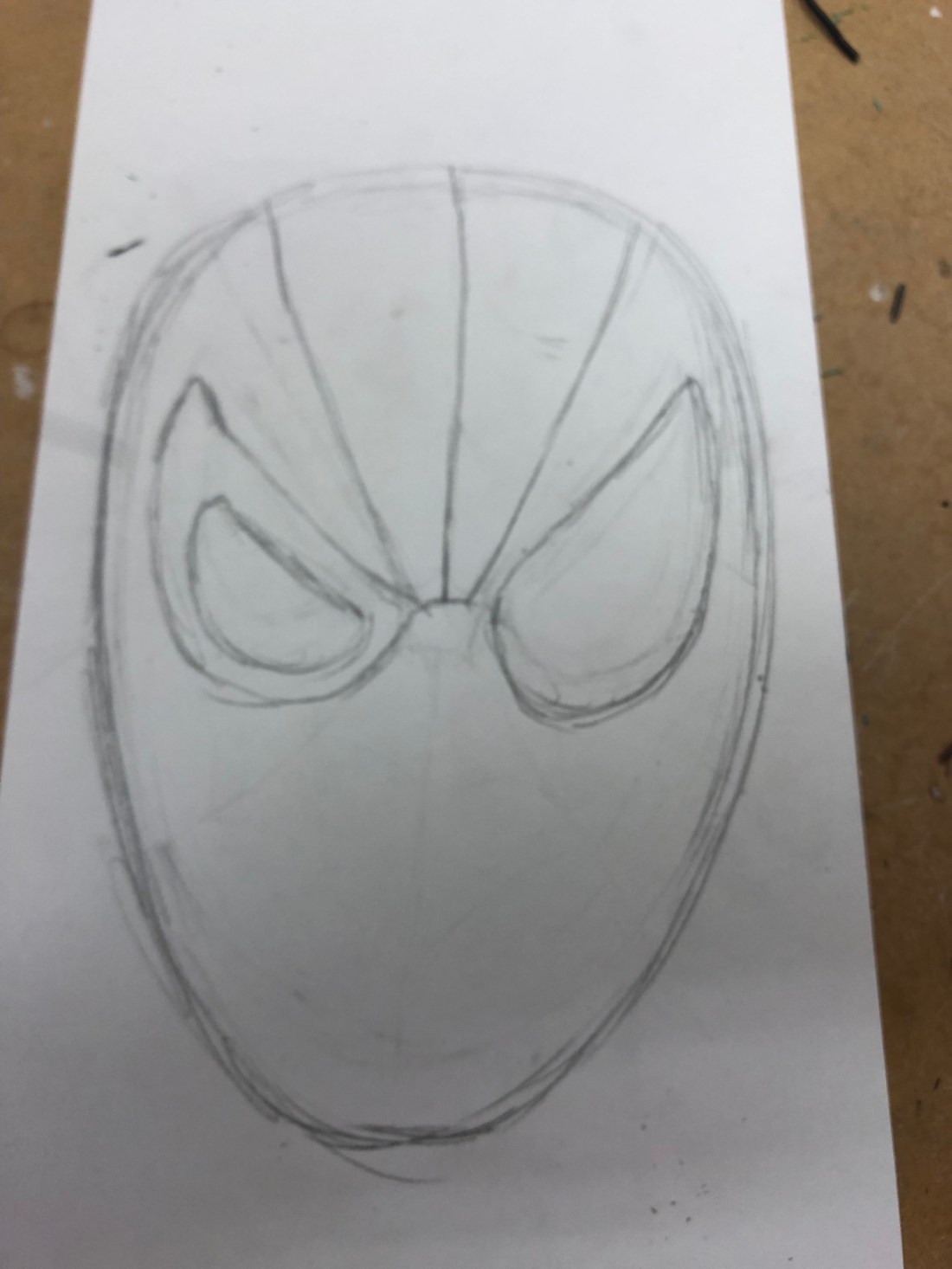
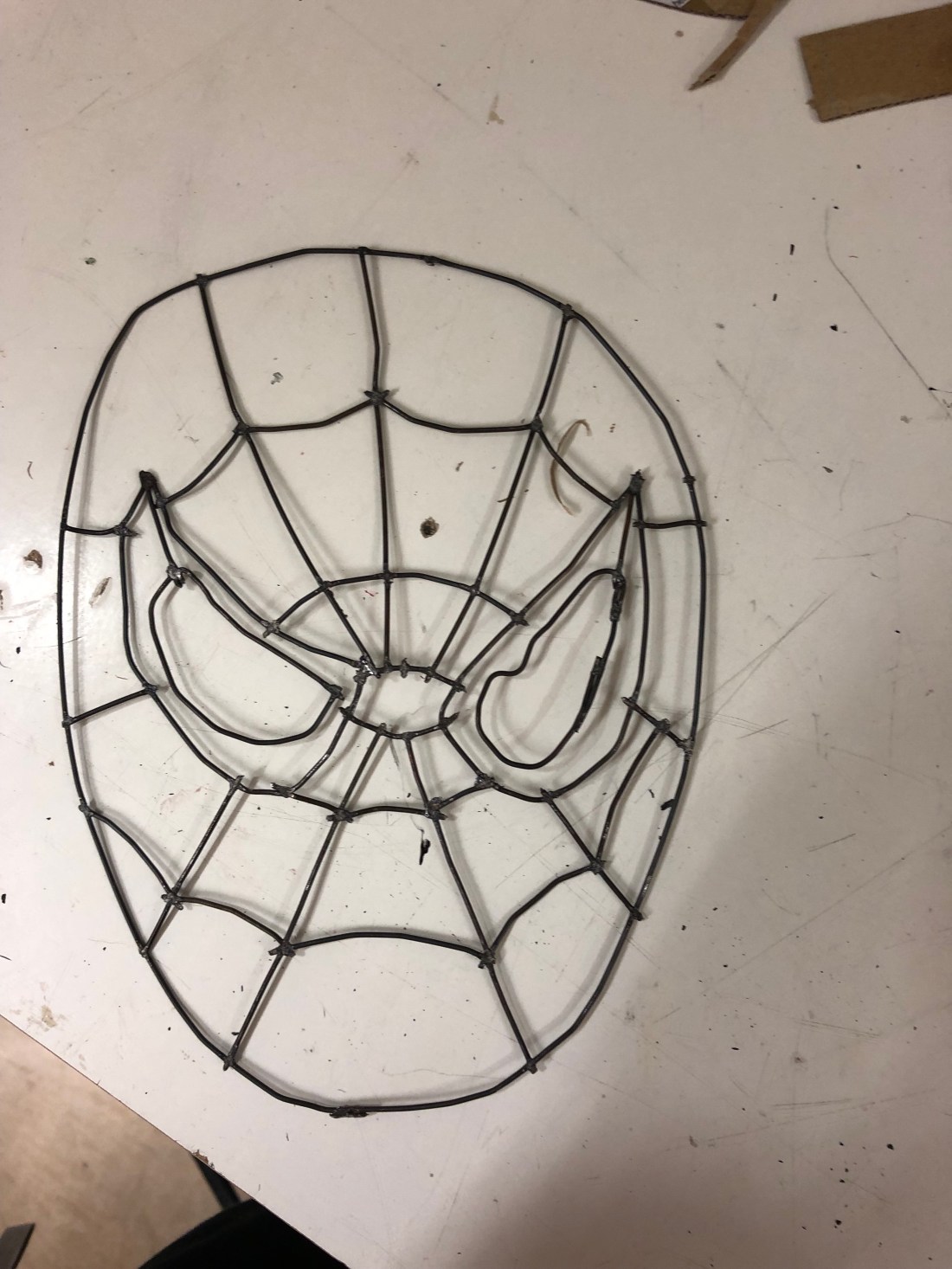
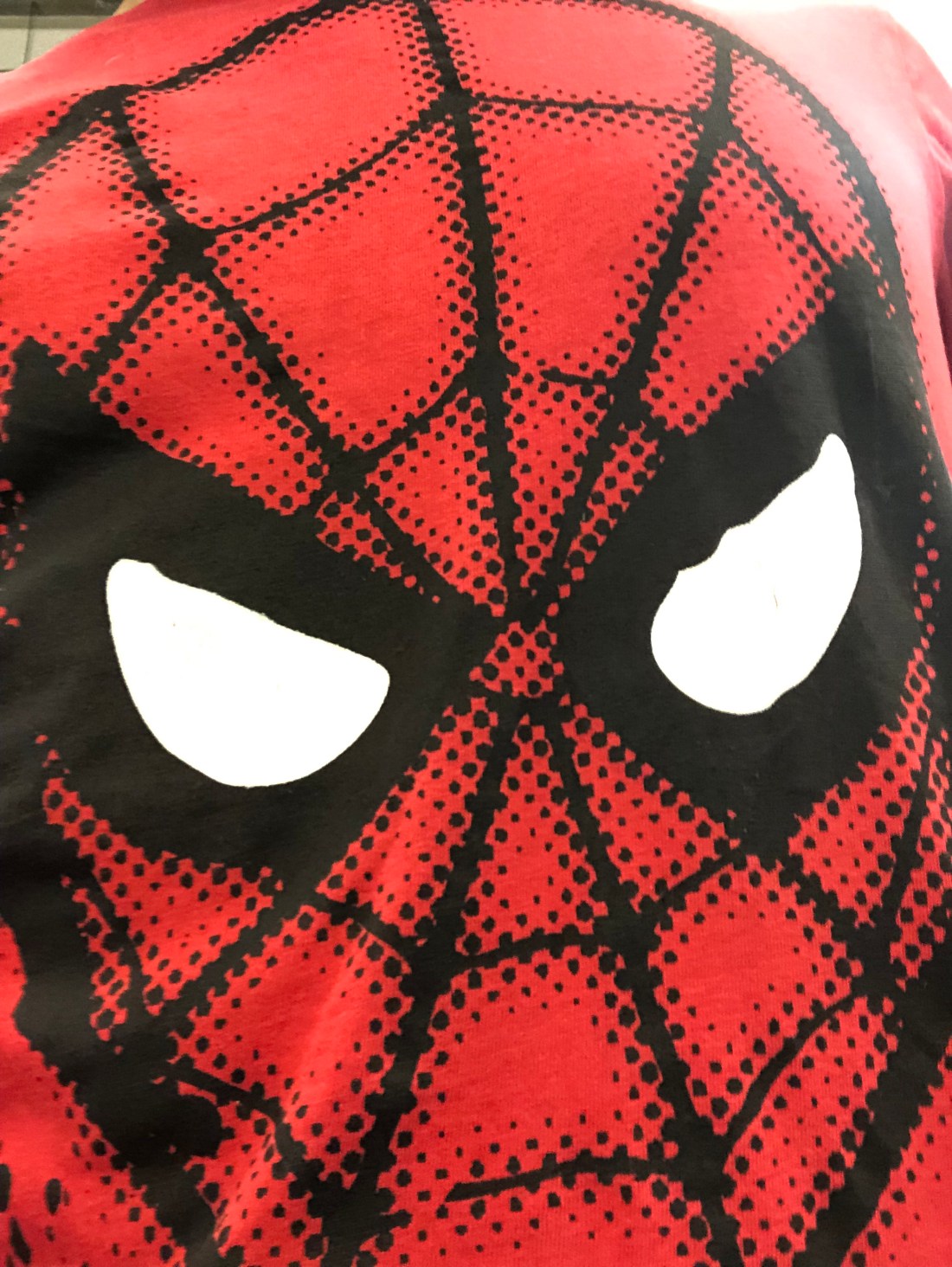
For this I did spot welding, the picture I decided to base it off was my spider man T-shirt

First I sketched out the shape and pattern then I took a long piece of wire and bent it to the shape of his head and spot welded it together, next I took small pieces of wire to make the eyes

Next I took strips of wire to create the web pattern

6/11/18 (Enamelling part I)

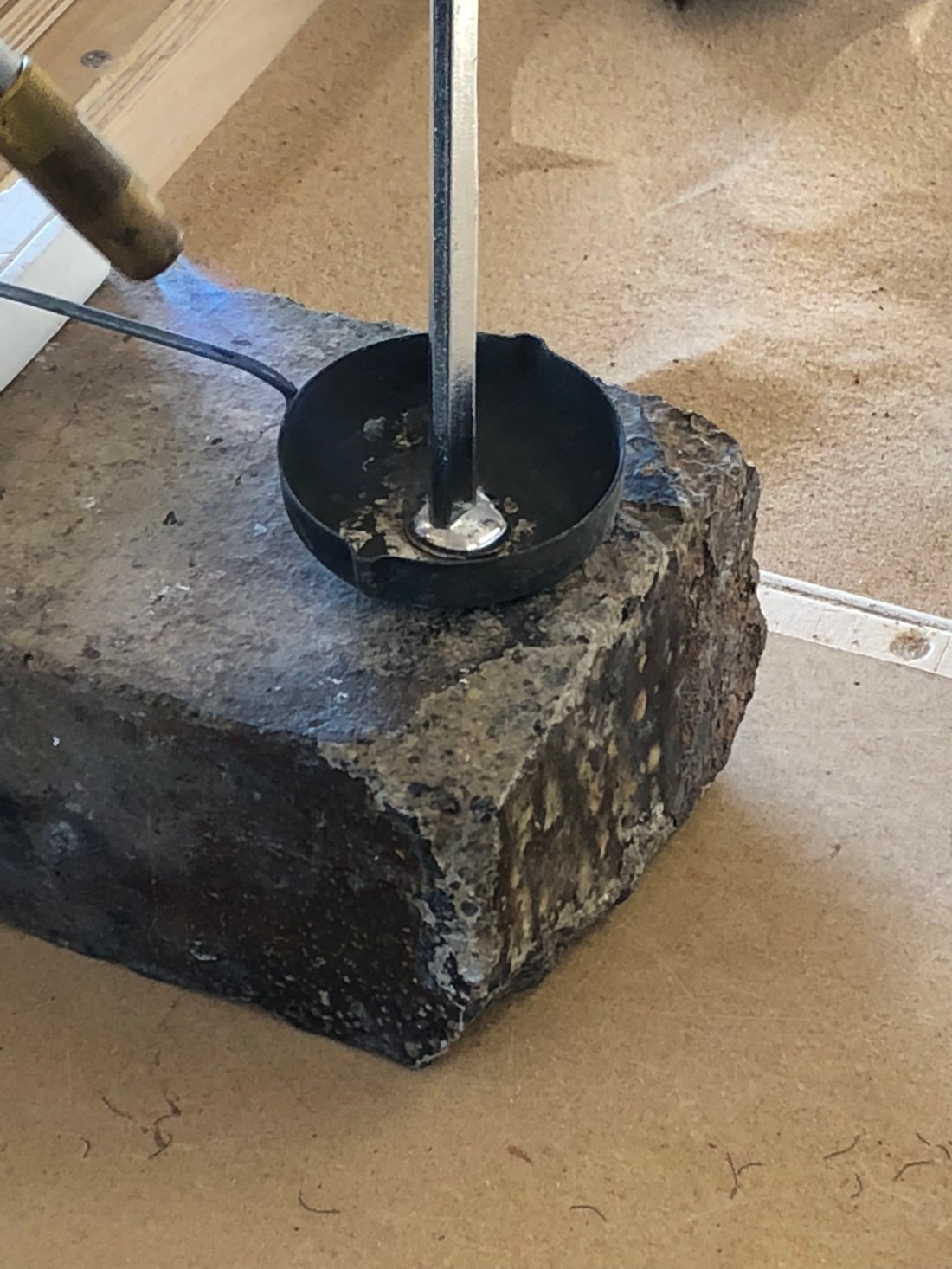
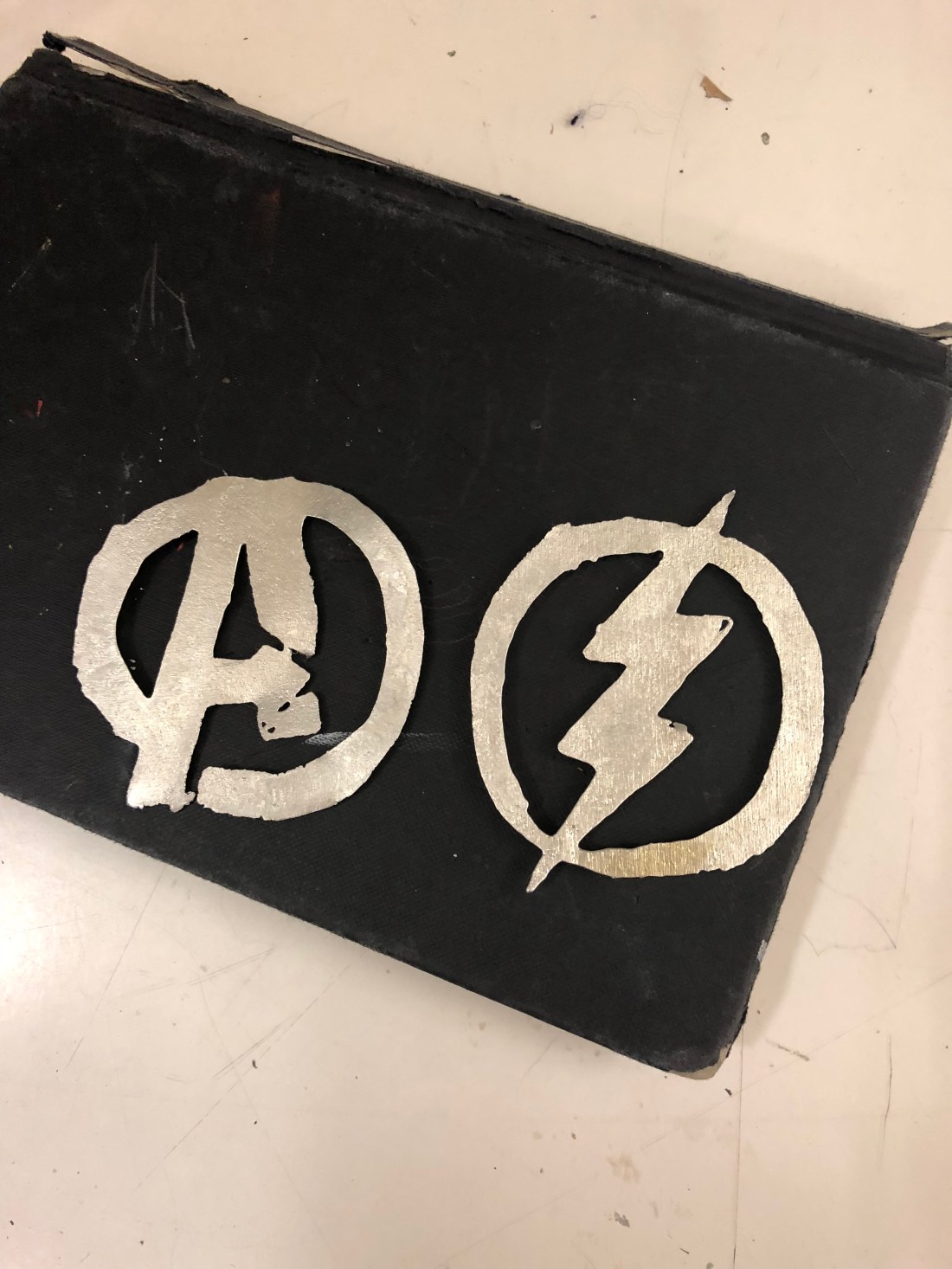
On the 6th of November I and my group started work in Enamelling, first we were given a tutorial on how to work with pewter and how to crate our plaster moulds, once we were given our tutorial, we each took a piece of plaster, drew what we wanted to carve, then carved into our design using carving tools, once they were deep enough we used clamps and pieces of wood for the plaster to lean on, then melted the pewter and poured it between the wood and mould, once it dried I took mine out of the mould and I was happy with the result

30/10/18 (Slip casting part III)

One the 30th of October I and my group had our final session in slip casting, for this we took our custom made moulds and picked a few pre made moulds to use for liquid clay.

The moulds I picked we’re:

  • My Death Star
  • Fantasy wizard,castle,dragon
  • A duck
  • An apple
  • A lightbulb
  • A unicorn

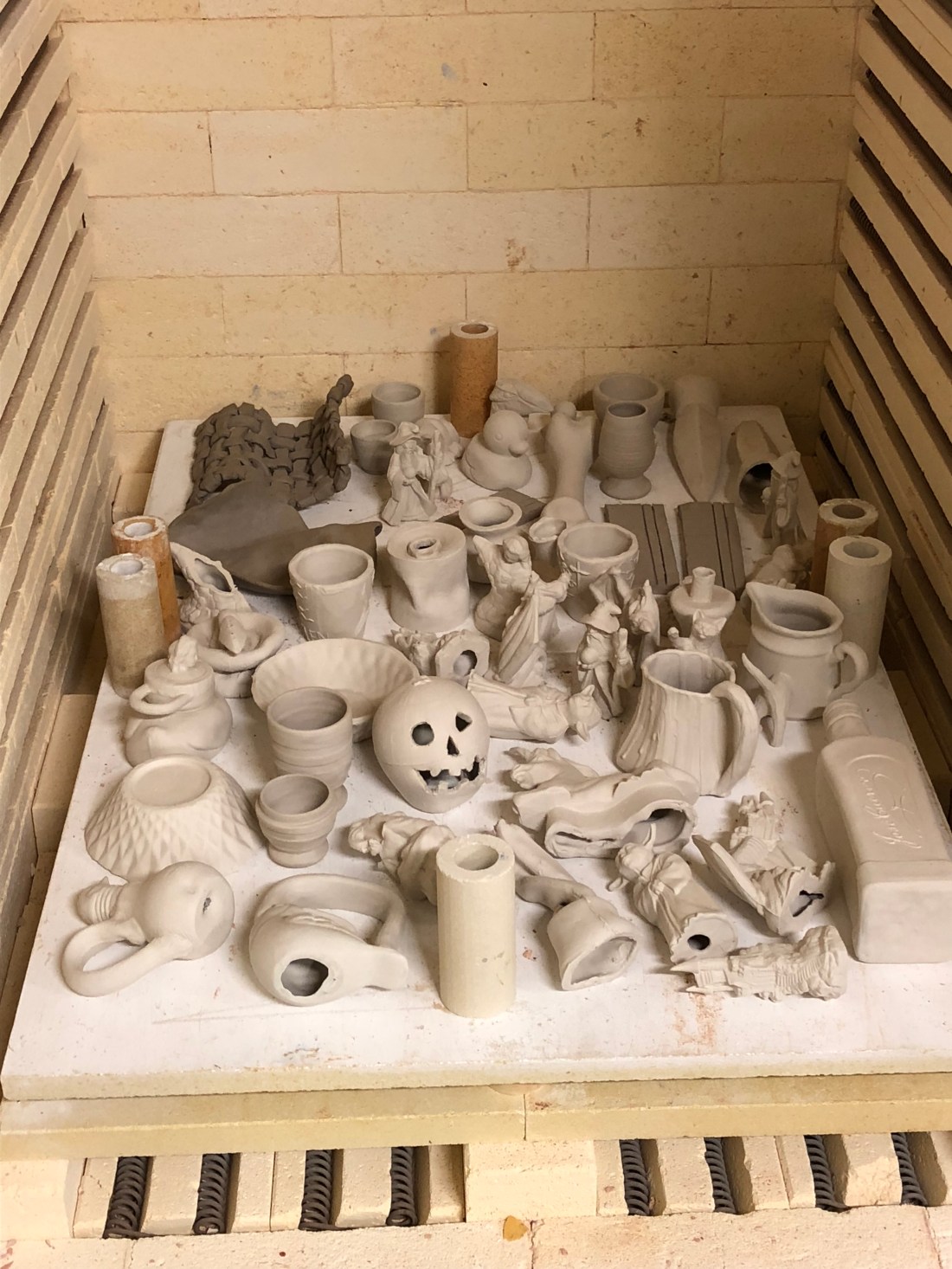
For each mould we would pour liquid clay into a measuring jug, next we’d pour it into our moulds and leave them for an hour to dry.

Once they all dried we were able to take them out of the moulds, while they were still wet we could alter them any way we wanted

e.g

I took one of my Death Stars and carved the back like it was a Halloween pumpkin.

CAD Part I (17/10/18)

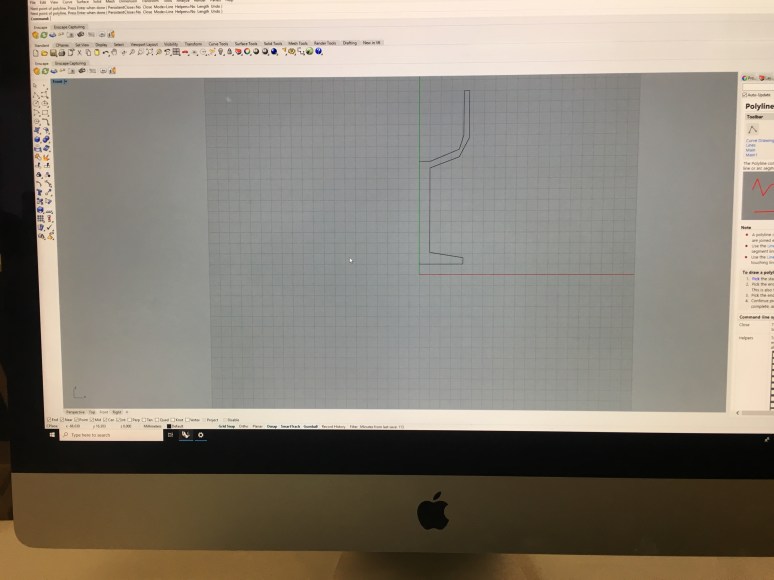
On the 17th of October, I and my group started work with CAD, this is when we did 3D modeling on computers, First, we were given a slideshow on what program we were using and what we were going to make.

The program we used was called ‘Rhino’, once we were given the instructions we set up the program before we made our models we played around with the tools so we could get used to it.

Once we knew what we were doing, Charlie (our tutor) talked us through step by step on what we need to do to create the models

First, we had to draw out half of our object in 2D to create its basic shape and structure, then we had to create a mirror effect to make it symmetrical, then we then managed to turn it into a 3D chalice.

IMG_4330.JPG

SlipCasting Part II

On the 23rd of October, I and my group continued work on slipcasting, first I took out my death star mold from last week and began to separate the two halves, once that was done I was able to pull the death star out of the mold,

IMG_1890.JPG

After that, I started casting my plastic cup by lying it on its side covering the bottom half, Then I took boards of wood and placed them around the cup and placed clay in between the gaps of the barrier, next I created the plaster mixture the same way I did last week then poured it into the barrier and left it to dry.

IMG_1002.JPG

Wooden Box Final Design

On the 22nd of November, I finally created a use for my wooden box I made two months ago, I decided to use it to store my equipment for writing, crafting and designing instead of just leaving them scattered around my desk

img_4593-2-e1543165207905.jpg

First I chose different kinds of equipment I could put in there first I wanted to store my locker keys in there, so I took a center punch and pierced a tiny hole on the inner part of the top of the box deep enough for the wire to fit in and superglued it in place, I used wire to create hooks and suspenders, The Hooks are bent in a specific way so the keys/paperclips still tangle even when the box is closed and will suspend the super glue, tape, and spirit gum

For the inside of the box, I decided to create unique sized barriers to store more items, for this I used cardboard, I measured it, cut it and tucked it into the box and glue it in place (I would mainly place in these barriers around the object I put in place).

The Hooks are bent in a specific way so the keys/paperclips still tangle even when the box is closed and will suspend the super glue, tape, and spirit gum

Screen Shot 2018-11-25 at 16.50.24.png

Screen Shot 2018-11-25 at 16.54.33.png

As for the top of the lid, I decided to glue on my leftover enameling piece in the shape of the Avengers logo.

IMG_4592 2.JPG

Superhero Mask

On the 15th of November, I started work on my superhero mask
Here are the things I used:

Smooth white mask
Liquid Latex
Black acrylic paint
Paintbrush
Baby powder
Spirit Gum
And crafting knives

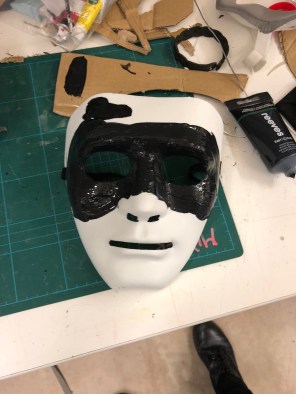
First thing I did was mix the liquid latex with the black paint until it was the right color

Next, I used a paintbrush and painted the mix on the white mask, to get it at the right thickness I had to build it up in layers, so between each layer, I had to wait for it to dry

Once I got up to 10 layers I carefully started to peel the mask off, then I applied baby powder to the front and inside of the mask to prevent it sticking together (If you peel it off too fast or don’t apply enough powder the latex mask will tear)

img_4558.jpgIMG_4535.jpg

After I peeled off the mask I used my craft knife to cut it into the shape I wanted

Next, I then proceeded to stick the mask to my face, first I applied some spirit gum to the mask, then I stuck it onto my face (I had to stretch it to some areas so it would look like it’s attached to my face also so it can move with my face emotions)
img_4560.jpg


16/10/18 (Slipcast Part I)

On the 16th of October, I and my group started slipcasting, for this we had to bring our own objects into cast. The objects I picked were a small plastic mug and a small Lego death star.

IMG_4310

Before we started casting, we were given tutorials on how to use the materials and equipment, we also had to know how to measure our objects, mix the plaster and create our barriers, once we were given the tutorials, I started work on my mold. First I  measured half of my death star at the width, then I  covered the bottom half in clay, as soon as I built up the barrier I took a sheet of plastic and tied it around the barrier.

     img_4322.jpgIMG_4313

Next, I started to make the plaster mix

First I weighed how much plaster I needed for my mold, I ended up using two pounds, after that, I mixed in two pints of water with the plaster I  then waited two minutes for it to settle  and placed my hand in the bucket and shook my hand round the bottom and dug out any unwanted bubbles, once the plaster was ready I poured it into the mold and waited for it to dry.

Traffic Lights (8/11/18)

Traffic lights, the rules apply to all road users driver, pedestrians, motorcyclists etc.

Drivers

When the light is red, you stop and wait for the green

When the light turns to Amber, you get ready to drive off.

When the light turns green, first you check to see it’s clear, then drive off.

Pedestrians

When the red man shows you stay where you are and don’t cross until the green man shows

When the green man shows you crossover to other-side, safely.

Why are they here?

There here so that both drivers and pedestrians can make there way somewhere safely, they were also put there by builders and town planners, they were made to create control, to create a safe road environment.

Sure they can be annoying and sometimes depending on the traffic can people late, but they do decrease the risk of an accident or a hit and run.

Do people always obey them?

No not everyone will, drivers who tend to run them are possibly aggressive, in a hurry/emergency, not noticing or possibly under the influence

999 emergency services will be permitted, but only if it’s an emergency.

As for pedestrians they would run past, even if the red man is showing, it’s pretty risky, depending on the kind of driver approaching.

How is it a “Moral and Political actor”?

If you want to make your journey safe and easy with no conflicts or injuries, one of the best things to do is obey all traffic/crossing lights, sure they can be annoying and inconvenient but they do make the roads safer.